Do Freelancers Need a CRM? Simple Client Tracking That Works
Client Management Series
This guide is part of a comprehensive series. Explore all 6 topics:
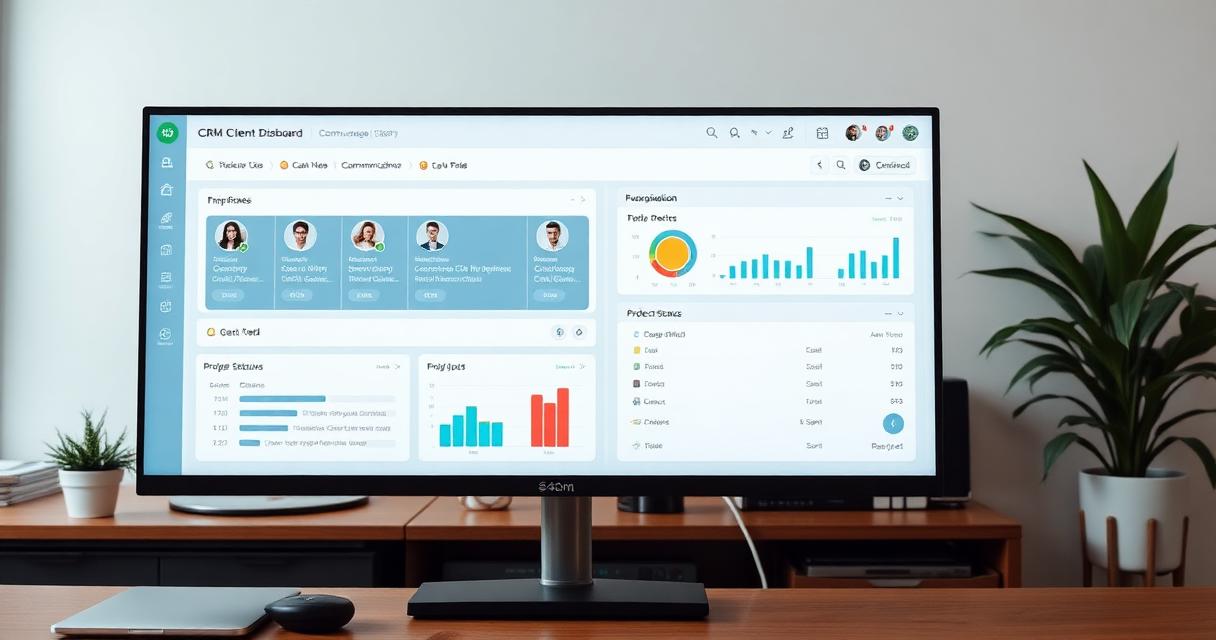
Enterprise CRMs like Salesforce and HubSpot are designed for sales teams with pipelines, lead scoring, and marketing automation. As a freelancer or small business owner with 5–50 clients, you need something dramatically simpler.
The question isn't "which CRM should I use?" It's "what's the simplest system that keeps me organized?"
What You Actually Need to Track
Forget lead scoring and marketing funnels.
Forget lead scoring and marketing funnels. Here's what matters for client management:
- Contact details: Name, email, phone, company, billing address
- Project history: What you've done for them, when, and the outcome
- Communication log: Key conversations, decisions, and agreements
- Payment status: Outstanding invoices, payment history, average days to pay
- Follow-up reminders: When to check in, when proposals expire, when retainers renew
- Preferences and notes: Communication style, decision-making process, personal details that build rapport
Option 1: Spreadsheet (Under 10 Clients)
If you have fewer than 10 active clients, a Google Sheet works fine:
If you have fewer than 10 active clients, a Google Sheet works fine:
- Create tabs: Active Clients, Past Clients, Prospects
- Columns: Name, Contact, Project, Status, Last Contact, Next Follow-Up, Notes
- Review weekly and update follow-up dates
Pros: Free, customizable, familiar. Cons: No automation, no reminders, no integration with invoicing.
Option 2: Invoicing Software with Client Management (10–30 Clients)
This is the sweet spot for most freelancers and small businesses.
This is the sweet spot for most freelancers and small businesses. Invoicemonk combines client tracking with invoicing, so your client data and billing live in one place:
- Client profiles with contact details and billing info
- Project and invoice history per client
- Payment tracking and automated reminders
- Notes and communication history
- One-click invoicing from client profiles
Pros: Client data and billing unified, no separate CRM cost, less context-switching. Cons: Not designed for sales pipeline management.
Option 3: Lightweight CRM (30+ Clients)
When you're managing 30+ client relationships, dedicated CRM features become worthwhile.
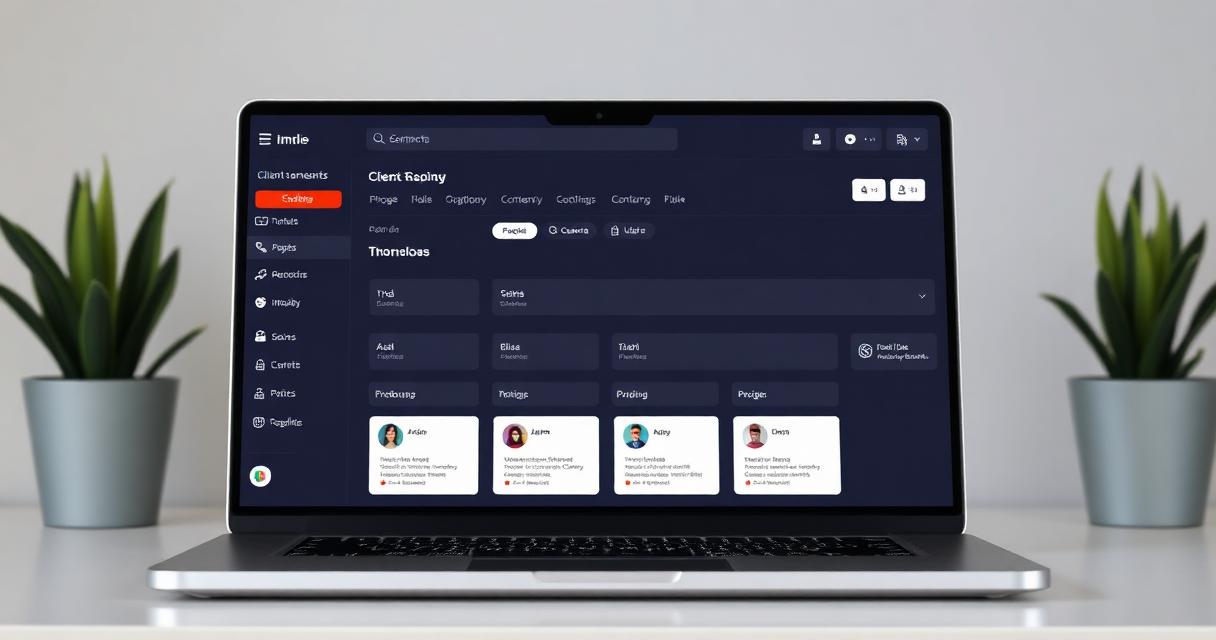
When you're managing 30+ client relationships, dedicated CRM features become worthwhile. Look for tools that:
- Integrate with your invoicing software
- Offer simple pipeline views without overwhelming complexity
- Include email integration to auto-log communications
- Provide mobile access for on-the-go updates
What NOT to Do
Don't use your email inbox as a CRM: Searching through emails for client details wastes hours Don't buy an enterprise CRM: You'll spend more time configuring it than using it
- Don't use your email inbox as a CRM: Searching through emails for client details wastes hours
- Don't buy an enterprise CRM: You'll spend more time configuring it than using it
- Don't skip tracking entirely: "I keep it all in my head" works until it doesn't—and it usually fails at the worst possible moment
- Don't maintain duplicate systems: If your invoicing tool has client management, use it instead of running a separate CRM
Getting Started
Start simple and upgrade when you outgrow your system:
Start simple and upgrade when you outgrow your system:
- List all current and recent clients in one place
- Add their last project and last contact date
- Set follow-up dates for anyone you haven't spoken to in 60+ days
- Review and update weekly (10 minutes)
For the complete client management framework, see our client management guide. For retention-specific strategies, see client retention strategies.
Comparing Client Tracking Options
Comparing Client Tracking Options — Spreadsheet: Free — None.
| Option | Cost | Automation | Best For |
|---|---|---|---|
| Spreadsheet | Free | None | Best for: under 10 clients and simple tracking needs |
| Invoicing software with client tools | Low (often bundled) | Payment tracking, reminders | Best for: 10-30 clients who also need billing |
| Lightweight CRM | Medium | Pipeline, email logging | Best for: 30+ clients or active sales pipelines |
| Enterprise CRM | High | Extensive but complex | Best for: sales teams, not solo freelancers |
Signs You've Outgrown Your Current System
If you're missing follow-ups, losing track of who owes what, or spending more than 30 minutes a week searching for client information, it's time to move to the next tier of tracking.
The transition doesn't need to be dramatic. Moving from a spreadsheet to invoicing software with built-in client management, for example, usually takes less than an hour to set up and immediately eliminates the double entry of maintaining client details in two places.
Frequently Asked Questions
Do freelancers really need a CRM?
Most freelancers with fewer than 30 clients don't need a dedicated CRM—a spreadsheet or invoicing software with client management features is simpler and covers the same needs.
What's the simplest way to start tracking clients?
Create a spreadsheet with columns for name, contact info, project, status, last contact date, and next follow-up date, then review and update it weekly.
When should I upgrade from a spreadsheet to software?
Upgrade once you're managing more than 10 active clients, need automated payment reminders, or find yourself forgetting follow-ups—at that point dedicated software saves more time than it costs.
Can invoicing software replace a CRM entirely?
For most freelancers and small businesses, yes—invoicing software with client profiles, project history, and payment tracking covers everything a small CRM would, without the extra cost or complexity.
More in this series (6 articles)
From this series
Build stronger client relationships and streamline your client workflows.
Digital Marketing, SEO Specialist, Content Creator & Product Professional
Olayinka is a digital marketer, content creator, growth and SEO specialist with 10+ years helping businesses in Nigeria, the UK, the US, Australia, and Dubai achieve their goals online.