Nigeria E-Invoice IRN Number and QR Code: What They Are and Why They Matter
Tax & Compliance Series
This guide is part of a comprehensive series. Explore all 202 topics:
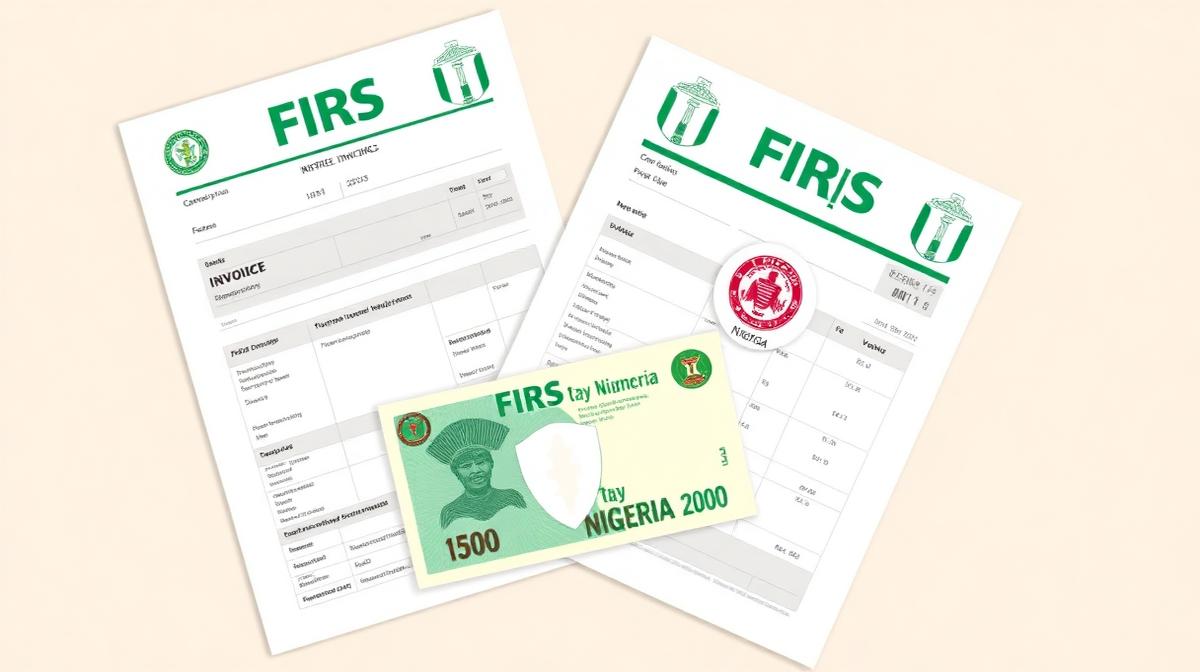
Two new elements are central to Nigeria's e-invoicing system: the Invoice Reference Number (IRN) and the QR code. Together, they make every invoice uniquely identifiable and instantly verifiable — both by FIRS and by your clients.
What Is an Invoice Reference Number (IRN)?
The IRN is a unique alphanumeric code assigned to each e-invoice.
The IRN is a unique alphanumeric code assigned to each e-invoice. Think of it as a digital serial number that:
- Links your invoice to the FIRS central database
- Prevents duplicate invoices from being submitted
- Enables instant verification by buyers and tax authorities
- Creates an immutable audit trail for each transaction
What Is the QR Code on Nigerian E-Invoices?
The QR code is a machine-readable encoding of key invoice data.
The QR code is a machine-readable encoding of key invoice data. When scanned, it reveals:
- Seller's name and TIN
- Invoice date and time
- Total invoice amount
- VAT amount
- IRN for verification
This allows buyers, auditors, and FIRS officials to verify an invoice's authenticity instantly using a smartphone — without logging into the TaxPro-Max portal.
How to Get IRN and QR Codes on Your Invoices
You don't need to generate these manually.
You don't need to generate these manually. Compliant invoicing software handles it automatically:
- You create your invoice with business details, line items, and VAT
- The software generates a unique IRN
- A QR code is created encoding the IRN and key invoice data
- Both appear on the final invoice PDF
Invoicemonk's invoice generator includes both IRN and QR code generation on all invoices, ensuring your documents are fully FIRS-compliant.
For the complete e-invoicing guide, see FIRS E-Invoicing in Nigeria. To add your TIN correctly, read how to add TIN to Nigerian invoices.
More in this series (202 articles)
From this series
Stay audit-ready and compliant with tax regulations across different regions.
Related Topics
Digital Marketing, SEO Specialist, Content Creator & Product Professional
Olayinka is a digital marketer, content creator, growth and SEO specialist with 10+ years helping businesses in Nigeria, the UK, the US, Australia, and Dubai achieve their goals online.