How to Generate a KRA eTIMS Invoice: Step-by-Step Guide
Tax & Compliance Series
This guide is part of a comprehensive series. Explore all 202 topics:
Generating an eTIMS invoice is straightforward once you're set up. Here's the step-by-step process.
Method 1: eTIMS Trader App (Mobile)
Method 1: eTIMS Trader App (Mobile) includes: Open the eTIMS Trader App on your phone Tap "New Invoice"
- Open the eTIMS Trader App on your phone
- Tap "New Invoice"
- Enter the buyer's details (KRA PIN for B2B, or name for B2C)
- Add line items: description, quantity, unit price, VAT rate
- Review the total and VAT calculations
- Tap "Generate Invoice"
- The system assigns an eTIMS serial number and generates a QR code
- Share the invoice via SMS, WhatsApp, or email
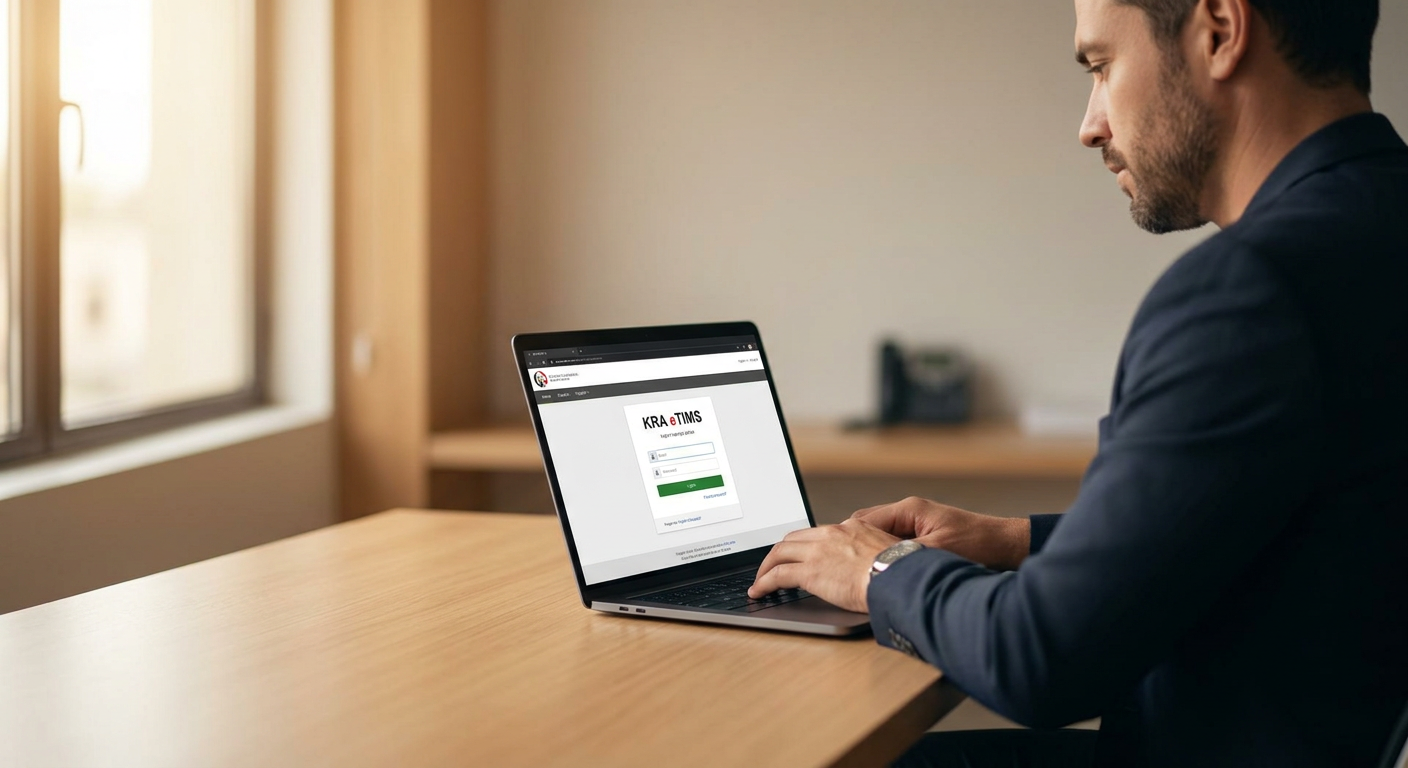
Method 2: eTIMS Online Portal (Web)
Method 2: eTIMS Online Portal (Web) includes: Log into the eTIMS web portal via iTax Navigate to "Invoice Management" → "Create Invoice"
- Log into the eTIMS web portal via iTax
- Navigate to "Invoice Management" → "Create Invoice"
- Fill in buyer details and line items
- Select the correct VAT rate for each item (16%, 8%, 0%, or exempt)
- Submit the invoice
- Download or print the generated invoice with QR code
Method 3: Invoicing Software (API Integration)
For businesses using invoicing software like Invoicemonk:
For businesses using invoicing software like Invoicemonk:
- Create your invoice as normal in the software
- The software formats the invoice with all KRA-required fields
- Invoice data can be exported for eTIMS submission
- Professional PDF with QR code is generated for the client
Key Fields to Get Right
Key Fields to Get Right includes: VAT rate: Standard 16%, reduced 8% (petroleum, electricity), zero-rated 0%, or exempt Buyer KRA PIN: Mandatory for B2B transactions — buyer can't claim deductions without it
- VAT rate: Standard 16%, reduced 8% (petroleum, electricity), zero-rated 0%, or exempt
- Buyer KRA PIN: Mandatory for B2B transactions — buyer can't claim deductions without it
- Item descriptions: Must be specific — "Services rendered" is insufficient; use "Website design — 5-page corporate site"
- Currency: KES for domestic transactions
For the full eTIMS overview, see our complete guide. To create professional invoices, use Invoicemonk's invoice generator.
More in this series (202 articles)
From this series
Stay audit-ready and compliant with tax regulations across different regions.
Related Topics
Digital Marketing, SEO Specialist, Content Creator & Product Professional
Olayinka is a digital marketer, content creator, growth and SEO specialist with 10+ years helping businesses in Nigeria, the UK, the US, Australia, and Dubai achieve their goals online.