KSeF FA(2) XML Schema: Technical Requirements for Polish E-Invoices
Tax & Compliance Series
This guide is part of a comprehensive series. Explore all 202 topics:
What Is the FA(2) XML Schema?
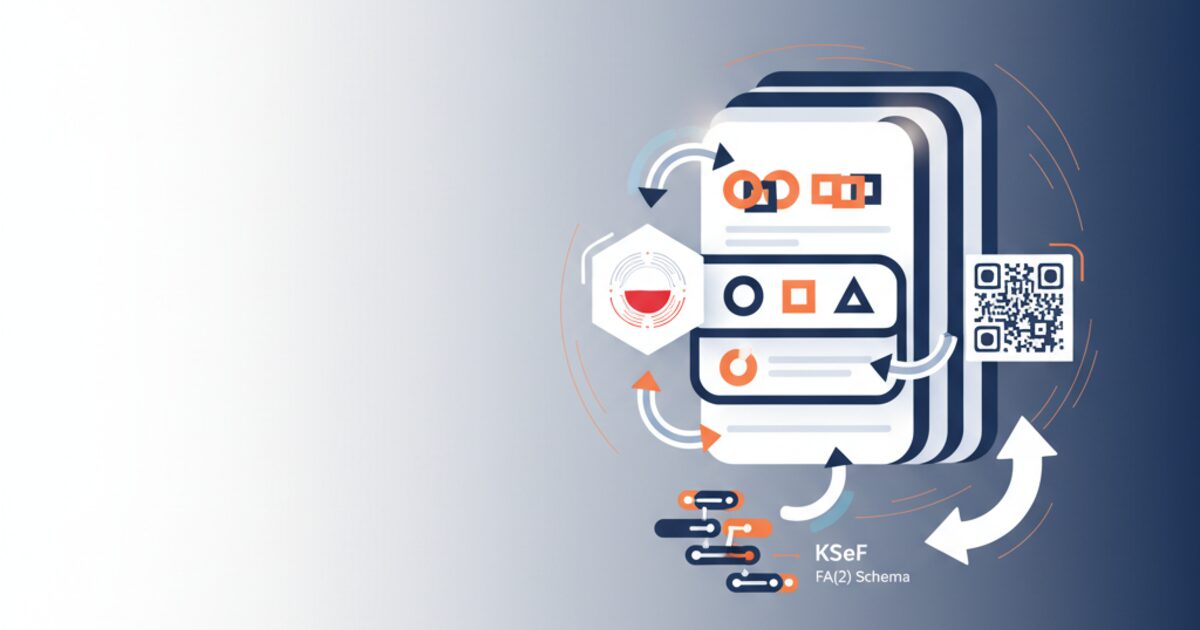
The FA(2) schema is Poland's national standard for structured e-invoices, designed specifically for the KSeF system. Unlike pan-European formats such as UBL 2.1 or CII, FA(2) is a Poland-specific schema that maps to Polish VAT law requirements under the Ustawa o podatku od towarów i usług (VAT Act). The schema is published as an XSD (XML Schema Definition) file by the Ministry of Finance and updated periodically. The current production version is FA(2) v2, which replaced FA(1) in 2023.How Is FA(2) Structured?
Naglowek (Header): Schema version, invoice form code, system information, creation date Podmiot1 (Seller): NIP, legal name, address, bank account details
The FA(2) XML document is organized into logical sections:- Naglowek (Header): Schema version, invoice form code, system information, creation date
- Podmiot1 (Seller): NIP, legal name, address, bank account details
- Podmiot2 (Buyer): NIP, legal name, address
- Fa (Invoice Body): Invoice number, dates, currency, payment terms, line items
- FaWiersz (Line Items): Item descriptions, quantities, unit prices, VAT rates, amounts
- Stopka (Footer): Totals, VAT summaries per rate, gross amount
What Are the Mandatory Fields in FA(2)?
Seller Data (Podmiot1) — Required Fields
- NIP: 10-digit Polish tax identification number (validated against the VIES/REGON database)
- Nazwa (Legal Name): Must match the name registered with KRS or CEIDG
- Adres (Address): Street, building number, postal code, city — must match registration
Buyer Data (Podmiot2) — Required Fields
- NIP: Required for B2B invoices; omitted for B2C (when KSeF extends to B2C)
- Nazwa: Buyer's legal name
- Adres: Buyer's registered address
Invoice Body (Fa) — Required Fields
- P_1 (Issue Date): Format YYYY-MM-DD
- P_1M (Delivery/Service Date): Date of supply or service period end
- P_2 (Invoice Number): Sequential, unique within the seller's numbering system
- KodWaluty (Currency): ISO 4217 code; PLN for domestic, foreign with exchange rate for international
- P_13_1 through P_13_11: VAT totals per rate category
- P_15 (Gross Total): Total amount including VAT
What Are Common FA(2) Validation Errors?
What Are Common FA(2) Validation Errors — ERR_NIP: Seller or buyer NIP fails checksum validation — Verify NIP digit calculation algorithm.
KSeF performs real-time validation on submission. Common rejection reasons include:| Error Code | Description | Fix |
|---|---|---|
| ERR_NIP | Seller or buyer NIP fails checksum validation | Verify NIP digit calculation algorithm |
| ERR_SCHEMA | XML does not conform to FA(2) XSD | Validate against the published XSD before submission |
| ERR_DUPLICATE | Invoice number already exists in KSeF for this seller/period | Ensure unique sequential numbering |
| ERR_VAT_CALC | VAT amounts do not match rate × net calculations | Recalculate with proper PLN rounding rules |
| ERR_DATE | Issue date is in the future or delivery date is invalid | Verify date logic and format |
How to Validate FA(2) Before Submission
XSD Validation: Validate your XML against the official FA(2) XSD schema published at podatki. gov.
- XSD Validation: Validate your XML against the official FA(2) XSD schema published at podatki.gov.pl
- Business Rule Validation: Check NIP checksums, VAT arithmetic, date logic, and currency rules
- Sandbox Testing: Submit to the KSeF test environment to catch integration errors
- Use Invoicemonk: Our compliance engine performs all three validation layers automatically before KSeF submission
How Does Invoicemonk Handle FA(2)?
Invoicemonk automatically generates FA(2)-compliant XML from your invoice data. Our system handles NIP validation, VAT calculation with proper rounding, and sequential numbering — ensuring every invoice passes KSeF validation on first submission.More in this series (202 articles)
From this series
Stay audit-ready and compliant with tax regulations across different regions.
Related Topics
Digital Marketing, SEO Specialist, Content Creator & Product Professional
Olayinka is a digital marketer, content creator, growth and SEO specialist with 10+ years helping businesses in Nigeria, the UK, the US, Australia, and Dubai achieve their goals online.