How to Do Accounting for Your Small Business (Step-by-Step)
Business Finances Series
This guide is part of a comprehensive series. Explore all 16 topics:
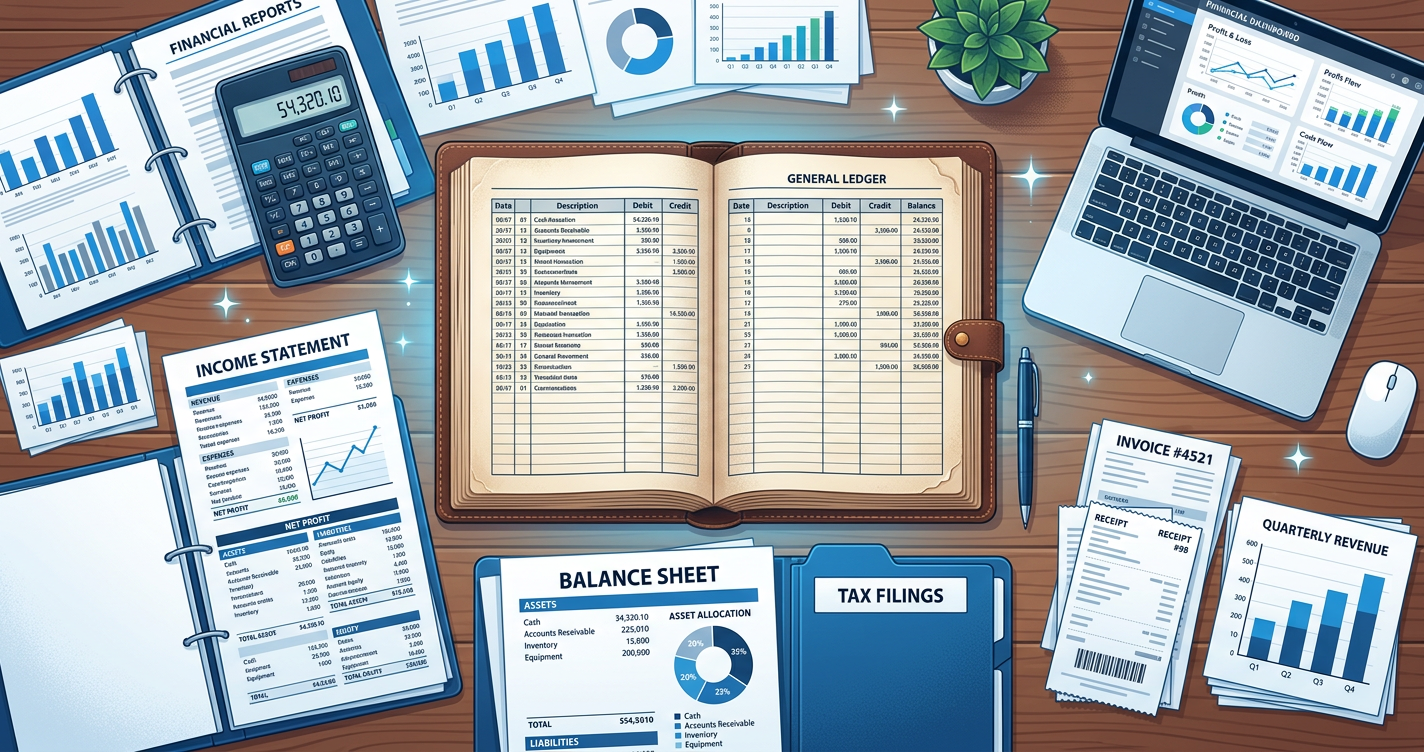
So you've started a small business and now you need to "do accounting." But what does that actually mean in practice? What do you literally need to do, step by step?
This tutorial gives you exactly that—a practical, step-by-step guide to handling your small business accounting. Follow these steps, and you'll have organized books that keep you informed and tax-ready.
Before You Start: What You'll Need
Gather these items before beginning:
Gather these items before beginning:
- Business bank account login credentials
- Any existing receipts and invoices
- Your business registration documents (for reference)
- Accounting software or a spreadsheet template
- A dedicated folder for storing receipts (digital is fine)
Step 1: Choose Your Accounting Method
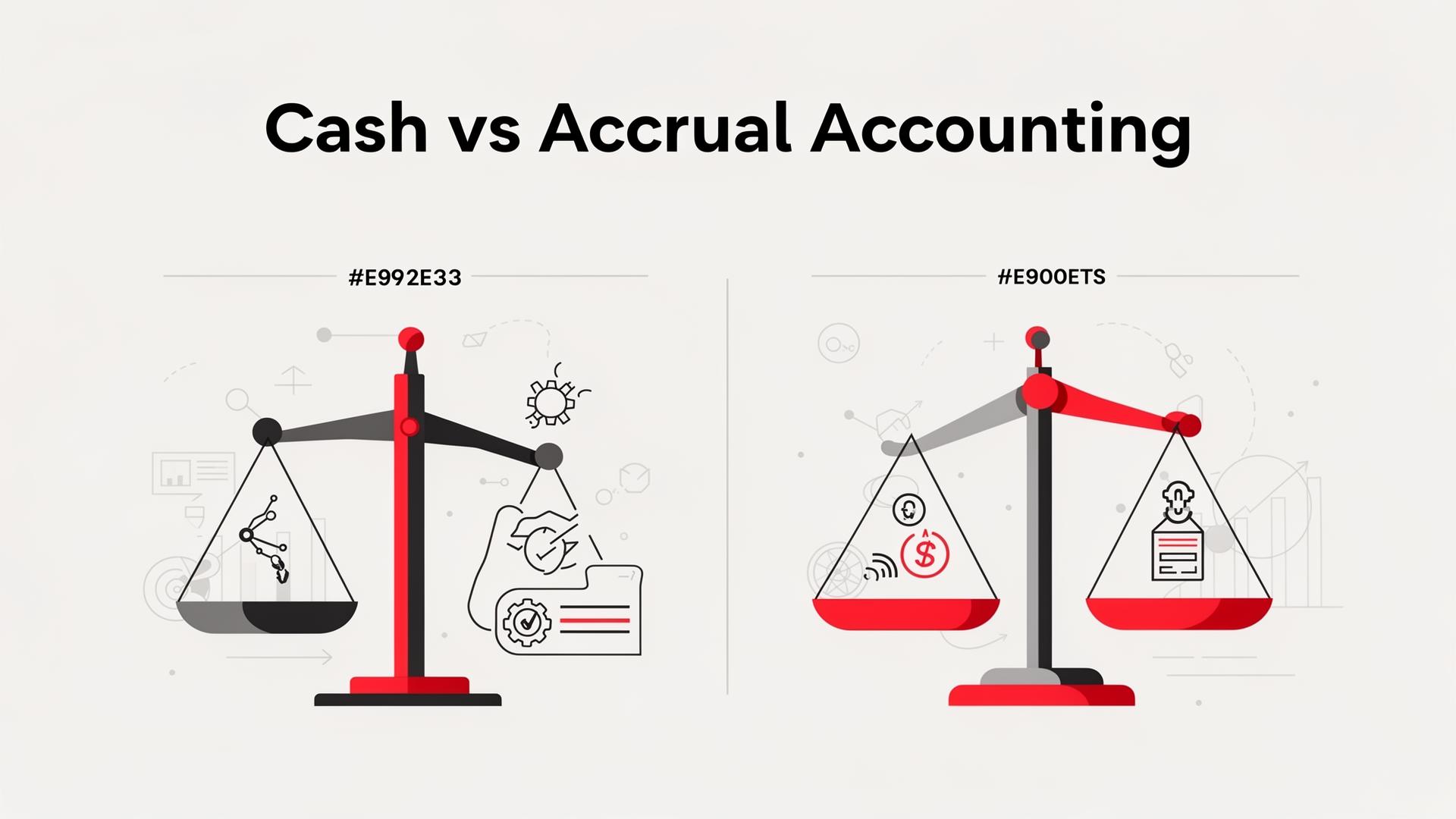
You need to decide between cash and accrual accounting:
You need to decide between cash and accrual accounting:
Cash Accounting
- Record income when you receive payment
- Record expenses when you pay them
- Best for: Most small businesses, especially service-based
- Advantage: Simpler, matches your bank account
Accrual Accounting
- Record income when you invoice (before payment)
- Record expenses when you receive bills (before paying)
- Best for: Larger businesses, those with inventory
- Advantage: More accurate picture of business performance
Recommendation: Start with cash accounting unless you have a specific reason not to.
Step 2: Set Up Your Chart of Accounts
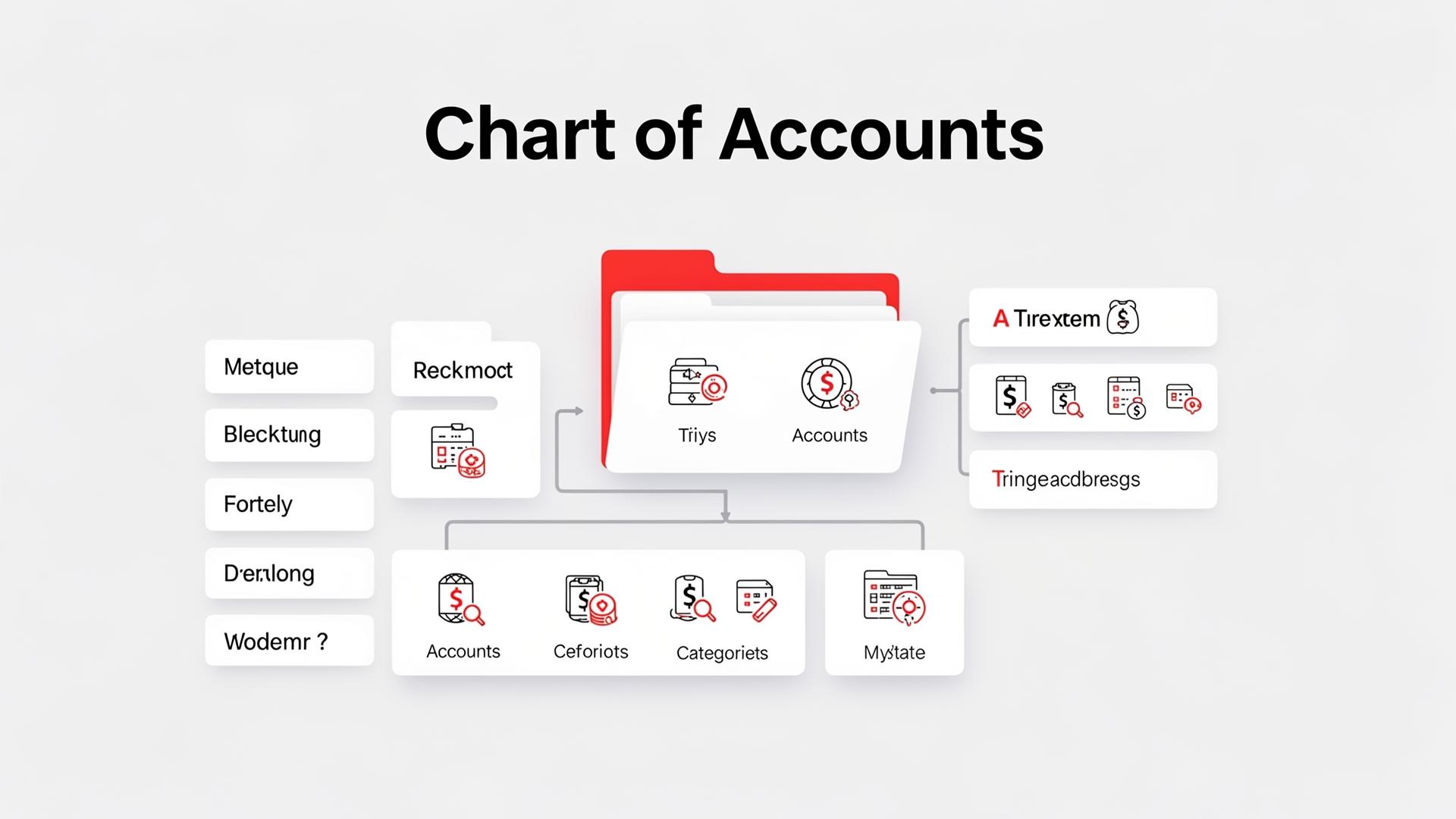
A chart of accounts is your list of categories for organizing transactions.
A chart of accounts is your list of categories for organizing transactions. At minimum, include:
Income Categories
- Product Sales
- Service Revenue
- Other Income (interest, etc.)
Expense Categories
- Cost of Goods Sold (if applicable)
- Rent/Lease
- Utilities
- Office Supplies
- Software/Subscriptions
- Marketing/Advertising
- Professional Services
- Travel
- Insurance
- Bank Fees
You can add more categories as needed, but don't overcomplicate it. Too many categories makes bookkeeping tedious.
Step 3: Record Every Transaction
This is the core of accounting—recording what comes in and goes out.
This is the core of accounting—recording what comes in and goes out.
For Income
When you receive payment, record:
- Date received
- Amount
- Customer name
- What it was for
- Invoice number (if applicable)
If you use invoicing software, income is tracked automatically when you mark invoices as paid.
For Expenses
When you spend money, record:
- Date of purchase
- Amount
- Vendor/merchant
- Category
- Business purpose
Save the receipt! A phone photo to a dedicated folder works well.
Step 4: Reconcile Your Accounts Monthly
Reconciliation means comparing your records to your bank statement.
Reconciliation means comparing your records to your bank statement. Here's how:
- Get your bank statement for the month
- Compare each transaction to your records
- Check off matching items
- Investigate any differences
- Add any transactions you missed
- Verify your ending balance matches the bank
Reconciliation catches errors, fraud, and forgotten transactions. Do it monthly without fail.
Step 5: Generate Basic Financial Reports
Good accounting produces useful reports.
Good accounting produces useful reports. Create these monthly:
Profit and Loss Statement (Income Statement)
Shows revenue, expenses, and profit for a period. Answers: "Did I make money this month?"
Format:
- Total Revenue
- Minus: Cost of Goods Sold
- Equals: Gross Profit
- Minus: Operating Expenses
- Equals: Net Profit
Cash Flow Summary
Shows money in vs. money out. Answers: "What happened to my cash?"
Format:
- Starting Cash Balance
- Plus: Cash Received
- Minus: Cash Spent
- Equals: Ending Cash Balance
Step 6: Prepare for Taxes Throughout the Year
Don't wait until tax time.
Don't wait until tax time. Throughout the year:
- Set aside tax money: Transfer 25-30% of profit to a separate savings account
- Track deductible expenses: Ensure they're properly categorized with receipts
- Make quarterly payments: If required, pay estimated taxes each quarter
- Keep organized records: Everything in its place, easy to find
For more details, see our quarterly tax payment guide.
Step 7: Review and Analyze Monthly
Accounting isn't just record-keeping—it's decision-making.
Accounting isn't just record-keeping—it's decision-making. Monthly, ask yourself:
- Is revenue trending up or down?
- Are any expense categories growing unexpectedly?
- What's my profit margin? Is it healthy?
- Do I have enough cash to cover upcoming expenses?
- Which clients or products are most profitable?
These insights help you make better business decisions.
Weekly Accounting Routine
Set aside 30 minutes weekly for these tasks:
Set aside 30 minutes weekly for these tasks:
| Task | Time |
|---|---|
| Record new income | 5 min |
| Record new expenses | 10 min |
| Categorize transactions | 5 min |
| File receipts | 5 min |
| Review outstanding invoices | 5 min |
Consistency is key. Small regular efforts prevent big year-end headaches.
Monthly Accounting Routine
Once per month, complete these tasks:
Once per month, complete these tasks:
- Reconcile bank account(s) (15-30 min)
- Generate profit and loss statement (10 min)
- Review cash flow (10 min)
- Follow up on unpaid invoices (varies)
- Backup your records (5 min)
Tools to Make Accounting Easier
The right tools save significant time:
The right tools save significant time:
- Invoicemonk: All-in-one invoicing and accounting for small businesses
- Receipt scanning apps: Capture and organize receipts digitally
- Bank feeds: Automatic transaction import from your bank
- Payment reminders: Automated follow-ups for unpaid invoices
Common Questions About Small Business Accounting
How often should I update my books?
Weekly is ideal. At minimum, monthly.
Weekly is ideal. At minimum, monthly. Don't let transactions pile up longer than that.
Do I need an accountant?
Not necessarily for day-to-day bookkeeping. But consider an accountant for annual tax preparation and strategic advice, especially as your business grows.
Not necessarily for day-to-day bookkeeping. But consider an accountant for annual tax preparation and strategic advice, especially as your business grows.
What records do I need to keep?
Keep all receipts, invoices, bank statements, and tax documents. Digital copies are acceptable.
Keep all receipts, invoices, bank statements, and tax documents. Digital copies are acceptable. Retain records for 5-7 years depending on your jurisdiction.
Next Steps
You now have the knowledge to handle your small business accounting. Here's your action plan:
- Set up or verify your dedicated business bank account
- Choose your accounting method (cash recommended)
- Create your chart of accounts
- Start recording transactions this week
- Schedule your weekly and monthly accounting time
- Complete your first bank reconciliation
Related Resources
More in this series (16 articles)
From this series
Essential accounting and expense management knowledge for small business success.
Related Topics
Digital Marketing, SEO Specialist, Content Creator & Product Professional
Olayinka is a digital marketer, content creator, growth and SEO specialist with 10+ years helping businesses in Nigeria, the UK, the US, Australia, and Dubai achieve their goals online.