Which Payment Gateways Work with Invoicing Software? Complete Guide
Getting Paid Faster Series
This guide is part of a comprehensive series. Explore all 40 topics:
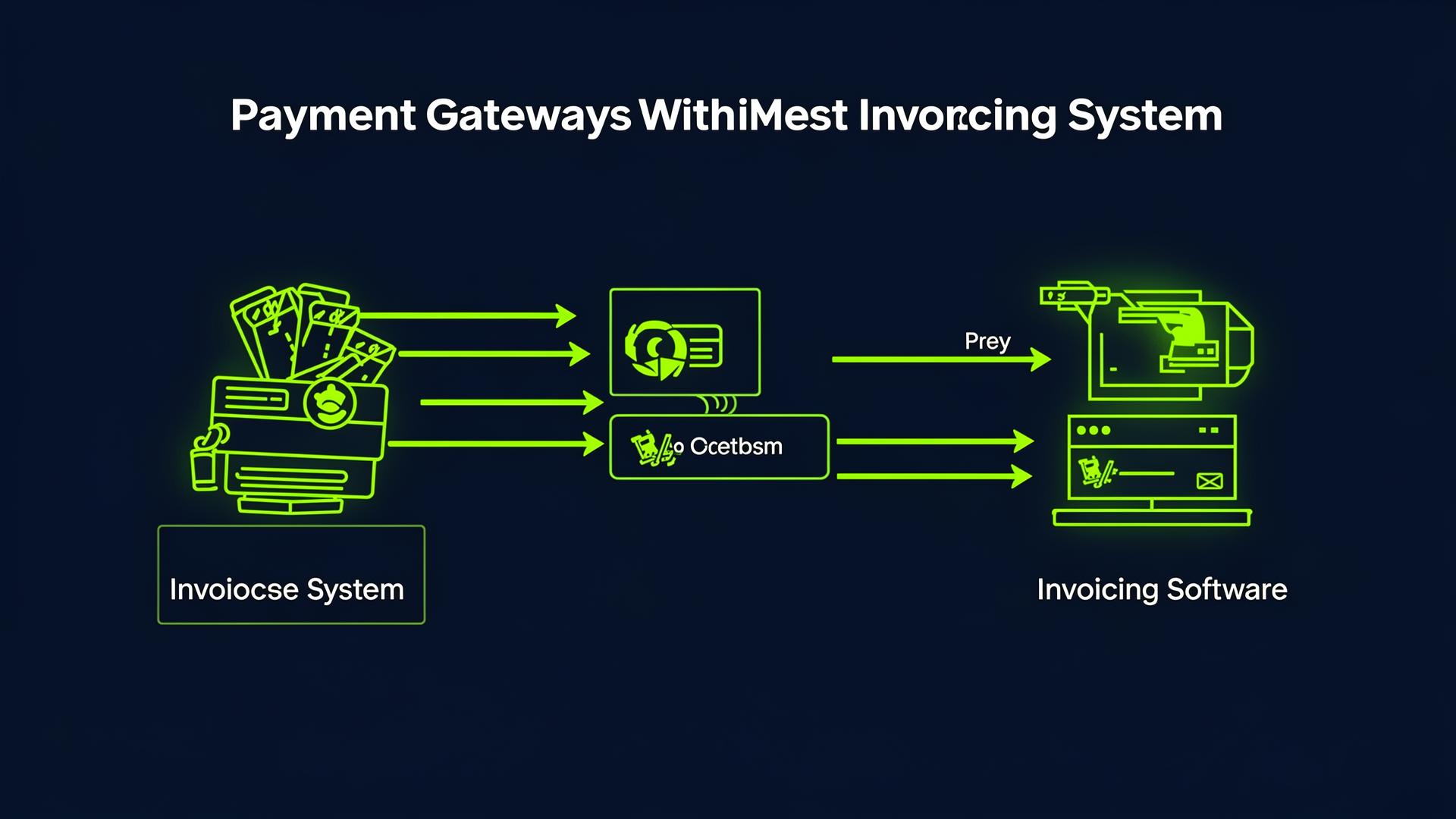
How Payment Gateways and Invoicing Software Work Together
A payment gateway is the technology that processes online payments — it encrypts card details, communicates with the card network, and confirms whether the payment succeeded.
A payment gateway is the technology that processes online payments — it encrypts card details, communicates with the card network, and confirms whether the payment succeeded. Invoicing software is where you create and manage invoices. When they're integrated, invoices include a "Pay Now" button that processes payment through the gateway — and the result flows back into your invoicing and accounting automatically.
This integration eliminates the most time-consuming part of getting paid: reconciliation. Without it, you send an invoice, the client pays separately (maybe via bank transfer), and you manually match the payment to the invoice days later. With integration, the entire process is automatic: client clicks → payment processes → invoice marked paid → accounting updated → you get notified. It happens in seconds.
Major Payment Gateways and Their Invoicing Compatibility
Stripe + Invoicing Software
Stripe is the most developer-friendly payment gateway and integrates with virtually every invoicing platform. When connected to Invoicemonk, clients see a Stripe-powered payment form directly on their invoice view. They enter card details, Stripe processes the payment, and Invoicemonk automatically records it.
Compatible with: Invoicemonk, QuickBooks, FreshBooks, Xero, Zoho Invoice, Wave (via apps)
Best for: Card payments (credit/debit), ACH bank debits (US), SEPA transfers (EU)
Fee: 2.9% + $0.30 domestic, +1.5% for international cards
PayPal + Invoicing Software
PayPal offers both a payment gateway (PayPal Checkout) and its own invoicing tool. When integrated with third-party invoicing software, PayPal appears as a payment option on your invoices. Clients can pay with their PayPal balance, linked bank account, or card — without leaving the invoice.
Compatible with: Invoicemonk, QuickBooks, FreshBooks, Xero, Zoho Invoice
Best for: Consumer clients familiar with PayPal, international payments (broad coverage)
Fee: 2.99% + fixed fee (varies by currency)
GoCardless + Invoicing Software
GoCardless specialises in direct debit payments — ideal for recurring billing. Clients authorise a direct debit once, and subsequent payments are collected automatically. Fees are significantly lower than card payments (typically 1% + £0.20, capped at £4).
Compatible with: Xero, QuickBooks, FreshBooks, Zoho Books
Best for: Recurring payments, retainer clients, subscription billing
Fee: ~1% + £0.20, capped at £4 per transaction
Bank Transfers (Manual)
Not a gateway per se, but still the most common payment method for B2B invoicing. Your invoice includes your bank details (account number, sort code / routing number / IBAN), and the client transfers money directly. The downside is manual reconciliation — you need to match incoming bank transactions to open invoices.
Compatible with: Any invoicing software (just include bank details)
Best for: Large invoices where processing fees would be significant, clients who prefer bank transfers
Fee: Usually free (domestic) or small fixed fee (international)
Setting Up Payment Gateway Integration
The process is straightforward with most invoicing platforms:
The process is straightforward with most invoicing platforms:
- Create a gateway account: Sign up with Stripe, PayPal, or your preferred provider. Complete identity verification.
- Generate API keys: In your gateway dashboard, create API keys (a public key and a secret key).
- Enter keys in your invoicing software: In Invoicemonk's payment settings, paste your API keys. The integration is live immediately.
- Test with a small invoice: Create a test invoice and pay it yourself to confirm the flow works end-to-end.
- Enable on all invoices: Once confirmed, enable the payment gateway as the default for all new invoices.
Best Practices for Invoice Payment Collection
Best Practices for Invoice Payment Collection includes: Offer 2–3 payment options: Card (Stripe), PayPal, and bank transfer cover most client preferences. Set up automatic reminders: When invoices are overdue, automatic reminders nudge clients to use the embedded payment link.
- Offer 2–3 payment options: Card (Stripe), PayPal, and bank transfer cover most client preferences.
- Set up automatic reminders: When invoices are overdue, automatic reminders nudge clients to use the embedded payment link.
- Track payment fees: Record gateway fees as business expenses for tax deductions.
- Monitor failed payments: Check for failed payments weekly and follow up with clients to resolve card issues.
- Consider fee absorption: Some freelancers add a small surcharge for card payments or offer a discount for bank transfers. Check local regulations on surcharging before implementing this.
Related Reading
Related Reading includes: Best Payment Integrations for Freelancers Online Payment Methods Comparison
More in this series (40 articles)
From this series
Strategies and tools to accelerate your payment collection and improve cash flow.
Related Topics
Digital Marketing, SEO Specialist, Content Creator & Product Professional
Olayinka is a digital marketer, content creator, growth and SEO specialist with 10+ years helping businesses in Nigeria, the UK, the US, Australia, and Dubai achieve their goals online.