Best Payment Integrations for Freelancers' Accounting in 2026
Getting Paid Faster Series
This guide is part of a comprehensive series. Explore all 40 topics:
Why Payment Integrations Matter for Freelancers
Getting paid is the whole point of freelancing — and yet it's often the most frustrating part. Clients delay payments, wire transfers take days, international fees eat into margins, and reconciling payments against invoices becomes a monthly headache.
Getting paid is the whole point of freelancing — and yet it's often the most frustrating part. Clients delay payments, wire transfers take days, international fees eat into margins, and reconciling payments against invoices becomes a monthly headache. The right payment integration eliminates most of these pain points.
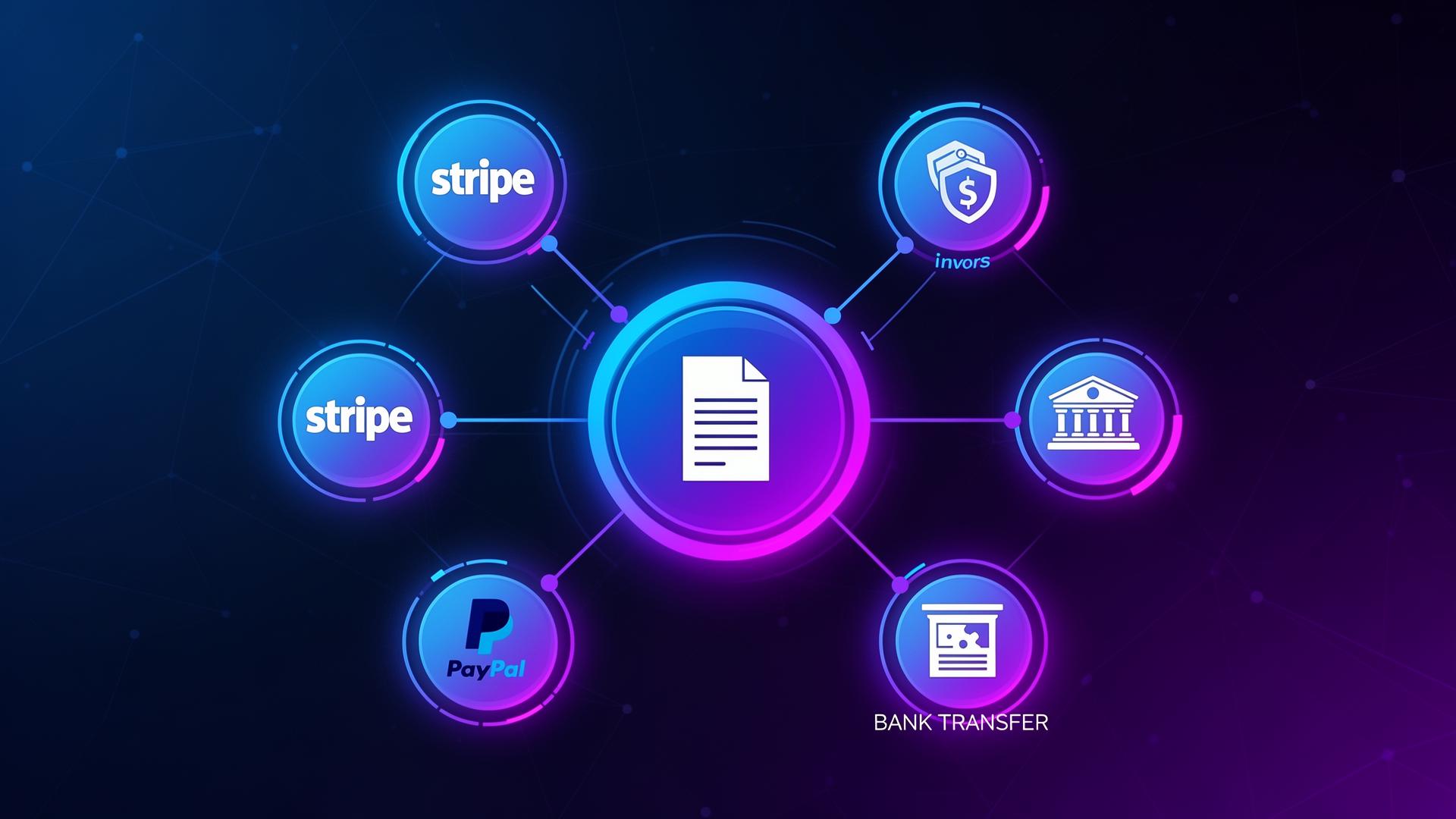
A payment integration connects your invoicing software to a payment processor (like Stripe, PayPal, or your bank), so clients can pay invoices with a single click. The payment is automatically recorded, the invoice is marked as paid, and the amount appears in your accounting — no manual entry, no chasing bank statements.
In 2026, freelancers who don't offer online payment options are leaving money on the table. Research shows that invoices with embedded payment links get paid an average of 11 days faster than those requiring manual bank transfers. That's nearly two weeks of improved cash flow per invoice.
Top Payment Gateways Compared
Stripe
Best for: Online card payments with competitive fees and excellent developer tools.
Stripe charges 2.9% + $0.30 per domestic transaction, with additional fees for international cards (+1.5%) and currency conversion (+1%). It supports 135+ currencies and offers instant payouts (for a fee). Stripe's integration with invoicing tools is typically seamless — clients click a link and pay by card in seconds.
Pros: Low fees, fast payouts, excellent API, wide currency support, trusted by businesses worldwide.
Cons: Requires some technical setup, account freezes for unusual activity, less consumer recognition than PayPal.
PayPal
Best for: Clients who already have PayPal accounts and prefer its familiarity.
PayPal charges 2.99% + fixed fee for domestic transactions, with higher rates for international payments. Its main advantage is ubiquity — most clients already have a PayPal account, reducing friction to zero. The downside is higher fees for international transactions and slower access to funds compared to Stripe.
Pros: Massive consumer adoption, buyer/seller protection, easy for clients.
Cons: Higher international fees, holds funds for new accounts, complex fee structure. See our PayPal vs Wise fees comparison.
Wise (TransferWise)
Best for: International payments with the lowest conversion fees.
Wise uses the real mid-market exchange rate with a small transparent fee (typically 0.4–0.8%). For freelancers with international clients, Wise can save 3–5% per transaction compared to PayPal or traditional wire transfers. It's not a traditional payment gateway — clients transfer money directly — but it's the cheapest option for cross-border payments.
Pros: Best exchange rates, transparent fees, multi-currency accounts, fast transfers.
Cons: Not a card payment processor (bank transfer only), less suitable for instant payments.
For detailed fee comparisons, use our international payment fee calculator.
Square
Best for: Freelancers who also accept in-person payments.
Square charges 2.6% + $0.10 for card-present (in-person) and 2.9% + $0.30 for card-not-present (online). Its main strength is the integrated POS system — if you ever meet clients in person and need to process payments, Square is unbeatable. Online invoicing features are decent but less sophisticated than dedicated invoicing tools.
How to Choose the Right Payment Integration
Consider these factors:
Consider these factors:
- Where are your clients? Domestic clients → Stripe or Square. International clients → Wise for transfers, Stripe for card payments.
- What do your clients prefer? Consumer clients → PayPal (familiarity). Business clients → Bank transfer or Stripe.
- How much do you transact? High volume → negotiate rates with Stripe. Low volume → fees matter less, prioritise convenience.
- How fast do you need funds? Stripe and Square offer next-day (or instant) payouts. Wise transfers take 1–2 days. PayPal can hold funds for new accounts.
Integrating Payments with Your Invoicing Workflow
Invoicemonk's payment integration lets you connect your preferred payment gateways so clients see a "Pay Now" button on every invoice.
Invoicemonk's payment integration lets you connect your preferred payment gateways so clients see a "Pay Now" button on every invoice. When they pay:
- The invoice is automatically marked as paid
- Revenue is recorded in your accounting
- Payment processing fees are logged as expenses
- You receive a notification
- The client receives a payment confirmation
This end-to-end automation means zero manual reconciliation and a complete financial picture at all times.
Payment Fees as Tax Deductions
Every payment processing fee is a legitimate business expense that reduces your taxable income. Ensure your expense tracking categorises these fees separately.
Every payment processing fee is a legitimate business expense that reduces your taxable income. Ensure your expense tracking categorises these fees separately. Over a year, a freelancer processing $100,000 in payments through Stripe will pay roughly $3,200 in fees — that's a meaningful tax deduction you don't want to miss.
Related Reading
Related Reading includes: Online Payment Methods Compared International Payment Fees Explained
More in this series (40 articles)
From this series
Strategies and tools to accelerate your payment collection and improve cash flow.
Related Topics
Digital Marketing, SEO Specialist, Content Creator & Product Professional
Olayinka is a digital marketer, content creator, growth and SEO specialist with 10+ years helping businesses in Nigeria, the UK, the US, Australia, and Dubai achieve their goals online.