Invoicemonk Template – How to Create a Perfect Invoice Template
Invoicing Mastery Series
This guide is part of a comprehensive series. Explore all 33 topics:
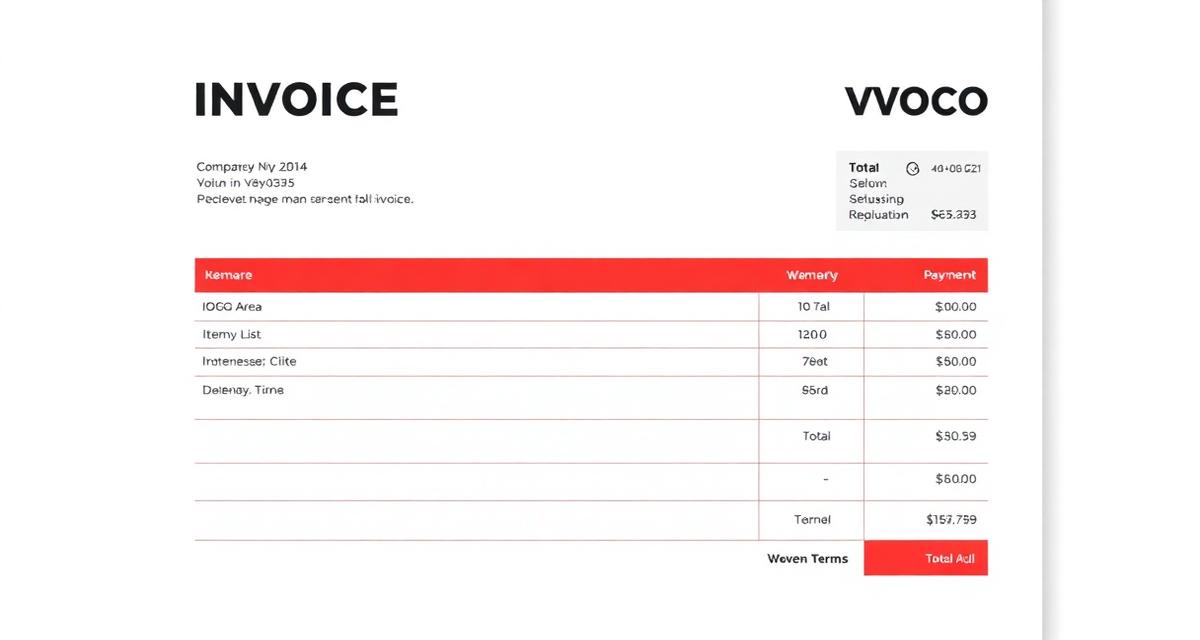
A well-designed invoice template is more than just a payment request—it's a reflection of your brand and professionalism. In this guide, we'll show you how to create the perfect invoice template using Invoicemonk.
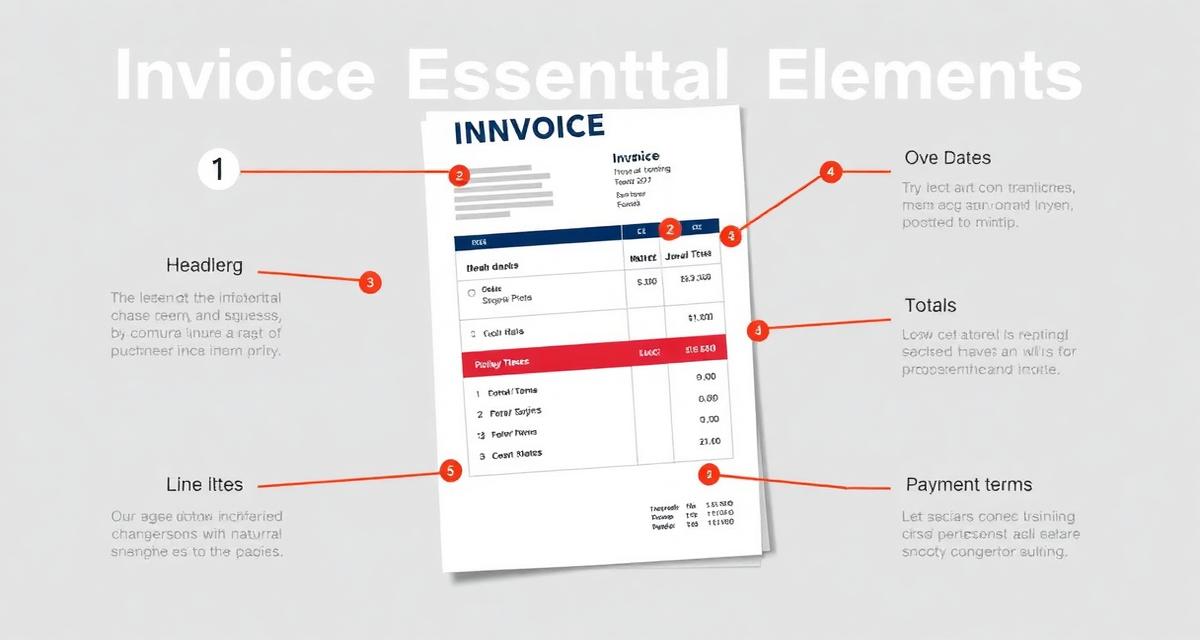
Essential Elements of a Professional Invoice
1. Your Business Information
Include your business name, logo, address, phone number, and email. This makes it easy for clients to contact you and establishes your professional identity.
2. Client Information
Always include your client's name, company (if applicable), and billing address. This ensures the invoice reaches the right person.
3. Invoice Number
Every invoice should have a unique identifier. This helps with organization and makes it easier to track payments.
4. Invoice Date and Due Date
Clearly state when the invoice was issued and when payment is due. This sets clear expectations and helps avoid late payments.
5. Itemized Services or Products
List each item or service with a description, quantity, rate, and total. This provides transparency and helps clients understand what they're paying for.
6. Subtotal, Taxes, and Total
Show the subtotal, any applicable taxes, and the final total amount due.
7. Payment Terms and Methods
Include your payment terms and accepted payment methods. The easier you make it for clients to pay, the faster you'll get paid.
Using Invoicemonk Templates
Invoicemonk provides professionally designed invoice templates that include all these essential elements. You can customize them with your branding and save them for future use.
Invoicemonk provides professionally designed invoice templates that include all these essential elements. You can customize them with your branding and save them for future use.
Tips for Faster Payments
Tips for Faster Payments includes: Send invoices promptly after completing work Make payment terms clear and visible
- Send invoices promptly after completing work
- Make payment terms clear and visible
- Offer multiple payment options
- Include a thank you note for a personal touch
- Follow up on overdue invoices professionally
Comparing Template Formats
Word processor templates are quick to start with but break formatting easily; spreadsheet templates handle calculations well but look less polished; dedicated invoicing software templates combine professional design with automatic totals and tax calculations.
| Template Type | Design Control | Auto-Calculations | Best For |
|---|---|---|---|
| Word/Google Docs | High, but manual | No | Best for: one-off invoices with no repeat use |
| Excel/Google Sheets | Medium | Yes, with formulas | Best for: freelancers comfortable building spreadsheets |
| Invoicemonk template | High, pre-designed | Yes, automatic | Best for: anyone who wants a polished invoice in minutes |
Customizing Your Template for Your Brand
Add your logo, choose brand colors for headers and accents, and pick a consistent font so every invoice looks like it came from the same professional business.
Small branding touches matter more than most freelancers realize. A consistent color scheme and logo placement make your invoices instantly recognizable and signal that you run an established operation, not a side hustle. Save your customized template so every future invoice starts from the same polished base instead of being rebuilt from scratch.
Common Template Mistakes to Avoid
Common Template Mistakes to Avoid includes: missing invoice numbers, unclear due dates, and no payment instructions.
- Missing invoice numbers: Makes tracking and referencing payments difficult for both you and your client
- Unclear due dates: "Net 30" without a calendar date confuses some clients—spell out the actual date
- No payment instructions: Always list exactly how and where to pay
- Inconsistent formatting: Switching layouts between invoices looks unprofessional and confuses recurring clients
- Forgetting tax fields: Omitting required tax information can cause compliance issues in many jurisdictions
Frequently Asked Questions
What software should I use to create an invoice template?
For occasional invoices, a spreadsheet works; for regular billing, dedicated invoicing software like Invoicemonk saves time with pre-built, tax-ready templates you can reuse.
How many invoice templates do I need?
Most freelancers only need one well-designed template, though businesses with different service lines sometimes maintain two or three variations with different line-item structures.
Can I reuse the same invoice template for every client?
Yes, as long as the template includes flexible fields for client details, itemized services, and applicable taxes, one template can serve every client.
Do invoice templates need to include tax information?
In most jurisdictions, yes—invoices must show applicable tax rates and amounts to be considered valid for accounting and compliance purposes.
More in this series (33 articles)
From this series
Master the art of professional invoicing to get paid faster and look more professional.
Related Topics
Digital Marketing, SEO Specialist, Content Creator & Product Professional
Olayinka is a digital marketer, content creator, growth and SEO specialist with 10+ years helping businesses in Nigeria, the UK, the US, Australia, and Dubai achieve their goals online.