Tax Software Integration Guide: Streamline Your Tax Workflow
Tax & Compliance Series
This guide is part of a comprehensive series. Explore all 202 topics:
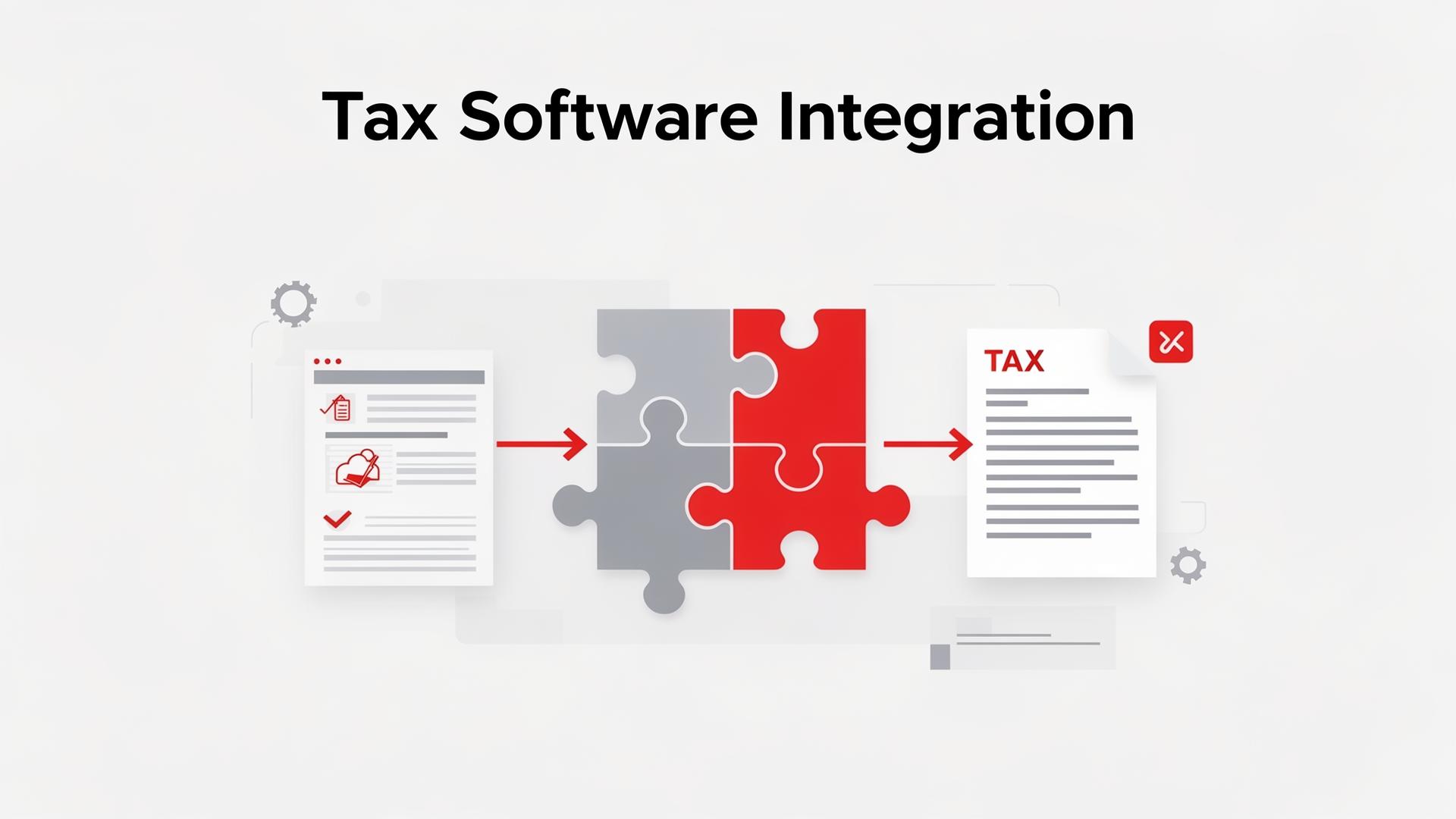
Manually transferring data between your invoicing software, accounting system, and tax preparation tools is tedious, error-prone, and unnecessary. Modern tax software integration automates these data flows, saving hours of work and reducing costly mistakes.
This guide shows you how to connect your tools for a seamless tax workflow.
Why Integration Matters
Without integration, you're likely:
Without integration, you're likely:
- Manually entering the same data into multiple systems
- Risking transcription errors that could trigger audits
- Spending hours on data reconciliation each quarter
- Missing deductions because expense data isn't flowing properly
Integrated systems eliminate these issues by automatically syncing data between platforms.
Key Integration Points
1. Invoicing → Accounting
When you create an invoice in Invoicemonk, the data should automatically appear in your accounting records:
- Revenue recognition when invoice is sent
- Payment recording when invoice is paid
- Accounts receivable updates in real time
- Client payment history tracking
2. Expenses → Accounting
Expense data should flow automatically into your accounting software:
- Receipt scans auto-categorised to expense accounts
- Bank feed integration for automatic transaction import
- Mileage tracking synced with vehicle expense records
3. Accounting → Tax Preparation
Year-end should be straightforward when your accounting data flows into tax software:
- Income summaries mapped to tax return lines
- Expense categories aligned with tax deduction categories
- Depreciation schedules automatically calculated
- Tax form pre-population from accounting data
Setting Up Your Integrated Stack
Step 1: Choose Compatible Tools
Ensure your chosen tools can communicate. Look for:
- Native integrations (built-in connections)
- API access for custom connections
- Third-party connector support (Zapier, Make)
- Standard data export formats (CSV, OFX, QIF)
Step 2: Map Your Data Flow
Document how data should move between systems:
- Invoice created → Revenue recorded in accounts
- Payment received → Bank reconciled, invoice marked paid
- Expense logged → Categorised in chart of accounts
- Quarter ends → Tax reports generated automatically
- Year ends → Data exported to tax preparation software
Step 3: Configure and Test
Set up each integration and verify data accuracy:
- Run a test transaction through the entire flow
- Verify amounts match across all systems
- Check that categories and accounts are correctly mapped
- Set up error notifications for sync failures
Common Integration Challenges
Common Integration Challenges includes: Data mapping: Different systems use different category names — standardise your chart of accounts Duplicate entries: Ensure data flows one direction to prevent duplicates
- Data mapping: Different systems use different category names — standardise your chart of accounts
- Duplicate entries: Ensure data flows one direction to prevent duplicates
- Currency handling: Multi-currency transactions need consistent conversion rules
- Historical data: Migrating past data requires careful mapping and validation
Benefits of a Connected System
Benefits of a Connected System includes: Time savings: Eliminate 5–10 hours monthly of manual data entry Accuracy: Reduce human error in financial data
- Time savings: Eliminate 5–10 hours monthly of manual data entry
- Accuracy: Reduce human error in financial data
- Real-time visibility: See your tax position at any time, not just at year-end
- Easier audits: Complete, consistent data trail across all systems
- Better decisions: Accurate, timely financial reports for business planning
Integrating Compliance-First Invoicing Into Your Existing Accounting Stack
If your accounting system already lives in QuickBooks Online, Xero, Zoho Books, or Sage, you do not have to rip it out to get compliance-first invoicing.
If your accounting system already lives in QuickBooks Online, Xero, Zoho Books, or Sage, you do not have to rip it out to get compliance-first invoicing. The pattern most SMEs use:
- Invoicemonk as the system of record for invoicing — sequential numbering, audit trail, e-invoicing clearance, regional tax handling.
- QuickBooks / Xero / Zoho as the system of record for bookkeeping — bank feeds, reconciliation, P&L, tax filing.
- A one-way sync from Invoicemonk → accounting for invoices, payments, credit notes, and tax lines. Invoicemonk pushes; accounting pulls. Never two-way — it breaks audit trails.
For US multi-state nexus, layer a sales-tax engine on top — see our guide to automated sales-tax software. For French and Italian businesses preparing for e-invoicing mandates, see how to choose an e-invoicing solution for France and the Italy SDI-compliant invoicing comparison.
Related Resources
More in this series (202 articles)
From this series
Stay audit-ready and compliant with tax regulations across different regions.
Related Topics
Digital Marketing, SEO Specialist, Content Creator & Product Professional
Olayinka is a digital marketer, content creator, growth and SEO specialist with 10+ years helping businesses in Nigeria, the UK, the US, Australia, and Dubai achieve their goals online.