5 Best Expense Tracking Methods for Small Business (Compared 2026)
Expense Management Series
This guide is part of a comprehensive series. Explore all 14 topics:
The expense tracking method you choose determines how much time you spend on bookkeeping, how many deductions you capture, and how audit-ready your records are. There's no one-size-fits-all answer—the best method depends on your transaction volume, budget, and comfort with technology.
Here's an honest comparison of five approaches, from simplest to most powerful.
Method 1: Paper Receipts and Manual Ledger
Best for: Businesses with fewer than 20 transactions per month who want zero software costs.
Best for: Businesses with fewer than 20 transactions per month who want zero software costs.
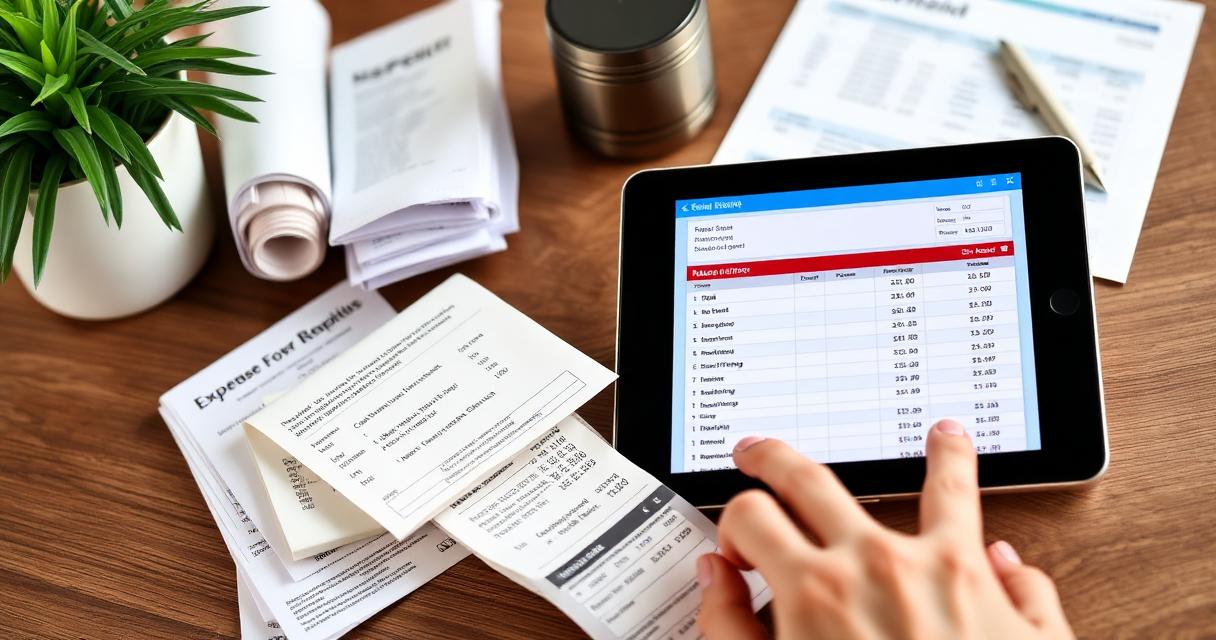
The traditional approach: save paper receipts in an envelope or accordion folder, and record each transaction in a physical ledger or notebook. At month's end, add up categories and reconcile against your bank statement.
Pros
- Zero cost—no software subscriptions
- Simple and tactile—some people prefer physical records
- No learning curve
Cons
- Receipts fade: Thermal paper (used by most retailers) loses its print within 6–18 months
- Loss risk: Envelopes get misplaced, coffee-stained, or thrown away
- Time-consuming: Manual data entry takes 2–4 hours per month for even simple businesses
- No backup: If the physical records are lost or damaged, there's no recovery
- Error-prone: Manual math mistakes compound over months
Verdict: Only viable for very small side projects. The risk of lost documentation outweighs the cost savings for any serious business.
Method 2: Spreadsheets (Excel or Google Sheets)
Best for: Freelancers and solopreneurs with 20–100 monthly transactions who want flexibility without cost.
Best for: Freelancers and solopreneurs with 20–100 monthly transactions who want flexibility without cost.
Create a spreadsheet with columns for date, vendor, amount, category, payment method, and notes. Google Sheets is free and accessible from any device. Excel offers more powerful formulas and pivot tables.
Pros
- Free (Google Sheets) or included with Microsoft 365
- Fully customizable—build exactly the layout you want
- Formulas automate totals and category summaries
- Easy to share with an accountant
Cons
- Manual entry required: Every transaction must be typed in—a 15-minute daily task
- No receipt storage: Spreadsheets don't capture or attach receipt images
- No bank sync: Transactions must be manually compared to bank statements
- Scales poorly: Past 100+ transactions/month, spreadsheets become unwieldy
- No audit trail: Changes aren't tracked (unless using Google Sheets version history)
Verdict: A solid starting point, but most businesses outgrow spreadsheets within the first year. Pair with a separate folder for receipt photos.
Method 3: Expense Tracking Apps
Best for: Solo businesses and small teams who want automation without the complexity of full accounting software.
Best for: Solo businesses and small teams who want automation without the complexity of full accounting software.
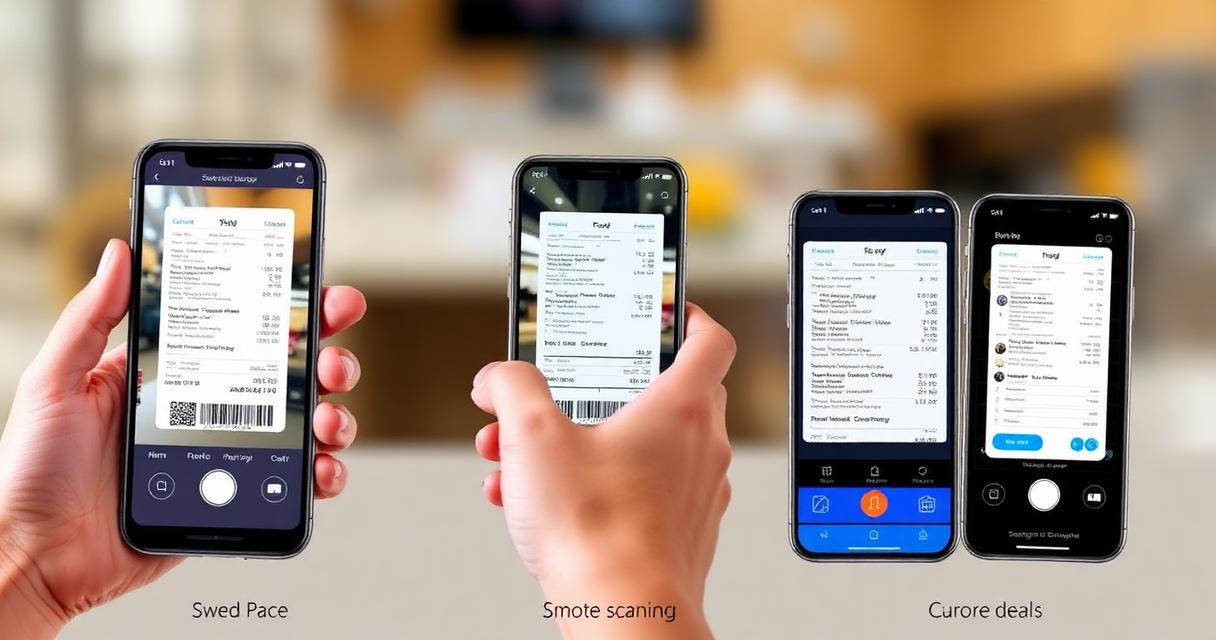
Dedicated expense apps like Invoicemonk combine receipt scanning, OCR data extraction, bank sync, and categorization in a mobile-first experience. Snap a photo of a receipt, and the app extracts the vendor, date, amount, and tax information automatically.
Pros
- Receipt capture: OCR extracts data from photos—no manual entry
- Bank feed sync: Transactions import automatically from linked accounts
- Auto-categorization: AI learns your patterns and suggests categories
- Cloud storage: Digital receipts are backed up and searchable
- Tax-ready reports: Generate category summaries for tax filing
- Mobile: Track expenses in real-time from your phone
Cons
- Monthly subscription cost (typically $5–$30/month)
- Requires initial setup and bank linking
- OCR accuracy varies—always verify extracted data
Verdict: The sweet spot for most small businesses. The time saved and deductions captured more than cover the subscription cost. Read our receipt scanning apps comparison for detailed reviews.
Method 4: Full Accounting Software
Best for: Businesses with employees, inventory, or complex financial reporting needs.
Best for: Businesses with employees, inventory, or complex financial reporting needs.
All-in-one platforms that handle invoicing, expense tracking, payroll, inventory, and financial reporting. If you're already using accounting software, make sure you're leveraging its expense features rather than maintaining a separate system.
Pros
- Expenses integrate directly with your general ledger and chart of accounts
- Automatic journal entries from expense records
- Financial reports include expense data without manual import
- Multi-user access with approval workflows
Cons
- Higher cost ($20–$100+/month)
- Steeper learning curve
- May be overkill for solo freelancers
Verdict: Essential for businesses with 5+ employees or complex finances. Overkill for solopreneurs.
Method 5: Bank Feed Integration
Best for: Anyone using Method 3 or 4 who wants to ensure no transaction is missed.
Best for: Anyone using Method 3 or 4 who wants to ensure no transaction is missed.
Bank feed integration automatically imports every transaction from your business bank accounts and credit cards into your expense tracking system. You then categorize each transaction and attach supporting receipts.
Pros
- Nothing missed: Every transaction appears automatically
- Easy reconciliation: Imported transactions match against bank statements
- Rules-based categorization: Set rules so recurring vendors are auto-categorized
Cons
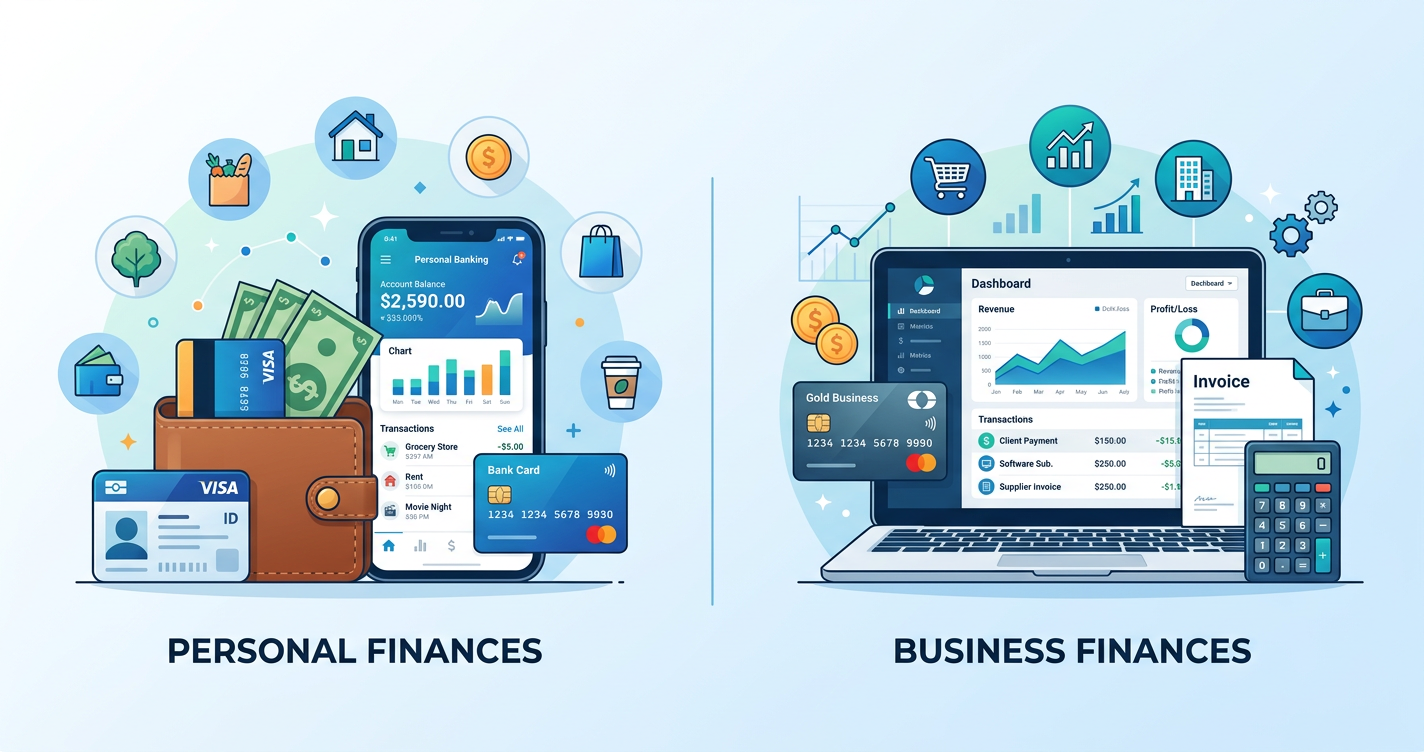
- Requires a business bank account (which you should have anyway—see separating business and personal expenses)
- Still need to attach receipts manually for tax documentation
- Cash transactions won't appear in bank feeds
Verdict: Use bank feeds as a complement to receipt scanning, not a replacement. The combination covers all bases.
Which Method Should You Choose?
Here's a quick decision framework:
Here's a quick decision framework:
- Under 20 transactions/month, bootstrapping: Spreadsheet + receipt photo folder
- 20–200 transactions/month, solo or small team: Expense tracking app (best ROI)
- 200+ transactions, employees, inventory: Full accounting software
- Any size: Add bank feed integration for completeness
Most small businesses get the best results from Method 3 (expense tracking apps) combined with Method 5 (bank feeds). This gives you real-time capture, automatic categorization, cloud-stored receipts, and complete transaction coverage.
For the full picture on managing expenses, see our complete expense management guide.
More in this series (14 articles)
From this series
Track, categorize, and optimize your business expenses effortlessly.
Digital Marketing, SEO Specialist, Content Creator & Product Professional
Olayinka is a digital marketer, content creator, growth and SEO specialist with 10+ years helping businesses in Nigeria, the UK, the US, Australia, and Dubai achieve their goals online.