Digital Receipt Management: How to Go Paperless in 4 Steps (2026)
Expense Management Series
This guide is part of a comprehensive series. Explore all 14 topics:
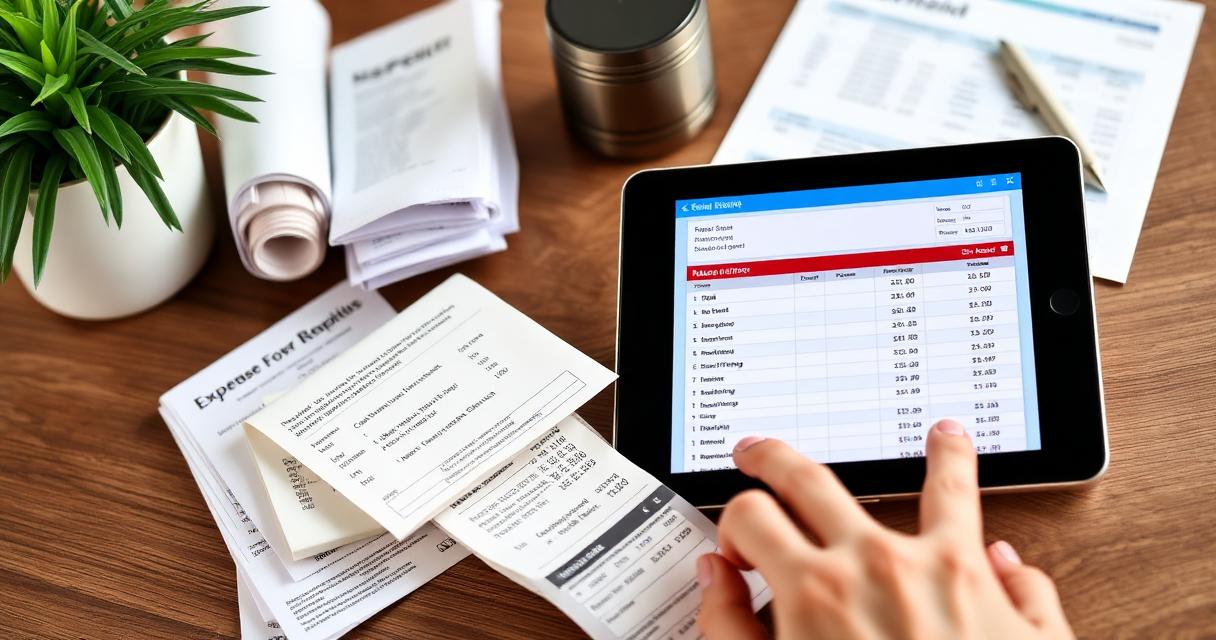
Paper receipts are the weakest link in your financial records. Thermal paper—used by 93% of retailers—begins fading within 6 months and can become completely illegible within 18 months. That means the receipt from your January business lunch could be blank by next tax season.
The good news: every major tax authority in the world now accepts digital receipts as valid documentation. Going paperless isn't just convenient—it's more reliable than paper.
Why Paper Receipts Fail
Fading: Thermal paper receipts lose their print due to heat, light, and friction.
- Fading: Thermal paper receipts lose their print due to heat, light, and friction. BPA-free thermal paper fades even faster
- Loss: 27% of small business owners report being unable to find a receipt when needed
- Damage: Water, coffee spills, and crumpling destroy paper records
- Disorganization: Shoeboxes of receipts make finding a specific purchase nearly impossible
- No backup: Once a paper receipt is lost or faded, it's gone forever
The Digital Receipt Workflow
A successful digital receipt system follows four steps: capture, extract, categorize, and store.
A successful digital receipt system follows four steps: capture, extract, categorize, and store.
Step 1: Capture Immediately
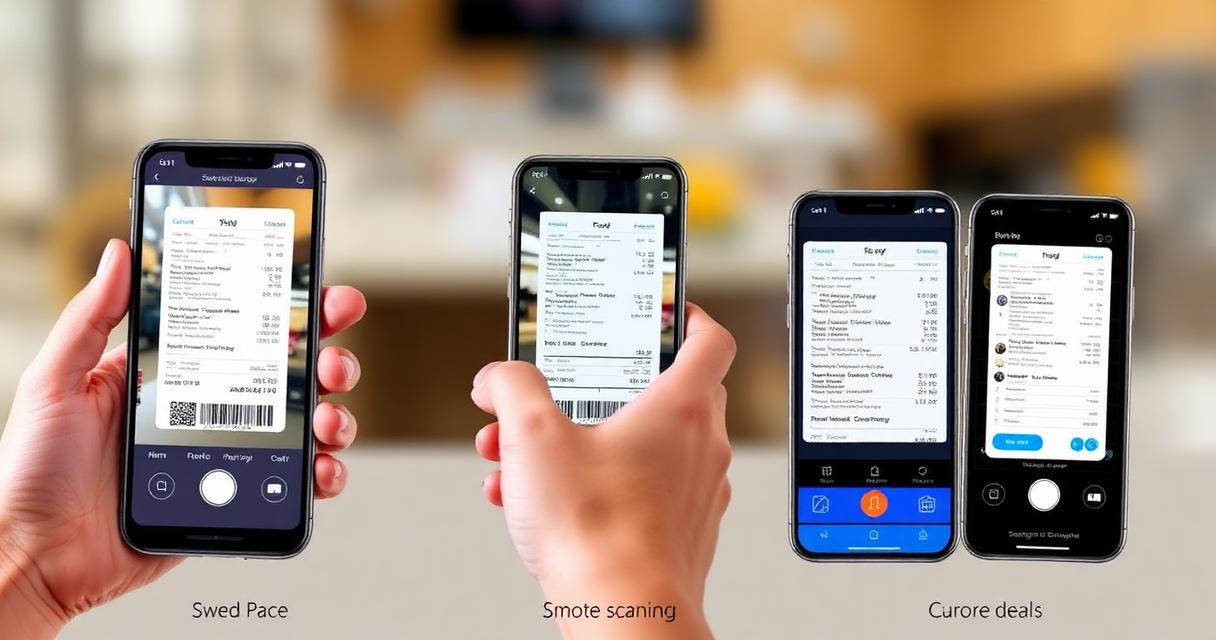
The most important habit: photograph or scan every receipt at the point of purchase. Don't put it in your pocket "to scan later"—later never comes. Use your phone camera or a dedicated receipt scanning app with OCR capability.
Step 2: Extract Data with OCR
Optical Character Recognition (OCR) technology reads the printed text on your receipt and converts it into structured digital data. Modern OCR can extract:
- Vendor/merchant name
- Date and time of purchase
- Total amount and individual line items
- Tax amounts (VAT, GST, sales tax)
- Payment method used
Invoicemonk's receipt scanner uses advanced OCR to extract all this data automatically—just snap a photo and verify the results.
Step 3: Categorize
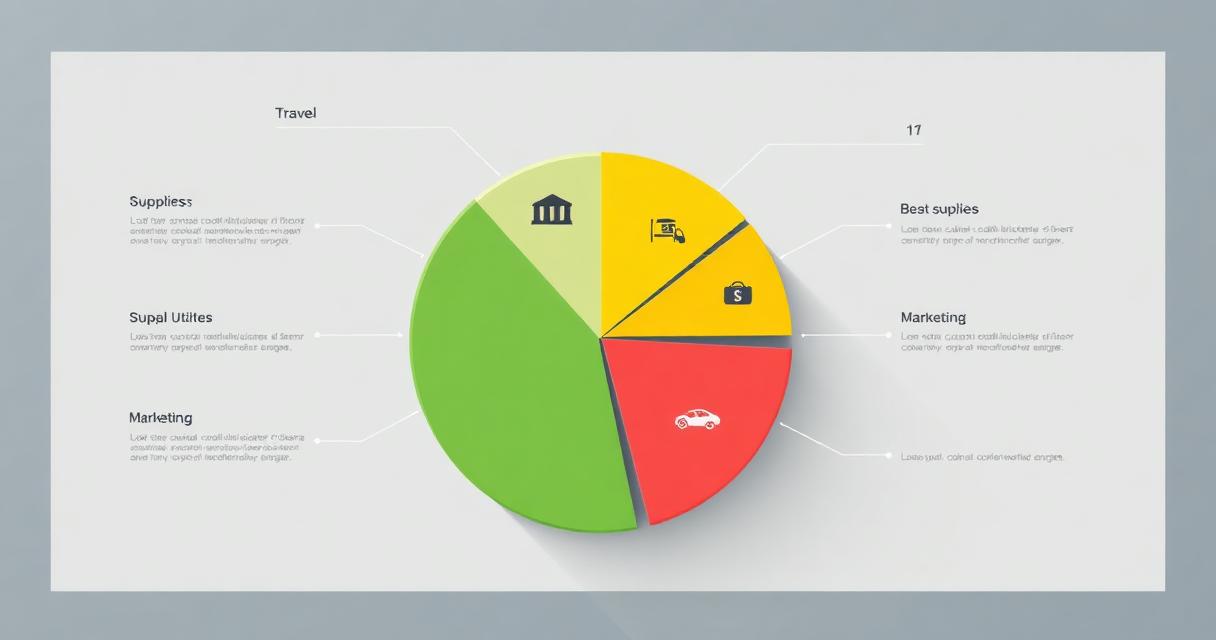
Assign the expense to the correct expense category. Smart apps learn your patterns: if you always categorize Starbucks as "Meals & Entertainment," the app will suggest that category automatically for future Starbucks receipts.
Step 4: Store Securely
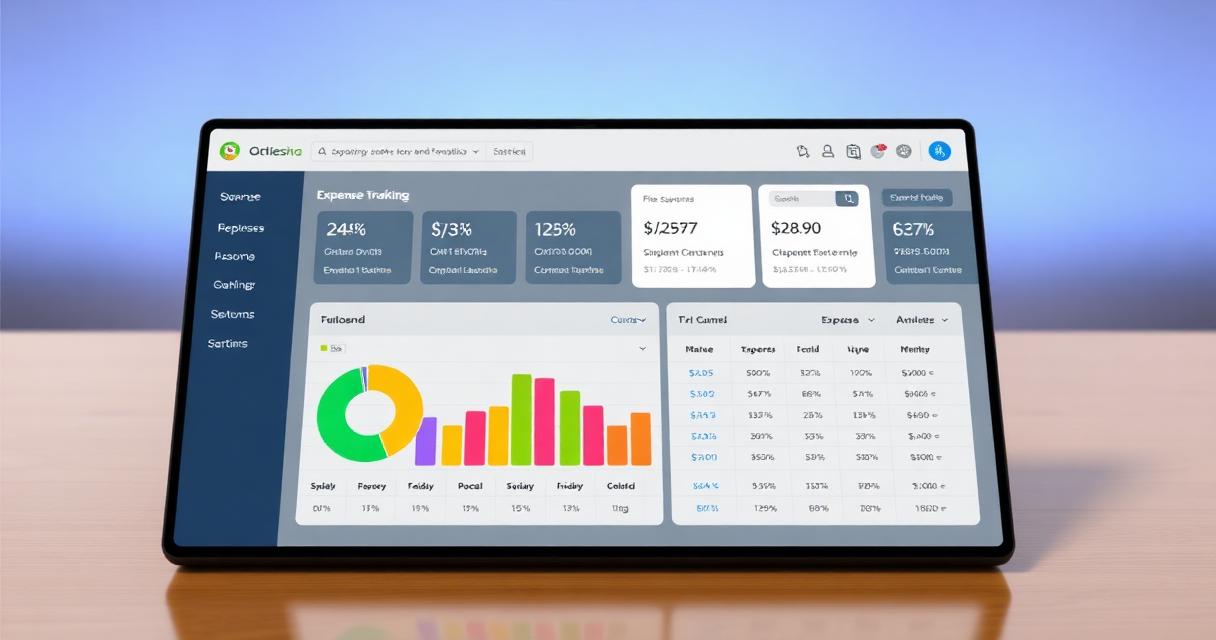
Digital receipts should be stored in the cloud with automatic backup. This ensures they're accessible from any device, protected against hardware failure, and searchable by date, vendor, amount, or category.
Tax Authority Acceptance of Digital Receipts
Digital receipts are accepted as valid documentation by all major tax authorities:
Digital receipts are accepted as valid documentation by all major tax authorities:
- IRS (United States): Accepts electronic records that accurately reflect the original. Rev. Proc. 98-25 allows digital storage of paper documents
- HMRC (United Kingdom): Making Tax Digital (MTD) actively encourages digital record-keeping. HMRC accepts scanned receipts as primary evidence
- CRA (Canada): Accepts electronic copies of source documents, provided the digital copy is an "accurate and complete reproduction"
- ATO (Australia): Accepts photographs and scans of receipts. The original paper receipt can be discarded once digitized
- FIRS (Nigeria): Accepts electronic records for tax substantiation under the Federal Inland Revenue Service guidelines
Key requirement: The digital copy must be legible, complete, and stored securely for the required retention period (typically 5–7 years).
Best Practices for Digital Receipt Management
Best Practices for Digital Receipt Management includes: Scan same-day: Make it a habit to digitize receipts before they enter your wallet Verify OCR data: Always check that extracted amounts match the receipt
- Scan same-day: Make it a habit to digitize receipts before they enter your wallet
- Verify OCR data: Always check that extracted amounts match the receipt
- Use consistent naming: If not using software, name files with date-vendor-amount format (2026-02-15-officedepot-47.99)
- Back up to cloud: Don't rely on a single device—use cloud storage with automatic sync
- Monthly review: Cross-reference digital receipts against bank statements during your monthly financial review
Handling Special Receipt Types
Email Receipts
For online purchases, forward the email receipt to your expense system or save the PDF directly. Most expense apps can import email receipts automatically.
Multi-Item Receipts
When a single receipt contains both business and personal items, photograph the full receipt and note which items are business expenses. Only claim the business portion.
Foreign Currency Receipts
Photograph the receipt and note the exchange rate used. Your bank statement will show the converted amount, which is typically the amount you claim.
Digital Receipt Management by Country
Requirements for digital receipt retention vary by jurisdiction:
Requirements for digital receipt retention vary by jurisdiction:
| Country | Authority | Retention Period | Digital Accepted? |
|---|---|---|---|
| USA | IRS | 3 years (6 for significant omissions) | ✅ Yes |
| UK | HMRC | 5 years | ✅ Yes (MTD encouraged) |
| Australia | ATO | 5 years | ✅ Yes |
| Canada | CRA | 6 years | ✅ Yes |
| Nigeria | FIRS | 6 years | ✅ Yes |
| India | GST Council | 8 years | ✅ Yes |
Ready to go paperless? Invoicemonk's receipt scanner makes the transition seamless—snap, extract, categorize, and store in seconds. See also our complete expense management guide and receipt scanning apps comparison.
More in this series (14 articles)
From this series
Track, categorize, and optimize your business expenses effortlessly.
Digital Marketing, SEO Specialist, Content Creator & Product Professional
Olayinka is a digital marketer, content creator, growth and SEO specialist with 10+ years helping businesses in Nigeria, the UK, the US, Australia, and Dubai achieve their goals online.