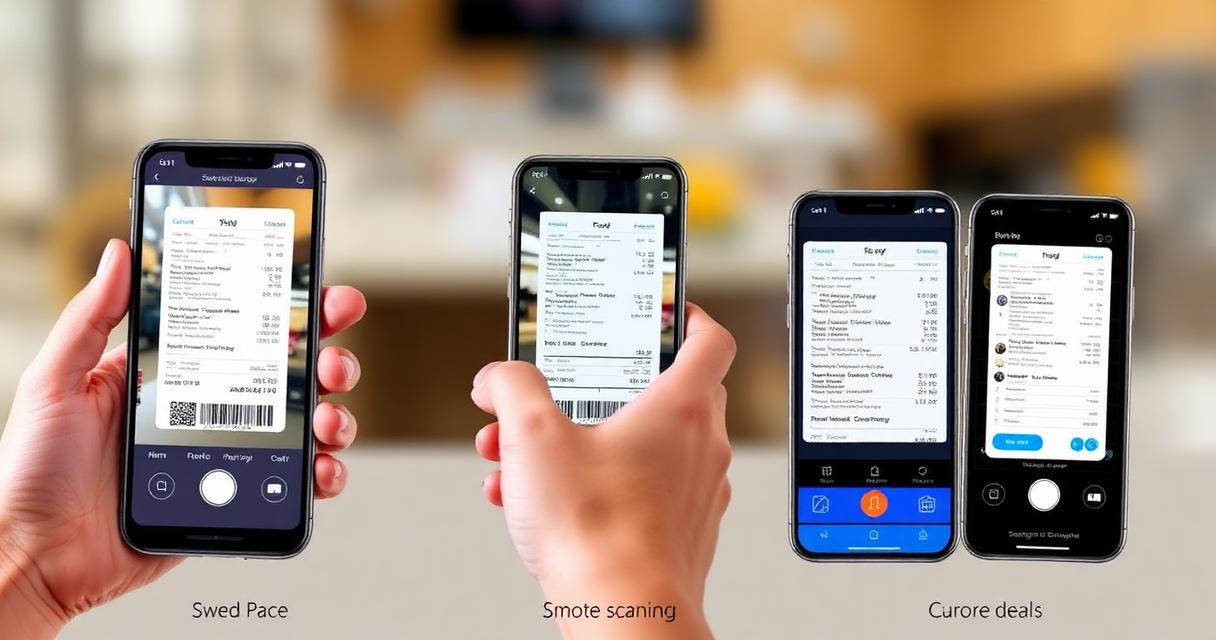
10 Best Receipt Scanning Apps 2026 — Tested & Ranked by OCR Accuracy
Expense Management Series
This guide is part of a comprehensive series. Explore all 14 topics:
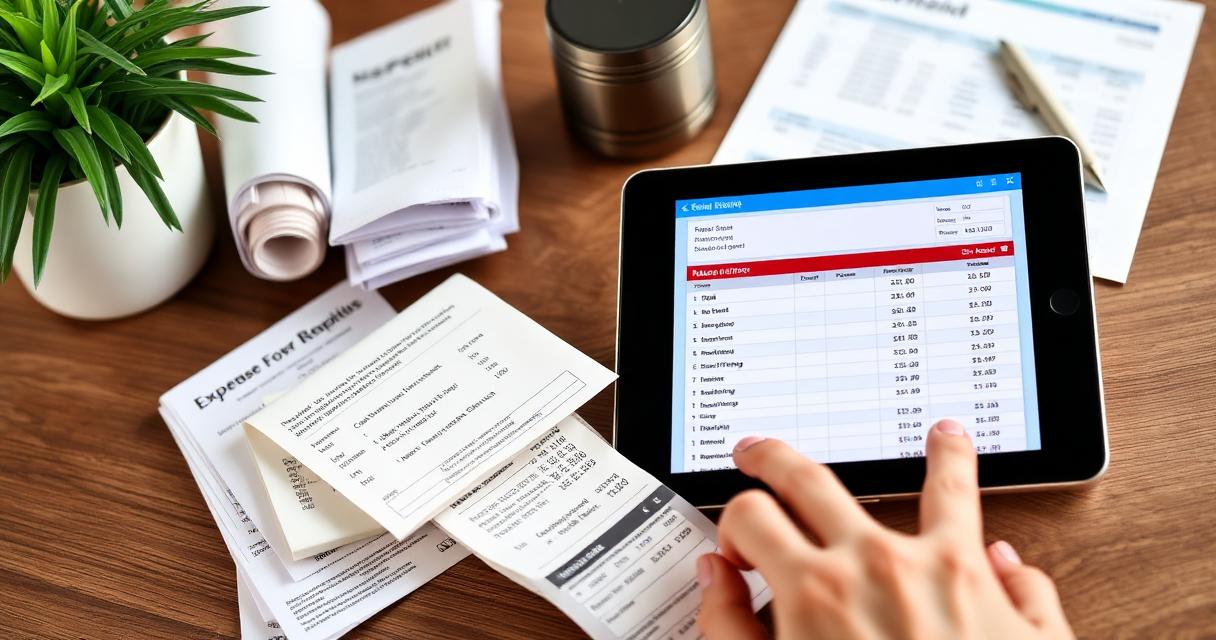
The right receipt scanning app can save you 3–5 hours per month on expense tracking. But with dozens of options available, how do you choose? We evaluated the top receipt scanning solutions based on what matters most to small businesses: OCR accuracy, speed, integration options, and value for money.
What Makes a Good Receipt Scanning App?
Before comparing options, here are the features that matter:
Before comparing options, here are the features that matter:
- OCR accuracy: How reliably does it extract vendor name, date, amount, and tax from receipt photos? Industry-leading apps achieve 95%+ accuracy
- Speed: How quickly can you scan and categorize? Ideally under 10 seconds per receipt
- Auto-categorization: Does it learn your patterns and suggest categories automatically?
- Cloud storage: Are scanned receipts stored securely in the cloud with automatic backup?
- Multi-currency: Can it handle receipts in different currencies? Essential for international businesses
- Integration: Does it connect with your accounting software, bank, and invoicing platform?
- Tax compliance: Does it meet your tax authority's requirements for digital documentation?
Invoicemonk Receipt Scanner
Best for: Small businesses and freelancers who want receipt scanning integrated with invoicing and expense management.
Best for: Small businesses and freelancers who want receipt scanning integrated with invoicing and expense management.
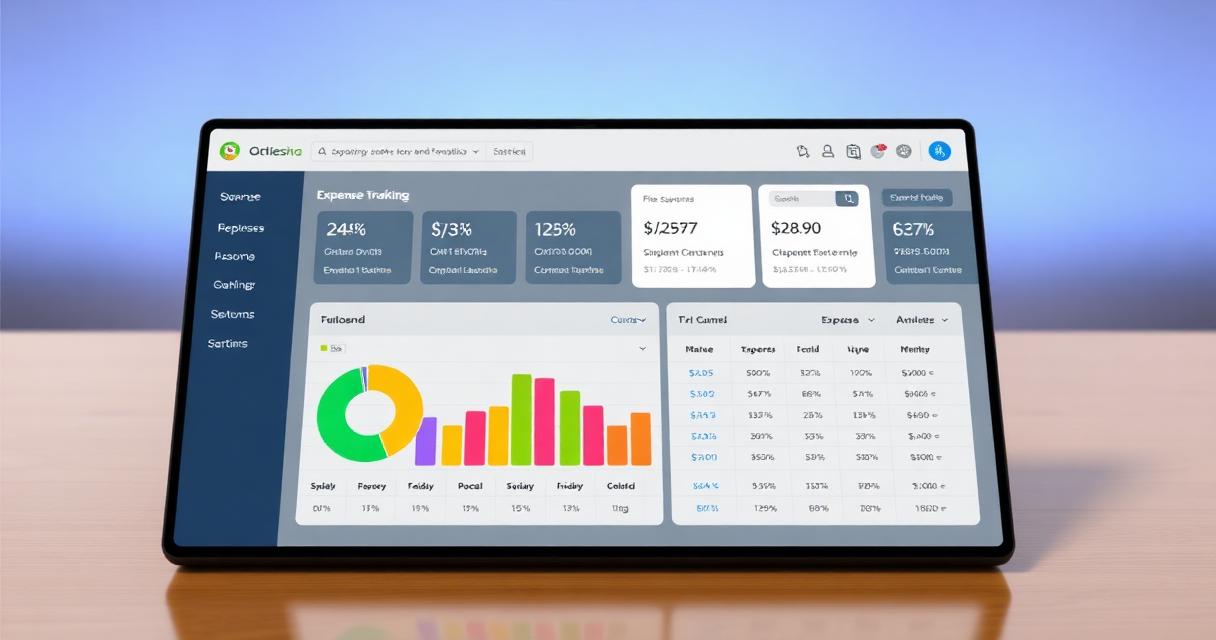
Invoicemonk's receipt scanner is built into the expense tracking platform, meaning scanned receipts automatically attach to expense records, flow into financial reports, and connect to client invoices for reimbursement. Key features:
- High-accuracy OCR with vendor, date, amount, and tax extraction
- Auto-categorization that learns from your patterns
- Direct integration with invoicing and accounting features
- Cloud storage with unlimited receipt storage
- Multi-currency support for international receipts
- Compliant with IRS, HMRC, CRA, ATO, and FIRS digital documentation requirements
Standalone Receipt Scanning Apps
Pros of Standalone Apps
- Often free for basic scanning
- Focused UX—does one thing well
- May offer export to multiple accounting platforms
Cons of Standalone Apps
- Require separate expense tracking and invoicing tools
- Data lives in multiple systems—harder to reconcile
- May require manual export/import between systems
Features Comparison Checklist
When evaluating any receipt scanning solution, check these boxes:
When evaluating any receipt scanning solution, check these boxes:
- ☐ OCR accuracy above 90% on clear receipts
- ☐ Handles faded or crumpled receipt photos
- ☐ Extracts tax/VAT amounts separately
- ☐ Supports your local currency and language
- ☐ Cloud backup with encryption
- ☐ Integrates with your existing accounting/invoicing workflow
- ☐ Mobile app with offline scanning capability
- ☐ Meets your tax authority's digital receipt requirements
Tips for Better Scanning Results
Tips for Better Scanning Results includes: Scan immediately: Don't wait—receipts start fading the moment they're printed Good lighting: Natural light or bright indoor lighting improves OCR accuracy
- Scan immediately: Don't wait—receipts start fading the moment they're printed
- Good lighting: Natural light or bright indoor lighting improves OCR accuracy
- Flat surface: Place the receipt on a flat, contrasting surface (dark receipt on light table)
- Full capture: Ensure the entire receipt is in frame, including edges
- Verify data: Always double-check the extracted amount matches the receipt
Receipt Scanning App Comparison Table
Here's how the top receipt scanning solutions compare on the features that matter most:
Here's how the top receipt scanning solutions compare on the features that matter most:
| Feature | Invoicemonk | Standalone OCR Apps | Accounting Software Built-in |
|---|---|---|---|
| OCR Accuracy | 95%+ on clear receipts | 85–95% | 80–90% |
| Auto-categorization | ✅ Learns patterns | ✅ Varies | ✅ Limited |
| Multi-currency | ✅ 150+ currencies | ⚠️ Limited | ⚠️ Varies |
| Invoice integration | ✅ Built-in | ❌ Separate tool | ✅ Built-in |
| Expense reporting | ✅ Automatic | ❌ Export required | ✅ Built-in |
| Tax compliance | ✅ IRS, HMRC, ATO, FIRS | ⚠️ Basic | ✅ Varies by platform |
| Offline scanning | ✅ | ✅ Most apps | ⚠️ Some |
| Pro plan | ✅ Unlimited scans | ✅ Limited scans | ❌ Usually paid |
How to Choose the Right Receipt Scanner for Your Business
The best choice depends on your situation:
The best choice depends on your situation:
- Freelancers and solopreneurs: Choose an all-in-one platform like Invoicemonk that combines scanning with invoicing and expense tracking — fewer tools means less data fragmentation
- Teams with existing accounting software: Check if your current platform has built-in scanning. If it does but accuracy is poor, a dedicated scanner with CSV export may be more reliable
- International businesses: Multi-currency support is essential. Ensure the app can read receipts in multiple languages and extract tax amounts in different formats (VAT, GST, sales tax)
- High-volume businesses (50+ receipts/month): Auto-categorization and bank feed integration become critical time-savers at scale
Common Receipt Scanning Mistakes to Avoid
For the complete digital receipt workflow, see our digital receipt management guide. For the broader expense management picture, read our complete expense management guide.
- Waiting too long to scan: Thermal receipts start fading within weeks. Scan the same day you receive them
- Not verifying OCR data: Even the best apps make errors — always check extracted amounts
- Ignoring digital receipts: Email receipts and PDF invoices need to be captured too, not just paper ones
- Using camera roll instead of a dedicated app: Photos in your camera roll aren't searchable, categorized, or backed up to your accounting system
- Throwing away originals too early: While digital copies are legally accepted, keep paper originals for 30 days after scanning as a safety net
For the complete digital receipt workflow, see our digital receipt management guide. For the broader expense management picture, read our complete expense management guide.
More in this series (14 articles)
From this series
Track, categorize, and optimize your business expenses effortlessly.
Digital Marketing, SEO Specialist, Content Creator & Product Professional
Olayinka is a digital marketer, content creator, growth and SEO specialist with 10+ years helping businesses in Nigeria, the UK, the US, Australia, and Dubai achieve their goals online.