The Complete Guide to Small Business Expense Management
Expense Management
Track, categorize, and optimize your business expenses effortlessly.
Expense Management Series
This guide is part of a comprehensive series. Explore all 14 topics:
Poor expense management costs small businesses an average of $2,000–$5,000 per year in missed deductions alone. A recent study found that 27% of small business owners can't locate a receipt when they need one, and 1 in 5 freelancers miss at least one legitimate deduction every tax season simply because they didn't track it.
Whether you run a solo freelance practice or a growing agency, expense management is the foundation of financial health. It's not just about keeping receipts—it's about building a system that gives you visibility into spending, maximizes deductions, and keeps you audit-ready at all times.
This comprehensive guide covers every aspect of small business expense management: from choosing your tracking method and going paperless to categorizing expenses for tax-line mapping and maximizing deductions across jurisdictions.
Why Expense Management Matters More Than You Think
Expense management isn't just an accounting task—it directly impacts your profitability, tax liability, and ability to make informed business decisions.
Expense management isn't just an accounting task—it directly impacts your profitability, tax liability, and ability to make informed business decisions.
The Real Cost of Poor Expense Tracking
- Missed tax deductions: Every uncategorized or undocumented expense is potentially money left on the table. The IRS, HMRC, FIRS, and CRA all require substantiation for claimed deductions
- Cash flow blindness: Without tracking, you can't see where money goes—making budgeting and forecasting impossible
- Audit vulnerability: Tax authorities can disallow deductions without proper documentation. A single audit can cost thousands in penalties and professional fees
- Profit margin erosion: Untracked expenses hide true costs, leading to underpricing of services
- Tax season stress: Scrambling to find receipts in April costs time and often leads to errors
What Good Expense Management Looks Like
An effective expense management system has four components: real-time capture (recording expenses as they happen), proper categorization (mapping to chart of accounts and tax lines), secure storage (digital receipts with backup), and regular review (monthly reconciliation against bank statements).
An effective expense management system has four components: real-time capture (recording expenses as they happen), proper categorization (mapping to chart of accounts and tax lines), secure storage (digital receipts with backup), and regular review (monthly reconciliation against bank statements).
Step 1: Choose Your Expense Tracking Method
The right tracking method depends on your business size, volume of transactions, and budget.
The right tracking method depends on your business size, volume of transactions, and budget. Here's a comparison of the five most common approaches:
Paper Receipts and Manual Ledger
The traditional approach: save every paper receipt in an envelope or folder, then manually enter amounts into a ledger or notebook. Cost: Free. Risk: High. Paper receipts fade (thermal paper loses print within 6–12 months), envelopes get lost, and manual entry is error-prone. Only viable for businesses with fewer than 20 transactions per month.
Spreadsheets (Excel or Google Sheets)
A step up from paper. You create columns for date, vendor, amount, category, and notes. Spreadsheets are free and customizable, but they require manual data entry, don't capture receipt images, and become unwieldy past 100 monthly transactions. They also lack the automation needed for efficient expense categorization.
Dedicated Expense Tracking Apps
Apps like Invoicemonk let you snap photos of receipts, auto-extract data using OCR, categorize expenses, and sync with bank accounts. This is the sweet spot for most small businesses—combining ease of use with the documentation rigor that tax authorities require.
Full Accounting Software
All-in-one solutions that handle invoicing, expense tracking, payroll, and financial reporting. Best for businesses with employees, inventory, or complex financial needs. If you're already using accounting software, make sure you're using its expense features rather than tracking separately.
Bank Feed Integration
Automatic import of transactions from your business bank account and credit cards. This ensures no transaction is missed, but you still need to categorize each one and attach supporting documentation.
For a detailed comparison, read our guide on expense tracking methods for small businesses.
Step 2: Go Paperless with Digital Receipt Management
Paper receipts are the weakest link in expense management. Thermal receipts (the kind from most retailers) fade within 6–18 months, making them useless for tax documentation.
Paper receipts are the weakest link in expense management. Thermal receipts (the kind from most retailers) fade within 6–18 months, making them useless for tax documentation. The solution: go digital immediately.
How Digital Receipt Management Works
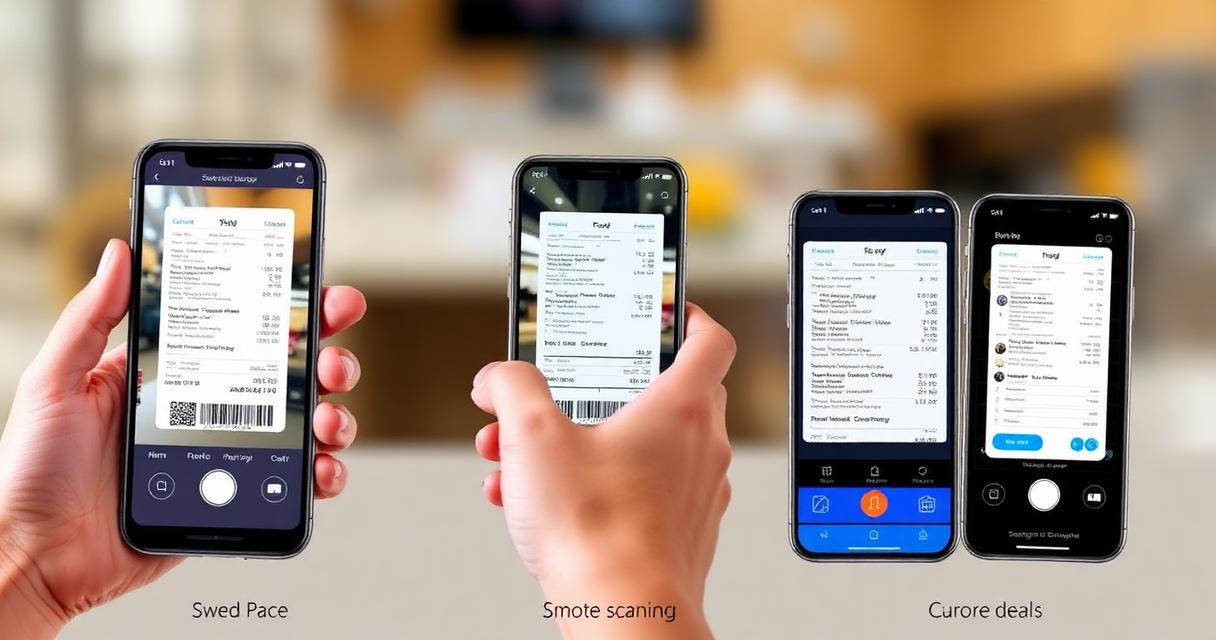
Capture: Snap a photo of the receipt immediately after purchase using your phone or a receipt scanning app Extract: OCR technology reads the receipt and extracts vendor name, date, amount, and tax information
- Capture: Snap a photo of the receipt immediately after purchase using your phone or a receipt scanning app
- Extract: OCR technology reads the receipt and extracts vendor name, date, amount, and tax information
- Categorize: The expense is automatically or manually assigned to the correct expense category
- Store: The digital receipt is stored in the cloud with the expense record, searchable and backed up
Are Digital Receipts Accepted by Tax Authorities?
Yes. The IRS (US), HMRC (UK), CRA (Canada), ATO (Australia), and FIRS (Nigeria) all accept digital copies of receipts as valid documentation, provided the image is legible and the original information is preserved.
Yes. The IRS (US), HMRC (UK), CRA (Canada), ATO (Australia), and FIRS (Nigeria) all accept digital copies of receipts as valid documentation, provided the image is legible and the original information is preserved. Some jurisdictions require the digital copy to be made "as soon as practicable."
For a complete walkthrough, see our digital receipt management guide.
Step 3: Categorize Expenses Properly
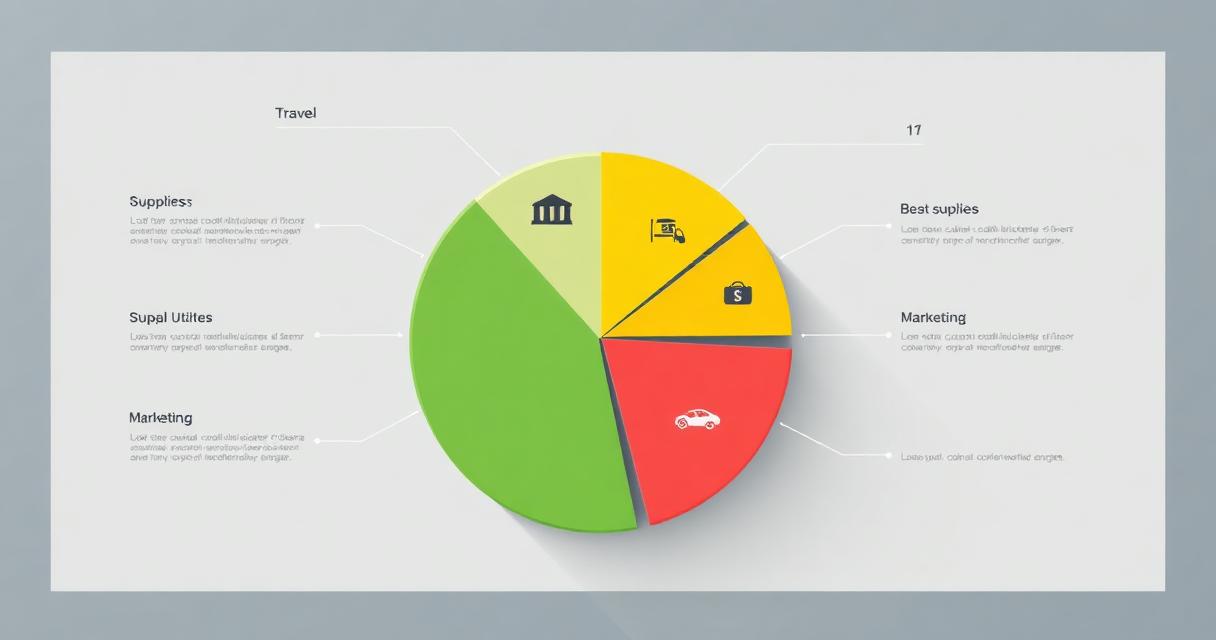
Proper expense categorization serves two purposes: it maps to your chart of accounts for accurate financial reporting, and it maps to tax-deductible line items for easy filing.
Proper expense categorization serves two purposes: it maps to your chart of accounts for accurate financial reporting, and it maps to tax-deductible line items for easy filing.
Essential Expense Categories
- Advertising & Marketing: Ads, website costs, business cards, promotional materials
- Office Supplies & Equipment: Stationery, computers, furniture, software
- Travel & Transportation: Flights, hotels, mileage, parking, rideshares
- Professional Services: Legal, accounting, consulting fees
- Insurance: Business liability, professional indemnity, health (if self-employed)
- Rent & Utilities: Office space, internet, phone, electricity
- Software & Subscriptions: SaaS tools, cloud services, memberships
- Meals & Entertainment: Client meals, team lunches (subject to percentage limits)
Get the full breakdown in our business expense categories guide.
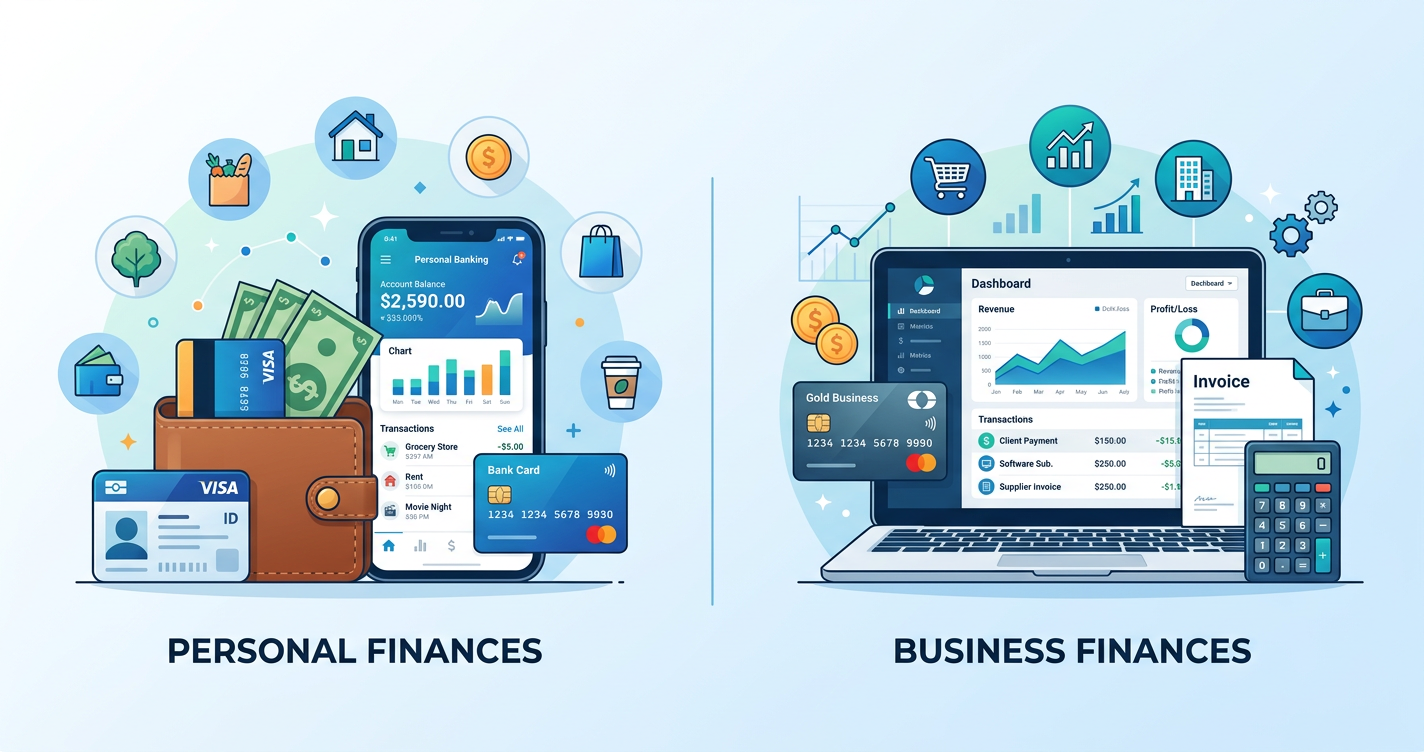
Step 4: Separate Business and Personal Expenses
Commingling business and personal expenses is one of the most common—and most dangerous—financial mistakes small business owners make. It creates tax headaches, weakens legal protections (especially for LLCs and corporations), and makes financial reporting unreliable.
Commingling business and personal expenses is one of the most common—and most dangerous—financial mistakes small business owners make. It creates tax headaches, weakens legal protections (especially for LLCs and corporations), and makes financial reporting unreliable.
The fix is straightforward: open a dedicated business bank account and business credit card. Pay all business expenses from business accounts and all personal expenses from personal ones. If you need to use personal funds for a business expense, reimburse yourself properly and document it.
For the complete guide, read how to separate business and personal expenses.
Step 5: Maximize Tax Deductions
Every legitimate business expense you fail to claim is money given directly to the tax authority. The key to maximizing deductions is knowing what qualifies and documenting everything.
Every legitimate business expense you fail to claim is money given directly to the tax authority. The key to maximizing deductions is knowing what qualifies and documenting everything.
Commonly Overlooked Deductions
- Home office: Percentage of rent/mortgage, utilities, internet based on office space
- Vehicle use: Mileage or actual expenses for business driving
- Professional development: Courses, conferences, books, certifications
- Software subscriptions: Every business SaaS tool you pay for
- Bank fees: Business account fees, payment processing charges
- Depreciation: Equipment and assets that lose value over time (Section 179 in the US)
See our complete tax-deductible business expenses list for 2026.
Step 6: Create Expense Reports
Even if you're a solo freelancer, expense reports help you understand spending patterns, bill clients for reimbursable expenses, and prepare for tax filing. A good expense report groups expenses by category, includes receipt documentation, and totals by project or time period.
Even if you're a solo freelancer, expense reports help you understand spending patterns, bill clients for reimbursable expenses, and prepare for tax filing. A good expense report groups expenses by category, includes receipt documentation, and totals by project or time period.
Learn how in our guide to expense reports for freelancers.
Step 7: Review and Reconcile Monthly
Set aside time at the end of each month to review all expenses, reconcile against bank statements, and ensure everything is properly categorized. This monthly habit catches errors early, ensures nothing is missed, and makes quarterly and year-end tasks much easier.
Set aside time at the end of each month to review all expenses, reconcile against bank statements, and ensure everything is properly categorized. This monthly habit catches errors early, ensures nothing is missed, and makes quarterly and year-end tasks much easier.
This aligns with the practices in our monthly financial review checklist.
Tools That Make Expense Management Easy
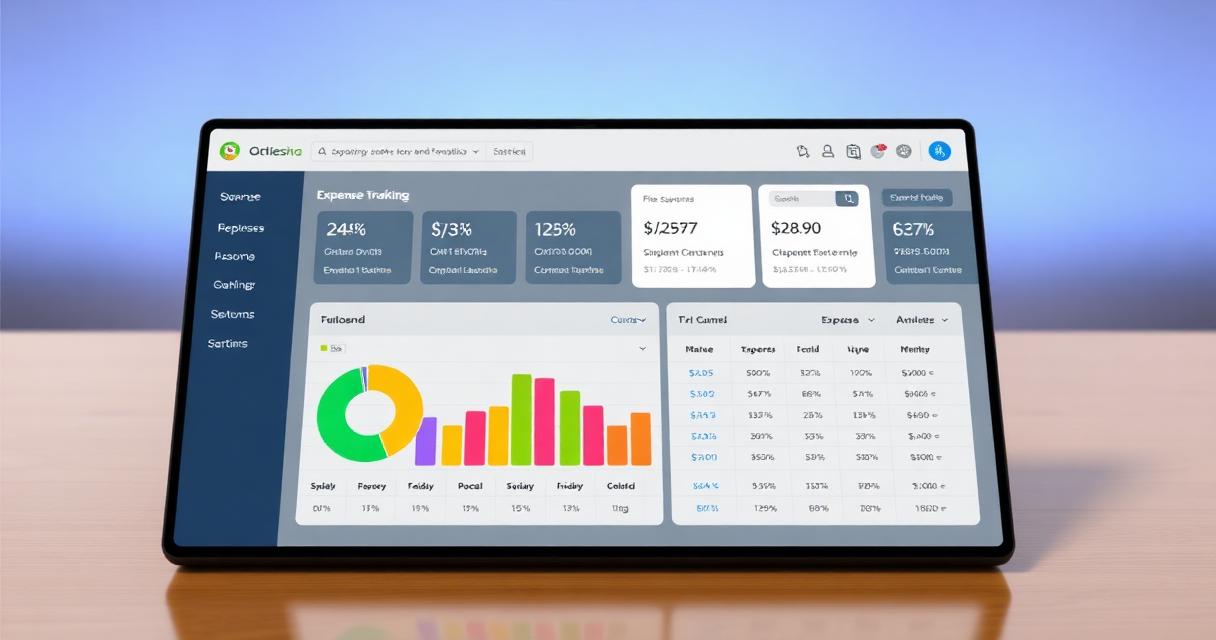
Invoicemonk's expense tracking brings all these steps together in one platform: snap receipt photos, auto-categorize expenses with OCR, sync bank feeds, generate tax-ready reports, and attach expenses directly to client invoices for reimbursement.
Invoicemonk's expense tracking brings all these steps together in one platform: snap receipt photos, auto-categorize expenses with OCR, sync bank feeds, generate tax-ready reports, and attach expenses directly to client invoices for reimbursement. It integrates with the invoicing and accounting features you already use, creating a single source of truth for your business finances.
Expense Management by Business Type
For Freelancers
Focus on tracking deductible expenses (home office, software, travel), keeping receipts for client-reimbursable costs, and maintaining records that satisfy your tax authority. A simple app-based approach works well for most freelancers.
For Small Business Owners
Add employee expense policies, approval workflows, and departmental budgets. Integrate expense tracking with your accounting system for automatic journal entries.
For Agencies and Consultants
Track expenses by project and client for profitability analysis. Separate billable (reimbursable) expenses from internal costs. Use expense reports to bill clients accurately.
Frequently Asked Questions
What is the easiest way to track business expenses?
Use expense tracking software that lets you snap photos of receipts, auto-categorize spending, and sync with your bank accounts. This eliminates manual data entry and ensures nothing is missed at tax time.
Learn more: Expense TrackingHow should I categorize business expenses?
Common categories include: office supplies, travel, meals and entertainment, professional services, software and subscriptions, marketing, insurance, and utilities. Set up a chart of accounts that matches your industry and tax requirements.
Learn more: Receipt ManagementDo I need to keep paper receipts?
Most tax authorities now accept digital copies of receipts. Use a receipt scanning app to photograph and store receipts digitally. Keep them organized by date and category for at least 5-7 years depending on your jurisdiction.
Learn more: Expense CategoriesWhat business expenses are tax deductible?
Generally, any expense that is ordinary and necessary for running your business is deductible. This includes office rent, supplies, travel, professional development, software, insurance, and marketing costs. Keep records of all expenses and consult a tax professional for your specific situation.
Learn more: Receipt ScanningTable of Contents
Explore the Expense Management Series
14 articles to master this topic
5 Best Expense Tracking Methods for Small Business (Compared 2026)
Spreadsheets vs apps vs accounting software — we compared 5 expense tracking methods by cost, accuracy, and time saved. Find the best fit for your business size.
10 min read
Digital Receipt Management: How to Go Paperless in 4 Steps (2026)
Paper receipts fade and get lost. Here's how to digitize, organize, and store every receipt — set up in 15 minutes, save 3+ hours/month on expense tracking.
9 min read
Tax-Deductible Business Expenses: The Complete List for 2026
Don't miss a single deduction. The complete list of tax-deductible business expenses for small businesses and freelancers.
12 min readDigital Marketing, SEO Specialist, Content Creator & Product Professional
Olayinka is a digital marketer, content creator, growth and SEO specialist with 10+ years helping businesses in Nigeria, the UK, the US, Australia, and Dubai achieve their goals online.