Best Expense Tracking Software with Tax Compliance in 2026
Expense Management Series
This guide is part of a comprehensive series. Explore all 14 topics:
Why Tax Compliance Starts with Expense Tracking
Most small business tax problems don't stem from fraud — they stem from disorganisation. Receipts stuffed in drawers, expenses categorised randomly (or not at all), and a frantic scramble every April to reconstruct months of spending.
Most small business tax problems don't stem from fraud — they stem from disorganisation. Receipts stuffed in drawers, expenses categorised randomly (or not at all), and a frantic scramble every April to reconstruct months of spending. The result? Missed deductions, inaccurate filings, and audit risk.
Proper expense tracking is the foundation of tax compliance. Every dollar you spend on your business is either deductible or it isn't — but you can only claim deductions you can prove. That means categorised expenses, supporting receipts, and records that match your bank statements. The right software automates this entire process, turning a headache into a background task.
In 2026, tax authorities are increasingly digital. HMRC's Making Tax Digital programme, the IRS's push for electronic filing, and Nigeria's FIRS automated monitoring mean that your expense records need to be digital, accurate, and instantly accessible. Paper-based systems are no longer sufficient.
What to Look for in Tax-Compliant Expense Tracking Software
1. Tax-Aligned Expense Categories
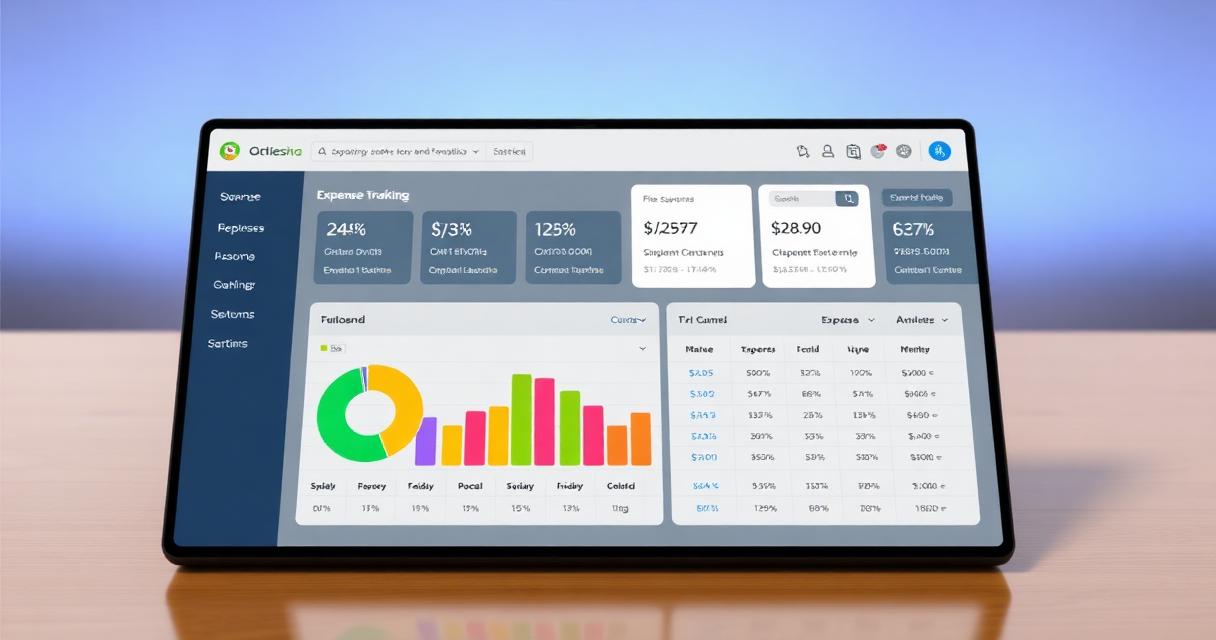
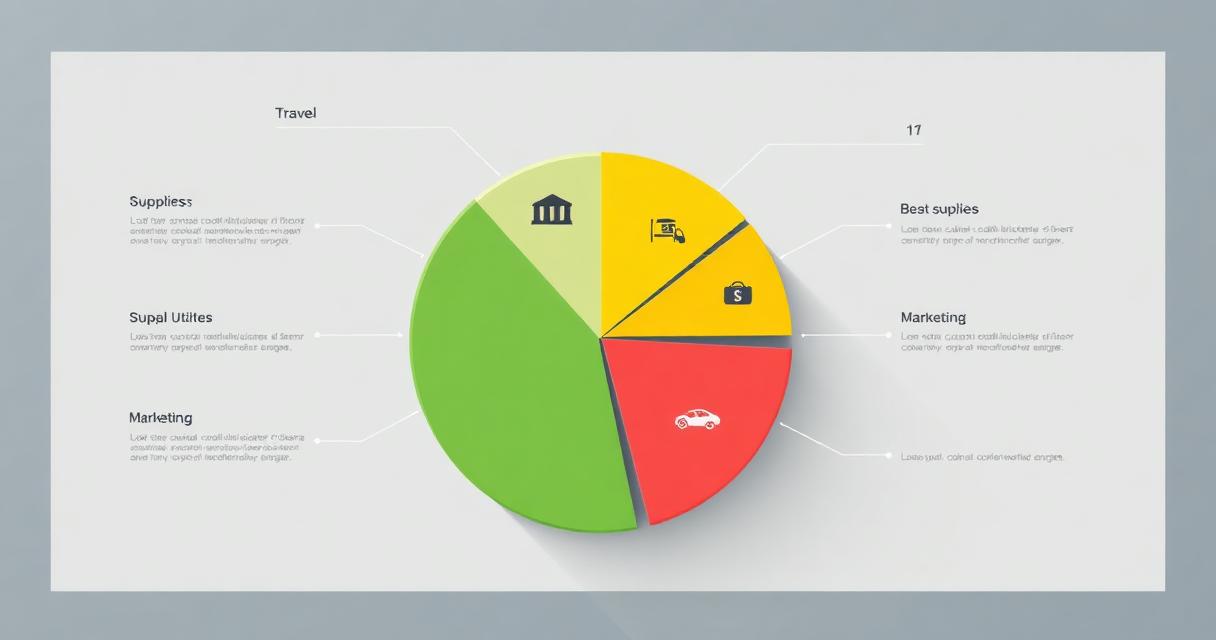
Your software should come with categories that map directly to your tax return line items. Office supplies, travel, meals, professional development, software subscriptions — each category should correspond to a deductible expense type recognised by your tax authority. Invoicemonk's expense tracking comes with pre-configured categories for multiple jurisdictions.
2. Receipt Capture and Storage
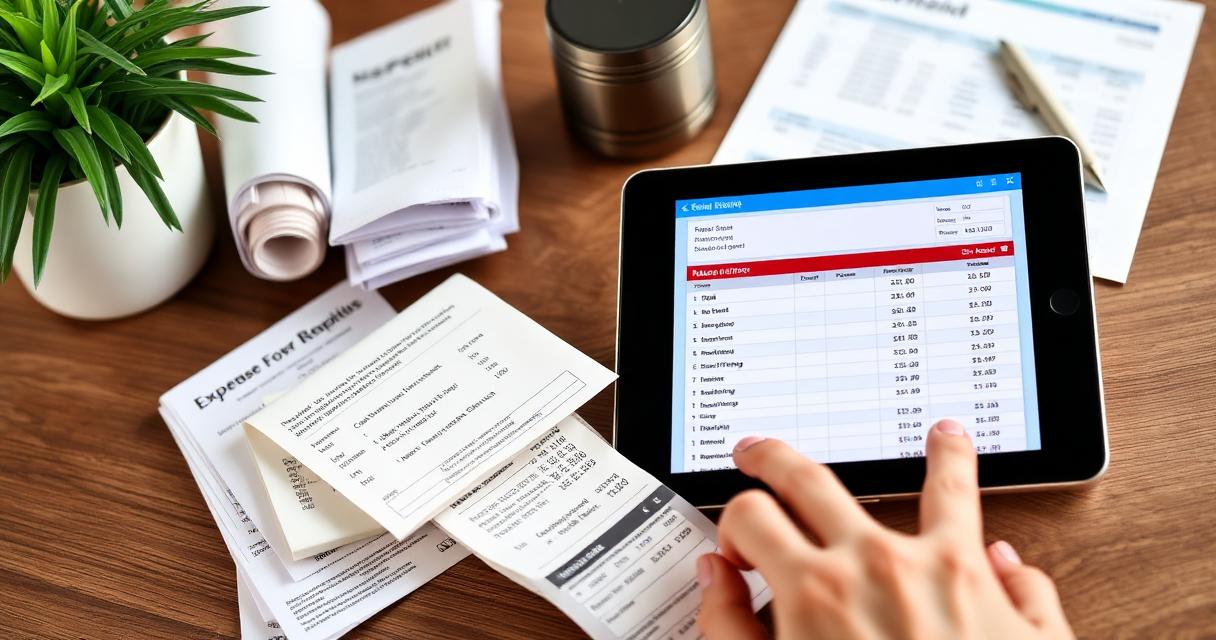
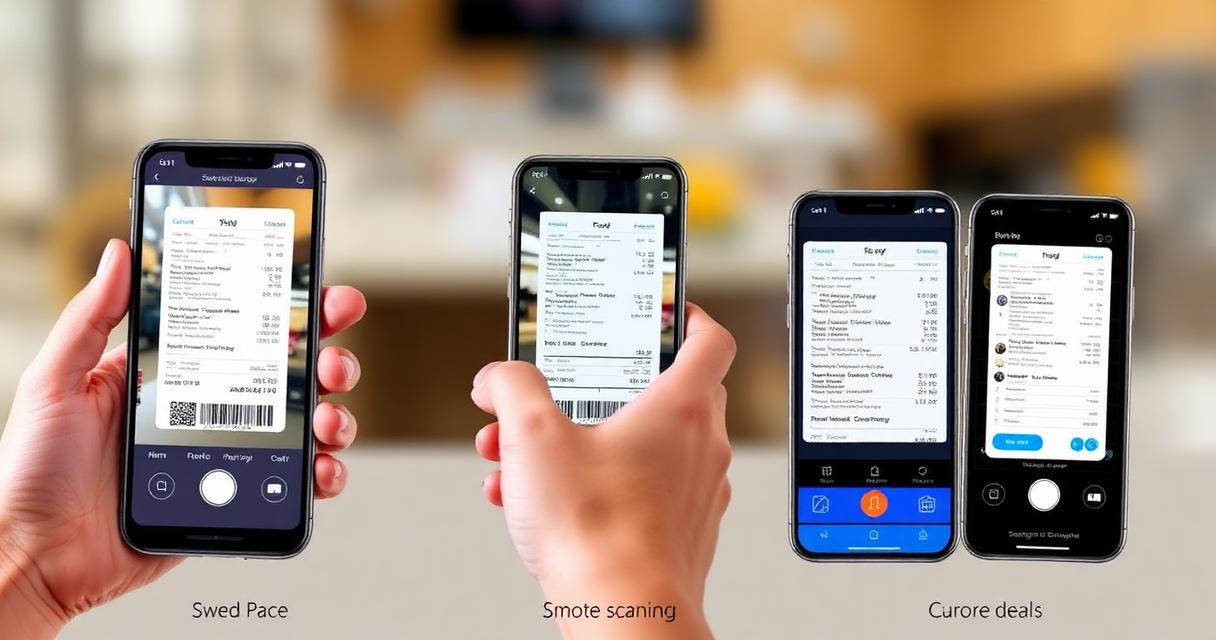
Every expense needs a receipt. The best software lets you snap a photo of a receipt, extracts key data (date, amount, merchant), and attaches it to the expense entry automatically. This creates an audit trail that satisfies tax authorities without any manual filing. See our digital receipt management guide for best practices.
3. Bank and Card Integration
Manually entering every expense is unsustainable. Look for software that syncs with your bank accounts and credit cards, importing transactions automatically. You review and categorise — the software does the data entry. This also catches expenses you might forget to record.
4. Multi-Currency Support
If you have international expenses — software subscriptions, overseas travel, foreign contractors — your tracking tool must handle multiple currencies. Invoicemonk automatically converts foreign-currency expenses at the transaction date's exchange rate, which is what most tax authorities require for reporting.
5. Tax-Ready Reports
At minimum, you need an expense summary by category for the tax year, a detailed transaction report with receipt attachments, and a profit and loss statement. These should be exportable as PDF or CSV for your accountant. Invoicemonk generates all of these from your built-in accounting module.
Top Expense Tracking Software Compared
Invoicemonk
Best for: Freelancers and small businesses who want expense tracking with invoicing and accounting in one platform.
Invoicemonk combines expense tracking with invoicing, receipt management, and accounting in a single platform. Expenses are automatically reflected in your financial reports, and tax-aligned categories ensure you're always audit-ready. The Pro plan includes expense tracking —
QuickBooks
Best for: Businesses that need payroll and inventory alongside expense tracking.
QuickBooks offers robust expense tracking with bank feeds, receipt scanning, and mileage tracking. The downside is cost: plans start at $30/month, and the learning curve can be steep for simple use cases. For a detailed comparison, see Invoicemonk vs QuickBooks.
FreshBooks
Best for: Service businesses focused on client-facing invoicing with expense tracking.
FreshBooks offers good expense tracking with receipt scanning and bank connections. However, it limits the number of billable clients on lower tiers, which can be restrictive for growing businesses. Compare in detail: Invoicemonk vs FreshBooks.
Wave
Best for: Solo freelancers who need free basic accounting with expense tracking.
Wave offers free accounting and expense tracking, but with limited receipt scanning capabilities and no multi-currency support. For businesses that need more, see Invoicemonk vs Wave.
Tax Compliance by Jurisdiction
Different tax authorities have different requirements for expense documentation:
Different tax authorities have different requirements for expense documentation:
- US (IRS): Keep records for 7 years. Expenses over $75 require receipts. Mileage logs must include date, destination, business purpose, and miles driven. See our IRS compliance guide.
- UK (HMRC): Keep records for 6 years. Making Tax Digital requires digital record-keeping. See our HMRC MTD guide.
- Nigeria (FIRS): Keep records for 6 years. VAT-registered businesses must maintain detailed expense records. See our FIRS compliance guide.
- Australia (ATO): Keep records for 5 years. GST-registered businesses need tax invoices for GST credits. See our ATO compliance guide.
Setting Up Tax-Compliant Expense Tracking
Here's a step-by-step setup process that works for any jurisdiction:
Here's a step-by-step setup process that works for any jurisdiction:
- Choose your categories: Map your expense categories to your tax return line items. Most software offers templates by country.
- Connect your bank accounts: Automate transaction import to catch every expense.
- Set up receipt scanning: Install the mobile app and scan every receipt immediately after purchase.
- Review weekly: Spend 15 minutes each week categorising new expenses and attaching receipts.
- Generate monthly reports: Review your expense summary monthly to catch errors early.
- Export at tax time: Generate your annual reports and share them with your accountant.
Related Reading
Related Reading includes: Expense Tracking Methods for Small Business Small Business Tax Deductions Guide
More in this series (14 articles)
From this series
Track, categorize, and optimize your business expenses effortlessly.
Digital Marketing, SEO Specialist, Content Creator & Product Professional
Olayinka is a digital marketer, content creator, growth and SEO specialist with 10+ years helping businesses in Nigeria, the UK, the US, Australia, and Dubai achieve their goals online.