How to Create Expense Reports as a Freelancer
Expense Management Series
This guide is part of a comprehensive series. Explore all 14 topics:
As a freelancer, you wear every hat—including accountant. Whether you need to bill a client for project-related expenses or organize your spending for tax season, a clean expense report is essential.
This guide covers the two types of expense reports freelancers need: client reimbursement reports (for expenses you want the client to pay back) and tax filing reports (for your own deductible expenses).
Type 1: Client Reimbursement Expense Reports
When your contract includes reimbursable expenses—travel, materials, software purchased for the project—you need to bill them separately or include them on your invoice.
When your contract includes reimbursable expenses—travel, materials, software purchased for the project—you need to bill them separately or include them on your invoice.
What to Include
Date of each expense Vendor/merchant name
- Date of each expense
- Vendor/merchant name
- Amount (in the project's currency)
- Category (travel, materials, software, etc.)
- Business purpose ("Flight to client site for project kickoff")
- Receipt attachment (digital scan or photo)
Best Practices
- Submit expense reports with your regular invoice—don't wait until the end of the project
- Agree on reimbursable categories in your contract before work begins
- Set a pre-approval threshold (e.g., "Expenses over $100 require client approval before purchase")
- Include receipt scans—clients appreciate transparency and it speeds up approval
Type 2: Tax Filing Expense Reports
Even if no one reimburses you, you need organized expense records for tax deductions. Your "expense report" is essentially a categorized summary of all business spending for a given period.
Even if no one reimburses you, you need organized expense records for tax deductions. Your "expense report" is essentially a categorized summary of all business spending for a given period.
Monthly Summary Format
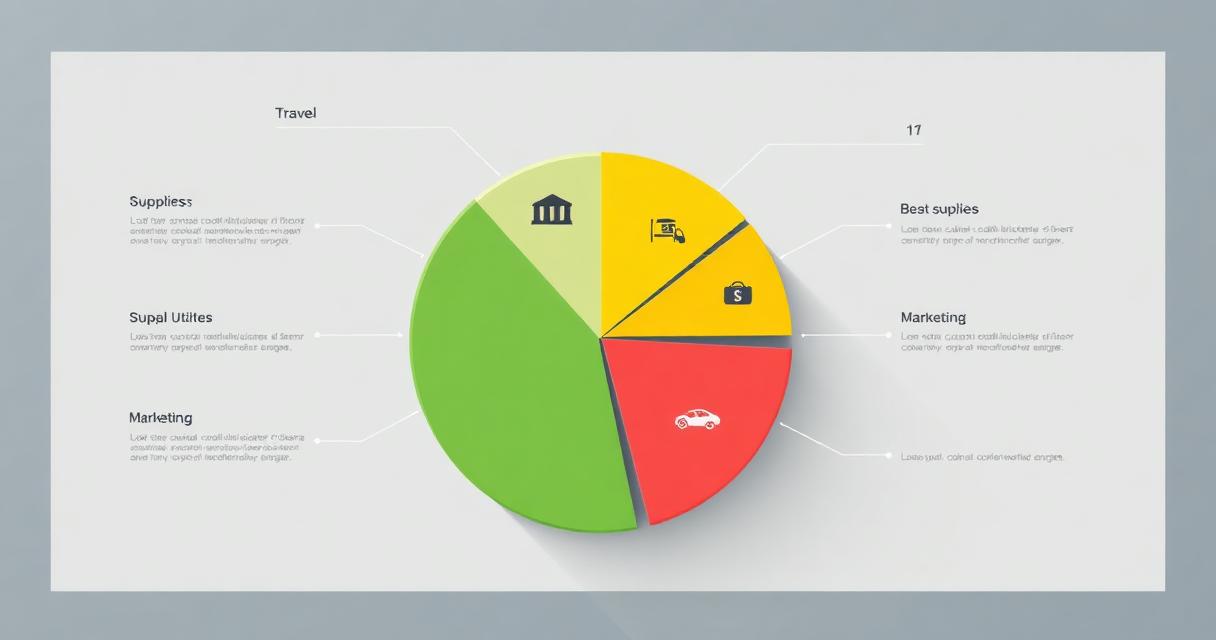
- Group expenses by category
- Total each category
- Grand total of all business expenses
- Attach all supporting receipts
Doing this monthly (rather than annually) saves massive time at tax season and makes it easier to spot unusual spending patterns.
Creating Expense Reports in Invoicemonk
Invoicemonk automates expense report creation:
Invoicemonk automates expense report creation:
- Track expenses throughout the month (snap receipts, categorize, add project tags)
- Filter by date range, client, or project
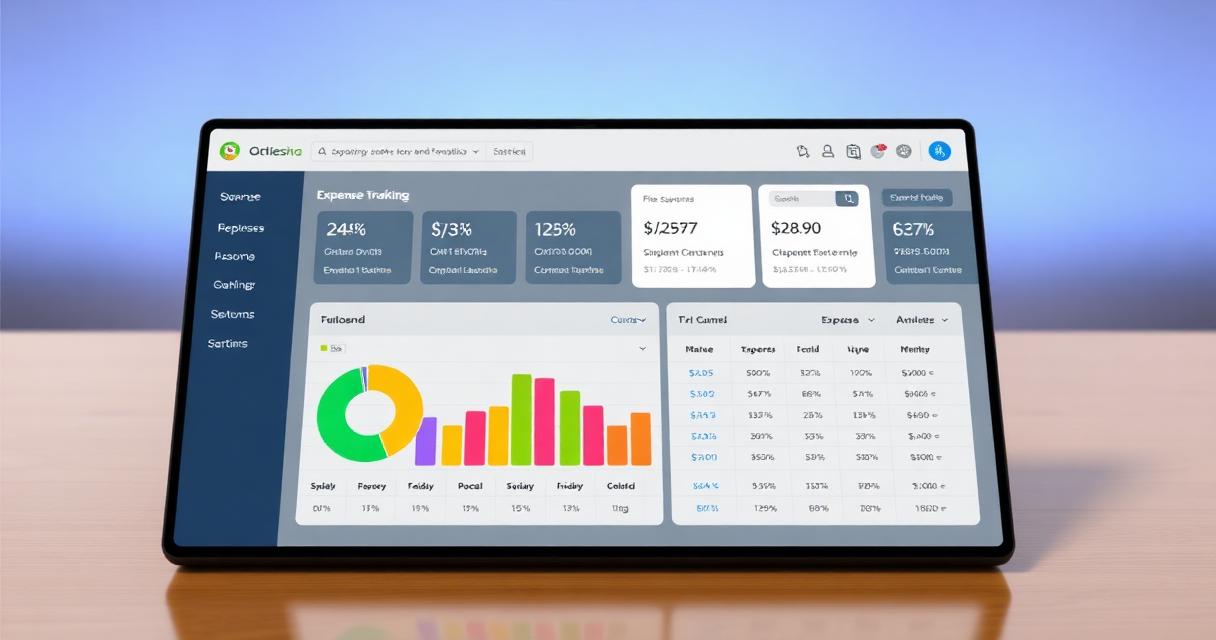
- Generate a formatted report with receipt attachments
- Attach directly to a client invoice for reimbursement, or export for your accountant
Expense Report Template
If you're creating reports manually, include these columns:
If you're creating reports manually, include these columns:
- Date | Vendor | Description | Category | Amount | Receipt (Y/N) | Billable to Client (Y/N)
Tracking Project Profitability
Beyond reimbursement and taxes, expense reports help you understand project profitability. Compare the revenue from each client against the expenses incurred to serve them.
Beyond reimbursement and taxes, expense reports help you understand project profitability. Compare the revenue from each client against the expenses incurred to serve them. Some "profitable" projects look very different once you factor in travel, software, and subcontractor costs.
For the complete expense management workflow, see our expense management guide.
More in this series (14 articles)
From this series
Track, categorize, and optimize your business expenses effortlessly.
Digital Marketing, SEO Specialist, Content Creator & Product Professional
Olayinka is a digital marketer, content creator, growth and SEO specialist with 10+ years helping businesses in Nigeria, the UK, the US, Australia, and Dubai achieve their goals online.