Expense Tracking Software with Free Tier Invoicing: Top Picks for 2026
Expense Management Series
This guide is part of a comprehensive series. Explore all 14 topics:
Why Expense Tracking and Invoicing Should Live Together
Many freelancers and small businesses use separate tools for expense tracking and invoicing — a spreadsheet for expenses, a different app for invoices, maybe a third for receipts. This fragmented approach creates three problems: duplicate data entry, inconsistent records, and an incomplete financial picture.
Many freelancers and small businesses use separate tools for expense tracking and invoicing — a spreadsheet for expenses, a different app for invoices, maybe a third for receipts. This fragmented approach creates three problems: duplicate data entry, inconsistent records, and an incomplete financial picture.
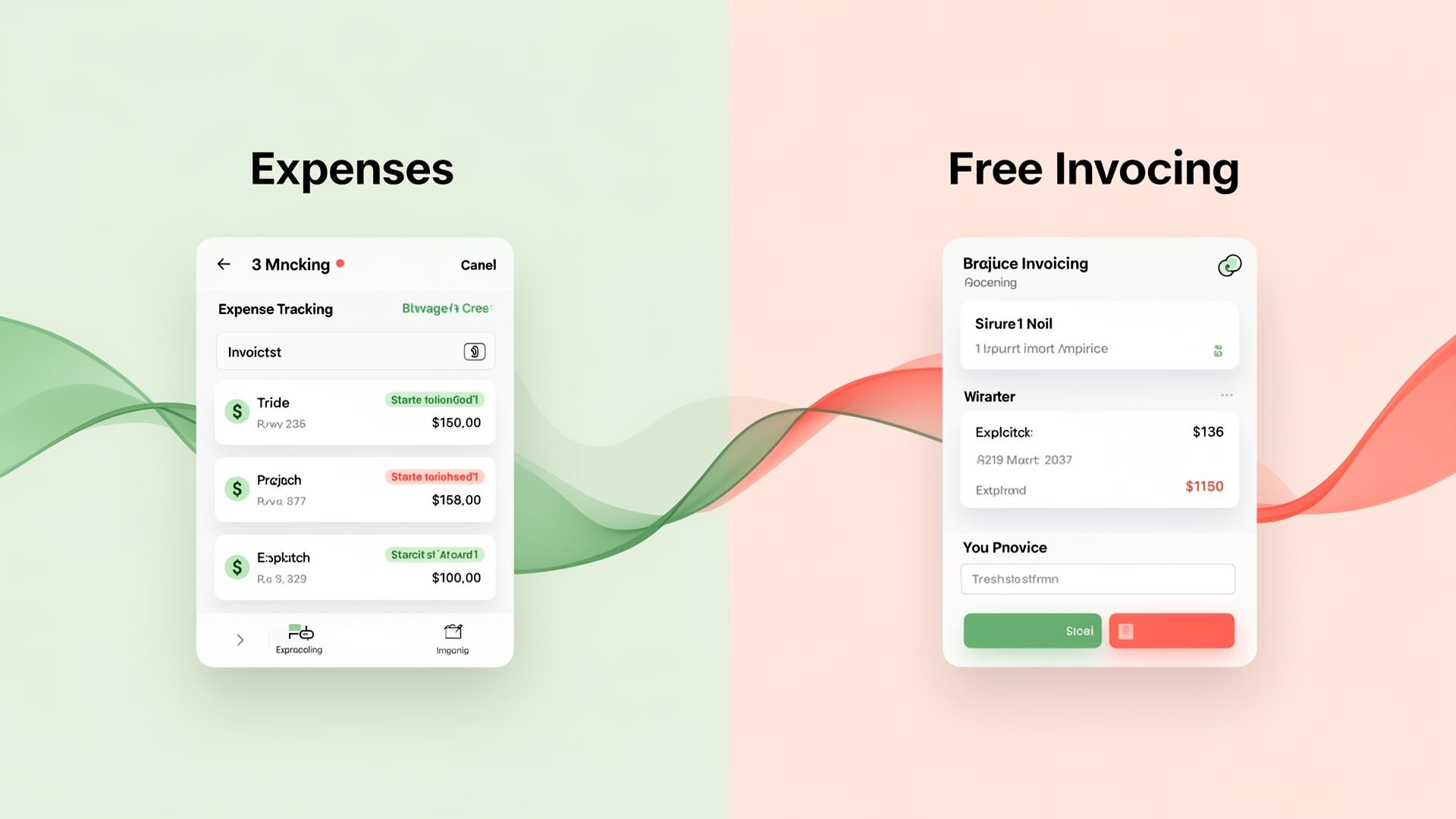
When your expense tracking and invoicing live in the same platform, every transaction — incoming and outgoing — is recorded in one place. Your profit and loss is always accurate. Your tax reports pull from a single source of truth. And you save the 2–3 hours per week that businesses typically spend reconciling data across tools.
The good news: you don't need to pay for this integration. Several platforms offer both expense tracking and invoicing on Pro plans. The question is which one gives you the most functionality without hidden limitations.
Top Free Expense Tracking + Invoicing Platforms
1. Invoicemonk — Best Paid Platform from $15/month
Invoicemonk has a Free plan ($0/month, 3 invoices/month, 1 user). The Pro plan ($15/month) includes expense tracking, invoicing, receipt management, and basic accounting, with multi-currency support, tax-compliant categories, and an invoice verification portal that competitors typically gate behind higher tiers.
Pro plan includes: Unlimited invoices, expense tracking with categories, receipt scanning, basic financial reports, multi-currency support, tax compliance features.
Upgrade for: Recurring invoices, advanced reporting, team access, API integrations.
2. Wave — Best for US/Canada Solo Freelancers
Wave offers free accounting, invoicing, and expense tracking with no client limits. It's a solid choice for North American freelancers who don't need multi-currency support. The trade-off is that Wave monetises through payment processing fees, and its receipt scanning is basic compared to dedicated tools.
Pro plan includes: Unlimited invoicing, expense tracking, basic accounting, bank connections (US/Canada).
Limitations: No multi-currency, limited receipt scanning, US/Canada bank feeds only. See Invoicemonk vs Wave for a full comparison.
3. Zoho Invoice — Best for Zoho Ecosystem Users
Zoho Invoice offers a free plan for up to 5 clients, including expense tracking and invoicing. If you're already in the Zoho ecosystem (Zoho CRM, Zoho Books), the integration is seamless. For everyone else, the 5-client limit is restrictive.
Pro plan includes: Invoicing for 5 clients, basic expense tracking, time tracking.
Limitations: 5-client cap, limited automation, expense tracking is basic. See Invoicemonk vs Zoho.
Feature Comparison: Free Tiers
Here's how the Pro plans stack up on the features that matter most:
Here's how the Pro plans stack up on the features that matter most:
- Client limits: Invoicemonk (reasonable free limits) vs Wave (unlimited) vs Zoho (5 clients) vs FreshBooks (no Pro plan)
- Multi-currency: Invoicemonk ✓ | Wave ✗ | Zoho ✗ on free | FreshBooks N/A
- Receipt scanning: Invoicemonk ✓ | Wave (basic) | Zoho ✗ on free | FreshBooks N/A
- Tax compliance: Invoicemonk ✓ | Wave (US/CA only) | Zoho (limited) | FreshBooks N/A
- Built-in accounting: Invoicemonk ✓ | Wave ✓ | Zoho (separate product) | FreshBooks N/A
When Free Isn't Enough: Signs You Need to Upgrade
Pro plans are genuinely sufficient for many businesses, but here are the signs you've outgrown them:
Pro plans are genuinely sufficient for many businesses, but here are the signs you've outgrown them:
- You're hitting client limits: If you can't add new clients without deleting old ones, it's time to upgrade.
- You need recurring invoices: Sending the same invoice manually every month is a waste of time. Recurring billing automation pays for itself quickly.
- You have a team: Multiple users need access to financial data — Pro plans rarely support this.
- You need API access: Integrating with other tools (CRM, project management) typically requires a paid plan.
- Your tax requirements are complex: Multi-jurisdiction compliance, advanced reporting, or accountant access usually require paid features.
Making the Most of Free Expense Tracking
If you're committed to staying on a Pro plan, here are strategies to maximise its value:
If you're committed to staying on a Pro plan, here are strategies to maximise its value:
- Categorise religiously: Set up your categories once and categorise every expense immediately. This saves hours at tax time.
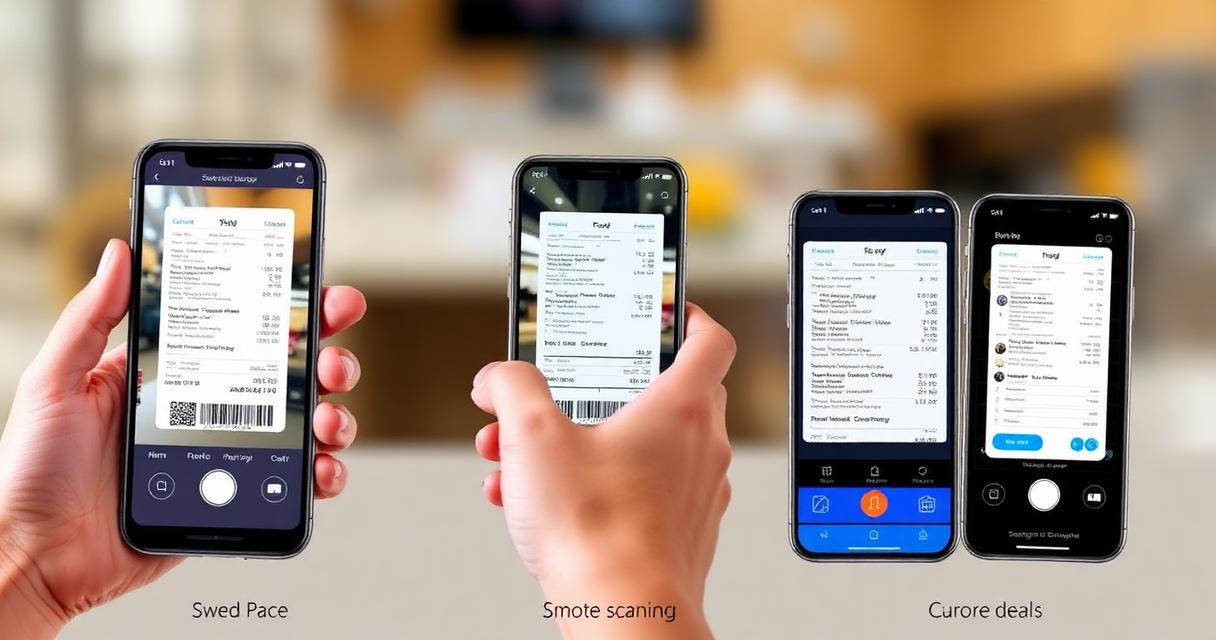
- Scan receipts instantly: Take a photo the moment you get a receipt. Waiting leads to lost receipts and missed deductions.
- Review weekly: A 15-minute weekly review catches errors and keeps your books clean.
- Use the reports: Even basic reports reveal spending patterns that can save money. Check your P&L monthly.
- Invoice promptly: Track expenses and send invoices from the same platform so your financial picture is always complete.
Related Reading
Related Reading includes: Best Expense Tracking Software with Tax Compliance Expense Tracking Methods for Small Business
More in this series (14 articles)
From this series
Track, categorize, and optimize your business expenses effortlessly.
Digital Marketing, SEO Specialist, Content Creator & Product Professional
Olayinka is a digital marketer, content creator, growth and SEO specialist with 10+ years helping businesses in Nigeria, the UK, the US, Australia, and Dubai achieve their goals online.