How to Track Business Expenses Properly: A Complete Guide
Expense Management Series
This guide is part of a comprehensive series. Explore all 14 topics:
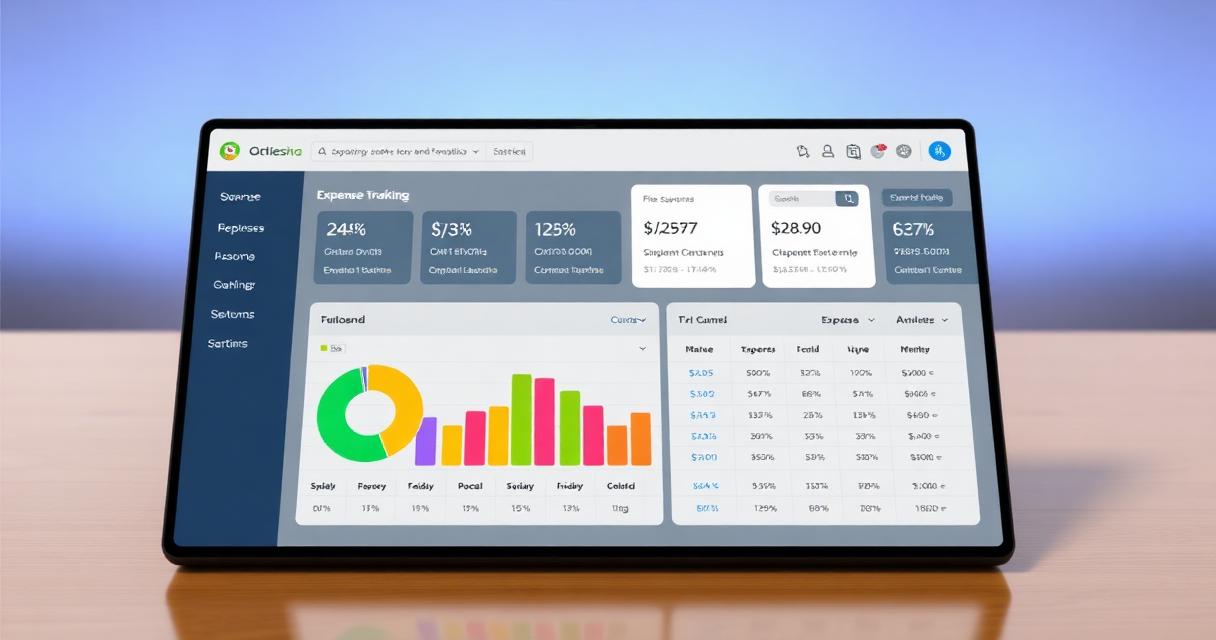
Proper expense tracking is the foundation of healthy business finances. Yet many small business owners and freelancers rely on shoeboxes of receipts, scattered spreadsheets, or plain guesswork — leaving money on the table and creating audit risk.
This guide covers practical, proven methods for tracking expenses that keep you organised, maximise your tax deductions, and make filing painless.
Why Expense Tracking Matters
Tax deductions: Every uncaptured business expense is a missed tax deduction Profit accuracy: You can't know your true profit without tracking all costs
- Tax deductions: Every uncaptured business expense is a missed tax deduction
- Profit accuracy: You can't know your true profit without tracking all costs
- Audit readiness: Tax authorities require proof of business expenses
- Cash flow visibility: Know where your money goes each month
- Better decisions: Identify unnecessary costs and optimise spending
Step 1: Separate Business and Personal
The first rule of expense tracking: open a dedicated business bank account. Mixing personal and business spending makes categorisation nearly impossible and raises red flags during audits.
The first rule of expense tracking: open a dedicated business bank account. Mixing personal and business spending makes categorisation nearly impossible and raises red flags during audits.
Read more: How to separate business and personal expenses →
Step 2: Choose Your Tracking Method
From simple to sophisticated:
- Spreadsheet: Free but manual — works for very simple businesses
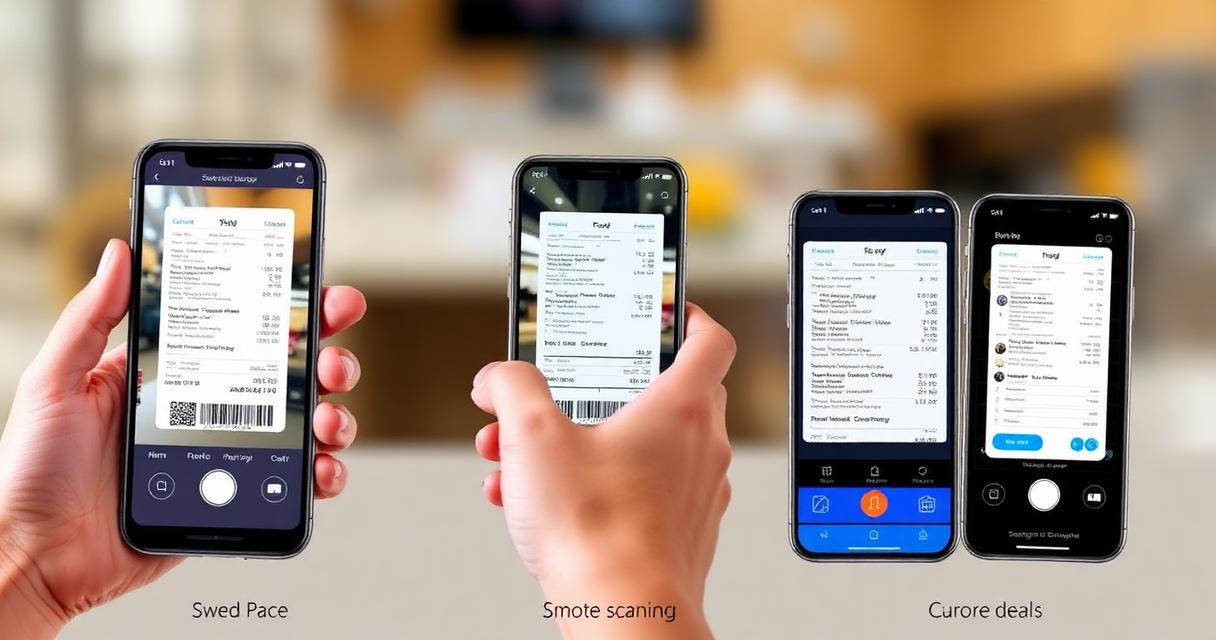
- Receipt scanning app: Photograph receipts and extract data automatically
- Expense tracking software: Purpose-built tools with bank sync, auto-categorisation, and reporting
- Full accounting suite: End-to-end from expenses to financial statements
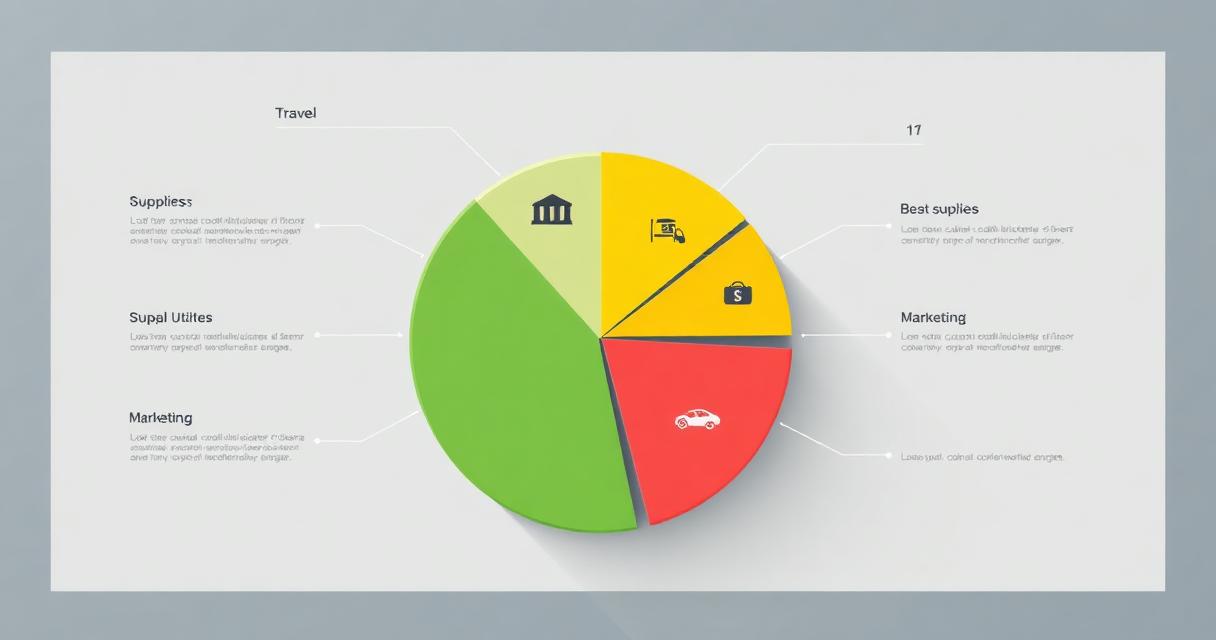
- Office supplies and equipment
- Travel and transportation
- Meals and entertainment (check deduction limits)
- Professional services (legal, accounting)
- Software and subscriptions
- Marketing and advertising
- Insurance
- Utilities and telecom
- Professional development and training
- Home office (if applicable)
Step 3: Set Up Categories
Align your categories with your tax authority's deduction categories:
Align your categories with your tax authority's deduction categories:
Read more: Complete guide to expense categories →
Step 4: Capture Receipts Immediately
The #1 rule: capture receipts the moment you make a purchase. Whether you snap a photo with your phone or use a receipt scanning tool, don't wait.
The #1 rule: capture receipts the moment you make a purchase. Whether you snap a photo with your phone or use a receipt scanning tool, don't wait. Receipts fade, get lost, and become unreadable over time.
Step 5: Reconcile Regularly
Review and reconcile expenses at least weekly — monthly at minimum. Match bank transactions to receipts, categorise anything that was auto-categorised incorrectly, and flag any suspicious charges.
Review and reconcile expenses at least weekly — monthly at minimum. Match bank transactions to receipts, categorise anything that was auto-categorised incorrectly, and flag any suspicious charges.
Step 6: Generate Reports
Run expense reports monthly to understand your spending patterns. Look for trends, identify costs you can cut, and ensure you're on budget.
Run expense reports monthly to understand your spending patterns. Look for trends, identify costs you can cut, and ensure you're on budget. These reports also form the basis of your tax filings.
Get Started with Invoicemonk
Invoicemonk's expense tracking combines receipt scanning, auto-categorisation, and tax-ready reporting in one platform. Connect your bank account and start tracking expenses automatically — get started.
Invoicemonk's expense tracking combines receipt scanning, auto-categorisation, and tax-ready reporting in one platform. Connect your bank account and start tracking expenses automatically — get started.
More in this series (14 articles)
From this series
Track, categorize, and optimize your business expenses effortlessly.
Digital Marketing, SEO Specialist, Content Creator & Product Professional
Olayinka is a digital marketer, content creator, growth and SEO specialist with 10+ years helping businesses in Nigeria, the UK, the US, Australia, and Dubai achieve their goals online.