Expense Tracking: Spreadsheet vs Software — Which Should You Use?
Expense Management Series
This guide is part of a comprehensive series. Explore all 14 topics:
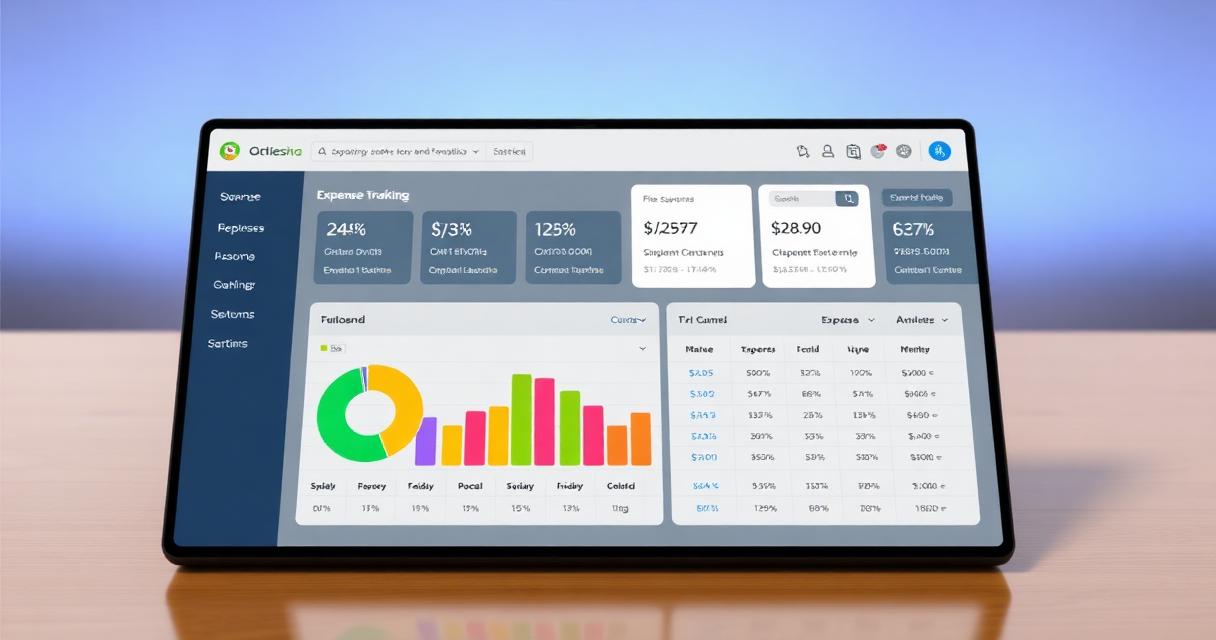
Compare spreadsheet-based expense tracking with dedicated software — features, costs, limitations, and when to make the switch. This guide gives the answer first, then covers required invoice fields, workflow choices, compliance checks, common mistakes, and practical next steps so readers can act without comparing multiple sources.
The Spreadsheet vs Software Debate
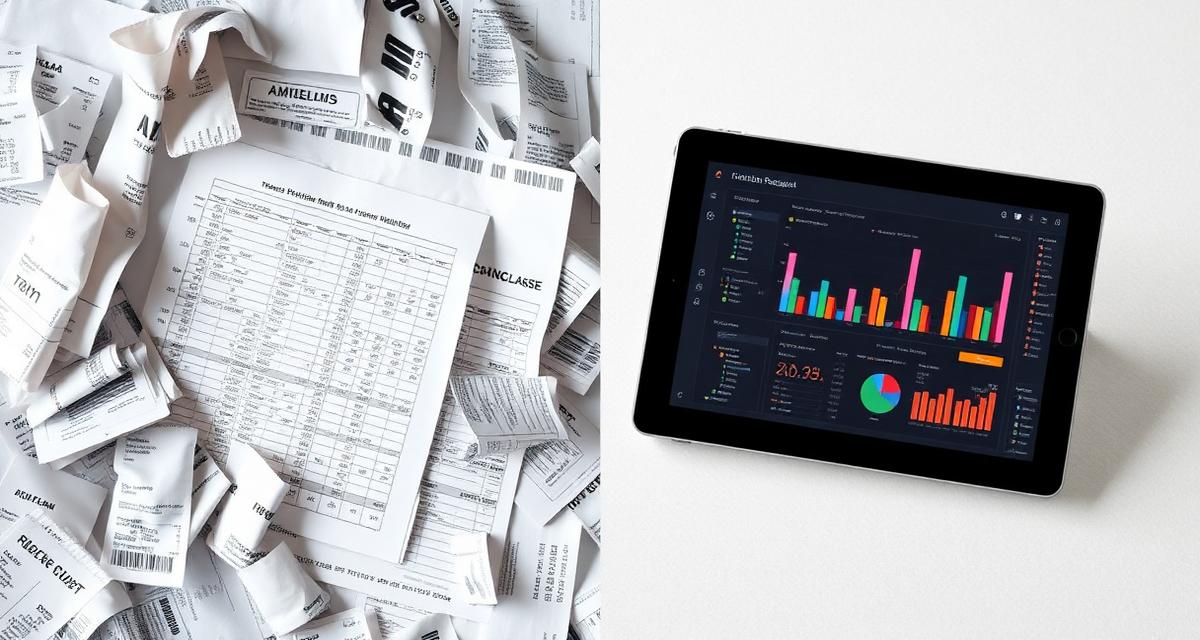
Every business starts tracking expenses in a spreadsheet — it's free, familiar, and flexible. But as your business grows, the limitations of spreadsheets become painful: manual data entry, formula errors, no receipt storage, and no integration with your invoicing or accounting system.
Every business starts tracking expenses in a spreadsheet — it's free, familiar, and flexible. But as your business grows, the limitations of spreadsheets become painful: manual data entry, formula errors, no receipt storage, and no integration with your invoicing or accounting system.
This guide helps you decide when a spreadsheet is good enough and when it's time to upgrade to dedicated expense tracking software.
Spreadsheet Expense Tracking
Pros
- Free — Google Sheets or LibreOffice cost nothing
- Flexible — customize columns, categories, and formulas to your needs
- Familiar — no learning curve for most people
- Full control — your data, your structure, your rules
Cons
- Manual data entry — every expense must be typed in by hand
- No receipt storage — you need a separate system for receipt images
- Error-prone — one wrong formula breaks everything
- No automation — no bank feeds, no auto-categorization
- Single-user — collaboration is awkward and conflict-prone
- No tax reports — you must build reports manually
- Audit risk — spreadsheets don't provide audit trails
Dedicated Expense Software
Pros
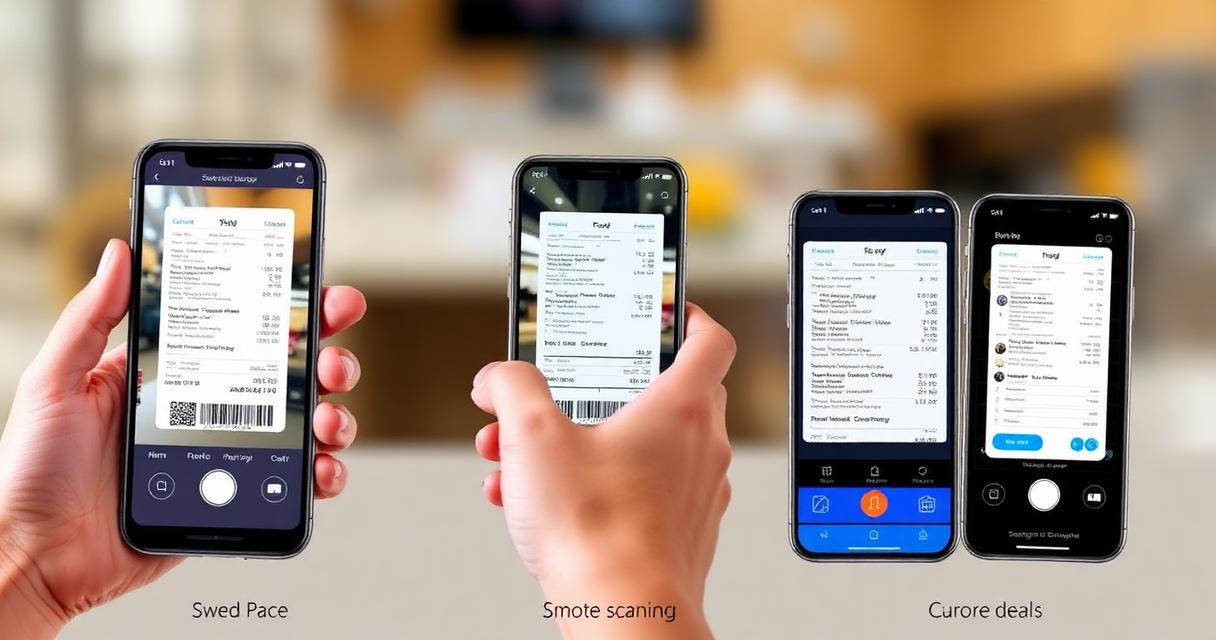
- Receipt scanning — snap a photo, auto-extract data
- Auto-categorization — AI categorizes expenses by type
- Bank integration — automatic import of transactions
- Tax reports — generate tax-ready reports with one click
- Invoicing integration — link expenses to invoices for client billing
- Multi-user — team members submit expenses for approval
- Audit trail — every change is tracked and timestamped
- Mobile access — track expenses on the go
Cons
- Monthly cost — $5-$30/month for most small business plans
- Learning curve — some time to set up and learn
- Vendor dependency — your data lives in someone else's system
When to Switch from Spreadsheet to Software
Make the switch when you hit any of these triggers:
Make the switch when you hit any of these triggers:
- You have 20+ expenses per month — manual entry becomes a time sink
- You need to track receipts — for tax compliance or client billing
- You file VAT/GST returns — tax categories and reports are essential
- You bill expenses to clients — integration with invoicing software saves hours
- You have employees or contractors — they need to submit expenses for approval
- Your accountant asks for proper records — at year-end or audit time
Invoicemonk for Expense Tracking
Invoicemonk's expense tracking is built into your invoicing and accounting workflow:
Invoicemonk's expense tracking is built into your invoicing and accounting workflow:
- Receipt photo capture and OCR extraction
- Automatic tax categorization aligned with your jurisdiction
- Link expenses to specific clients or projects for rebilling
- Generate tax-ready expense reports
- Multi-currency support for international expenses
- No extra cost — included in all plans
FAQ
Can I import my spreadsheet data into expense software?
Most expense tracking software accepts CSV imports. Format your spreadsheet with standard columns (date, description, amount, category, tax) and import it.
Most expense tracking software accepts CSV imports. Format your spreadsheet with standard columns (date, description, amount, category, tax) and import it. You'll save your historical data while gaining all the automation benefits going forward.
Is a spreadsheet acceptable for tax purposes?
In most jurisdictions, yes — as long as you maintain supporting documentation (receipts). However, spreadsheets are easier to manipulate, which makes them less credible during audits.
In most jurisdictions, yes — as long as you maintain supporting documentation (receipts). However, spreadsheets are easier to manipulate, which makes them less credible during audits. Software with immutable audit trails provides stronger evidence of legitimate expenses.
What's the biggest mistake freelancers make when tracking expenses?
Waiting until tax season to reconstruct the year from bank statements instead of logging expenses as they happen.
Waiting until tax season to reconstruct the year from bank statements instead of logging expenses as they happen. This leads to missed deductions because receipts are lost and memory of business purpose fades. Log expenses weekly, whichever method you use.
Do I need to track expenses under a certain amount?
Yes — most tax authorities require documentation regardless of amount, though some allow simplified records for very small purchases.
Yes — most tax authorities require documentation regardless of amount, though some allow simplified records for very small purchases (for example, under $75 in the US for certain categories). Check your local rules, and when in doubt, keep the receipt.
More in this series (14 articles)
From this series
Track, categorize, and optimize your business expenses effortlessly.
Digital Marketing, SEO Specialist, Content Creator & Product Professional
Olayinka is a digital marketer, content creator, growth and SEO specialist with 10+ years helping businesses in Nigeria, the UK, the US, Australia, and Dubai achieve their goals online.