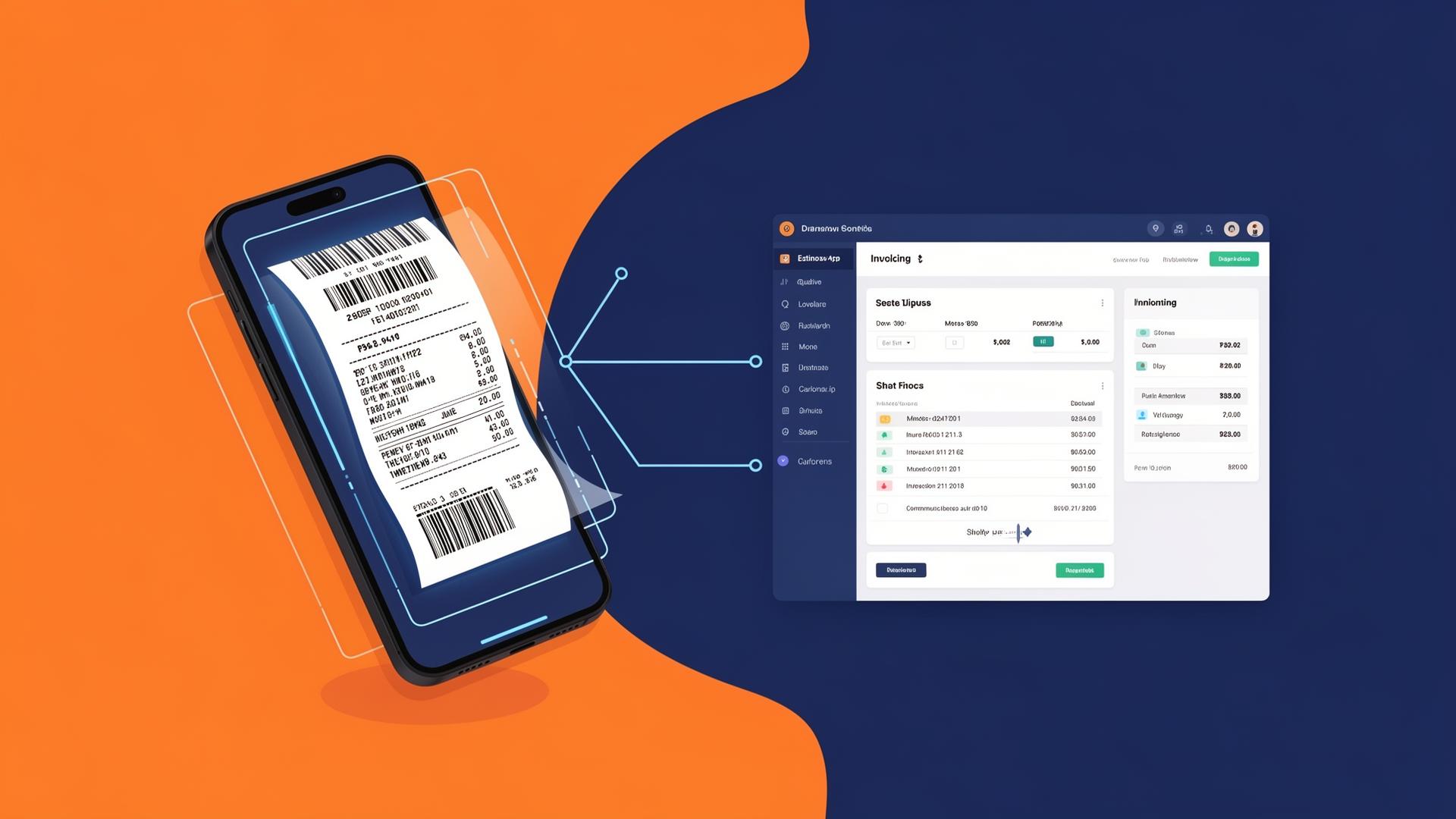
Best Receipt Scanning with Invoicing Integration for Freelancers
Expense Management Series
This guide is part of a comprehensive series. Explore all 14 topics:
Why Receipt Scanning Needs Invoicing Integration
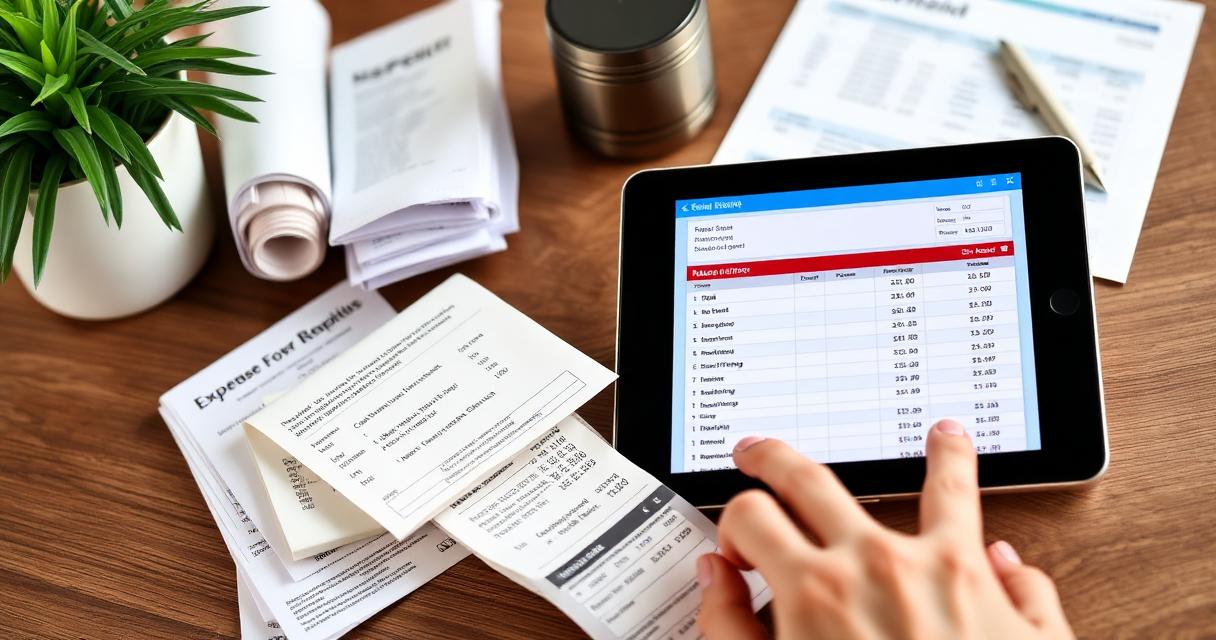
Receipt scanning in isolation is useful but incomplete. You capture the expense, but then what?
Receipt scanning in isolation is useful but incomplete. You capture the expense, but then what? If your receipt scanner and invoicing tool are separate systems, you end up with expenses in one place and revenue in another. Your financial picture is fragmented — you can't generate an accurate P&L, you can't see your true profitability, and tax time requires manual reconciliation across tools.
When receipt scanning is integrated with your invoicing platform, every financial transaction — money in (invoices) and money out (expenses with receipts) — lives in one system. Your accounting is always current, your tax compliance is automatic, and you can answer "how profitable was last month?" with a single click.
Top Receipt Scanning Solutions Compared
1. Invoicemonk — Best Integrated Solution
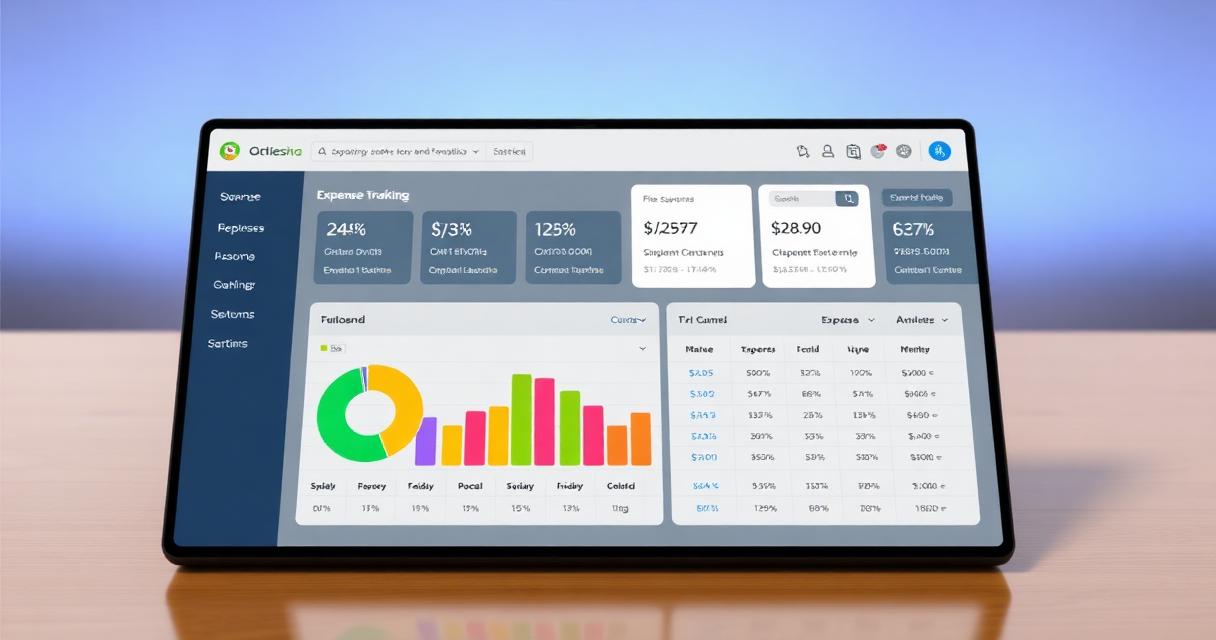
Invoicemonk's receipt management is built directly into its invoicing and expense tracking platform. Scan a receipt, and the expense is automatically categorised, recorded, and reflected in your financial reports. No third-party integration needed, no data sync issues, no extra subscription.
Key features: OCR data extraction, auto-categorisation, expense linking, tax-ready reporting, search by date/merchant/amount.
Pricing: Included in all plans, including free.
2. Dext (formerly Receipt Bank) — Best Dedicated Scanner
Dext is the industry leader in receipt scanning with powerful OCR, multi-language support, and excellent accuracy. It integrates with Xero, QuickBooks, and Sage — but not with most standalone invoicing tools. This means you need a separate invoicing tool and a separate subscription for Dext.
Key features: Industry-leading OCR, email forwarding, auto-publish to accounting, supplier rules.
Pricing: From $20/month. Requires separate accounting/invoicing software.
3. Expensify — Best for Teams
Expensify excels at team expense management with approval workflows, corporate card reconciliation, and expense policies. For solo freelancers, it's overkill and expensive. For small teams, it's powerful.
Key features: SmartScan OCR, expense policies, approval workflows, corporate card feeds.
Pricing: Free for individuals (limited), $5/user/month for teams.
4. QuickBooks + Receipt Capture
QuickBooks includes built-in receipt scanning on all paid plans. The OCR is decent, and receipts attach directly to expense entries within QuickBooks' accounting. The downside is cost ($30+/month) and the complexity of QuickBooks for simple use cases.
What to Look for in Receipt Scanning with Invoicing Integration
OCR accuracy: The scanner should correctly extract date, amount, merchant name, and category from most receipts without manual correction. Auto-categorisation: After scanning, the expense should be automatically placed in the correct category (office supplies, travel, meals, etc.
- OCR accuracy: The scanner should correctly extract date, amount, merchant name, and category from most receipts without manual correction.
- Auto-categorisation: After scanning, the expense should be automatically placed in the correct category (office supplies, travel, meals, etc.).
- Direct expense linking: Scanned receipts should attach to expense entries that feed into your P&L and tax reports.
- Search and retrieval: You need to find specific receipts during audits. Search by date range, amount, merchant, or category.
- Cloud storage: Receipts should be stored securely in the cloud with automatic backups. Paper receipts fade; digital copies don't.
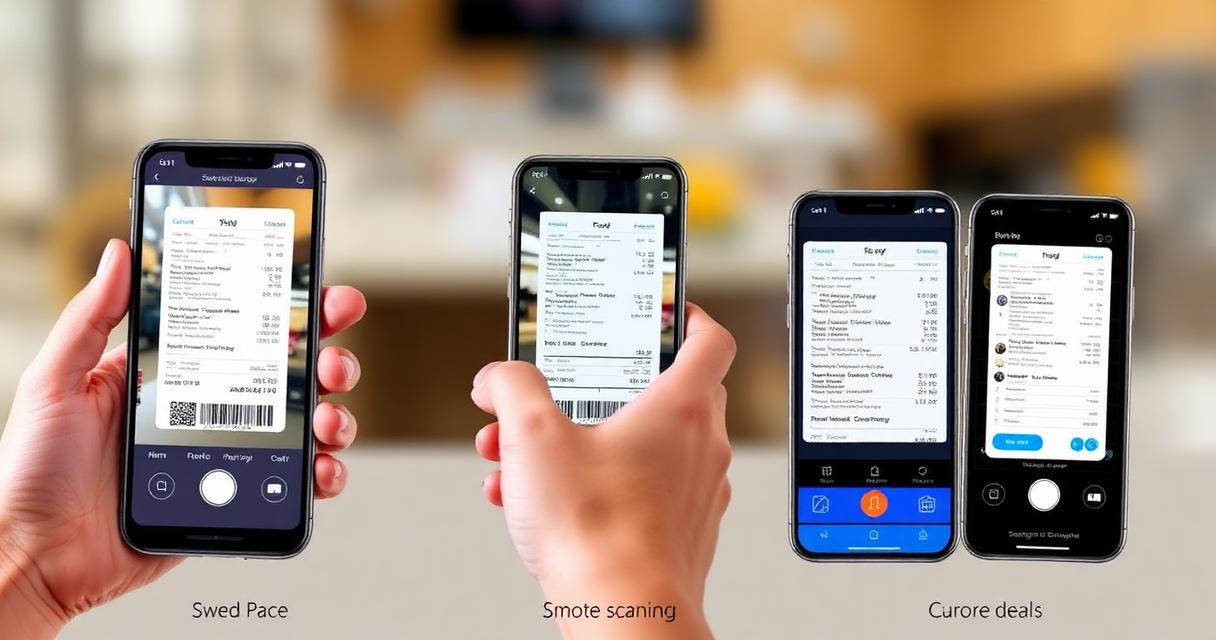
- Mobile scanning: Most receipts are captured on the go. The mobile app experience matters as much as the desktop one.
The Tax Compliance Connection
Receipt scanning isn't just about organisation — it's about tax compliance. Tax authorities require documentary evidence for every business expense you claim.
Receipt scanning isn't just about organisation — it's about tax compliance. Tax authorities require documentary evidence for every business expense you claim. Without receipts, you can't substantiate deductions, and unsubstantiated deductions trigger penalties during audits.
Different authorities have different receipt requirements:
- IRS (US): Receipts required for expenses over $75. All receipts recommended.
- HMRC (UK): Receipts for all VAT-reclaimable expenses. Digital copies accepted under MTD.
- FIRS (Nigeria): Receipts supporting all claimed deductions. Digital copies accepted.
- ATO (Australia): Receipts for all expenses over AUD 82.50 (or all GST-claimable expenses).
For detailed requirements, see our country-specific compliance guides: IRS, HMRC, FIRS, ATO.
Building a Receipt Management Habit
Building a Receipt Management Habit includes: Scan immediately: The moment you receive a receipt, scan it. Waiting leads to lost receipts — the #1 reason freelancers miss deductions.
- Scan immediately: The moment you receive a receipt, scan it. Waiting leads to lost receipts — the #1 reason freelancers miss deductions.
- Review weekly: Spend 10 minutes each week reviewing scanned receipts, correcting any OCR errors, and ensuring categorisation is correct.
- Archive monthly: At month-end, generate an expense report and verify totals against your bank statement.
- Audit yearly: Before tax filing, review the full year's receipts and ensure every significant expense is documented.
Related Reading
Related Reading includes: Digital Receipt Management Guide Receipt Scanning Apps Comparison
More in this series (14 articles)
From this series
Track, categorize, and optimize your business expenses effortlessly.
Digital Marketing, SEO Specialist, Content Creator & Product Professional
Olayinka is a digital marketer, content creator, growth and SEO specialist with 10+ years helping businesses in Nigeria, the UK, the US, Australia, and Dubai achieve their goals online.