Invoicing Software with Built-In Tax Compliance: Why It Matters in 2026
Invoicing Mastery Series
This guide is part of a comprehensive series. Explore all 33 topics:
The Hidden Risk of Non-Compliant Invoices
Most freelancers and small business owners don't think about tax compliance until they get a letter from the tax authority. By then, the damage is done: penalties for non-compliant invoices, interest on underpaid tax, and the stress and cost of an audit that could have been avoided.
Most freelancers and small business owners don't think about tax compliance until they get a letter from the tax authority. By then, the damage is done: penalties for non-compliant invoices, interest on underpaid tax, and the stress and cost of an audit that could have been avoided.
The problem is that tax compliance isn't simple. Each jurisdiction has different requirements for what must appear on an invoice — your tax registration number, specific tax breakdown formats, currency specifications, and more. A UK invoice must show VAT separately; a Nigerian invoice needs an NRS-compliant format; an Australian invoice needs your ABN. Miss any of these, and your invoice is non-compliant.
This is why tax compliance should be built into your invoicing software, not handled manually or bolted on as an afterthought. When compliance is built in, every invoice you create is automatically correct — no memorising rules, no manual calculations, no risk.
What "Built-In Tax Compliance" Actually Means
Automatic Tax Calculation
Configure your tax rates once, and every invoice calculates tax automatically. No more manual multiplication, no rounding errors, no forgetting to add tax to a rush invoice. Invoicemonk stores tax rates per jurisdiction and applies them based on your client's location.
Legally Required Invoice Elements
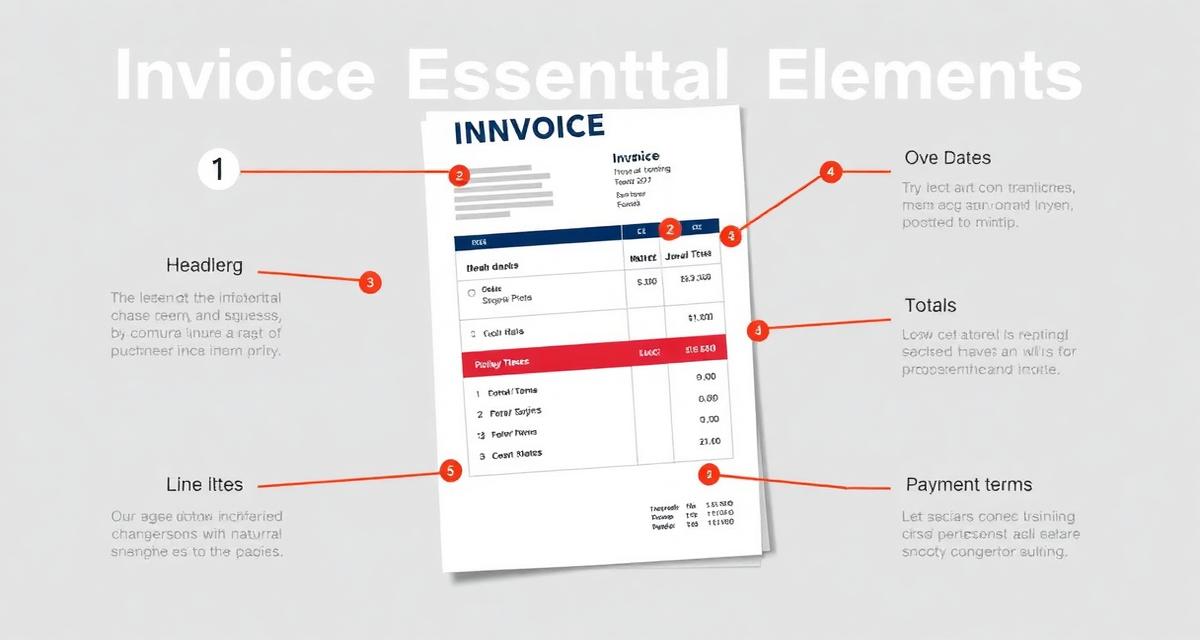
Different countries require different information on invoices. Built-in compliance means the software knows what's needed and includes it automatically:
- UK: VAT number, VAT amount shown separately, VAT rate per line item
- Nigeria: TIN, NRS-compliant format, VAT breakdown
- Australia: ABN, GST amount, whether prices include GST
- US: Sales tax by state, EIN where required
- Canada: GST/HST number, provincial tax breakdowns
Tax Reports for Filing
At the end of each tax period, you need reports that match what your tax authority expects. Built-in compliance means one-click generation of VAT returns data, GST summaries, and income/expense reports by tax category. These reports flow directly from your invoicing data — no reconciliation needed.
Platforms Compared on Tax Compliance
Invoicemonk
The strongest multi-jurisdiction compliance support. Invoicemonk's compliance engine covers the US, UK, Nigeria, Australia, Canada, Ghana, Kenya, and South Africa with pre-configured tax rules for each. Invoices automatically include the correct tax registration numbers, calculations, and formatting. The built-in accounting module generates tax reports that map directly to authority requirements.
QuickBooks
Strong US and UK tax support through its established ecosystem. QuickBooks handles US sales tax and UK VAT well, with automated calculations and MTD-compatible filing. However, support for African and emerging markets is limited.
Xero
Good multi-jurisdiction support, particularly for UK, Australia, and New Zealand. Xero's tax engine handles VAT and GST natively. Strong accountant ecosystem. Limited emerging market support.
Wave
Basic tax support for US and Canada only. No VAT/GST handling for other jurisdictions. Not suitable for international businesses.
The Cost of Getting Tax Compliance Wrong
The penalties for non-compliant invoicing vary by jurisdiction, but they're universally painful:
The penalties for non-compliant invoicing vary by jurisdiction, but they're universally painful:
- UK (HMRC): Up to £400 per non-compliant VAT invoice, plus interest on underpaid VAT
- Nigeria (FIRS): 50,000 NGN penalty per non-compliant invoice plus 5% of underpaid VAT
- Australia (ATO): Denial of GST credits for non-compliant invoices, plus administrative penalties
- US (IRS): Accuracy-related penalties of 20% of underpaid tax, plus interest
These penalties are entirely avoidable with software that handles compliance automatically. For detailed compliance requirements by country, see our compliance page and country-specific guides for HMRC, FIRS, ATO, and IRS.
Setting Up Tax-Compliant Invoicing
Setting Up Tax-Compliant Invoicing includes: Register for tax: Ensure you're registered with your tax authority and have your registration number (VAT number, TIN, ABN, EIN). Configure your software: Enter your tax registration details and set up the correct tax rates for your jurisdiction in Invoicemonk's settings.
- Register for tax: Ensure you're registered with your tax authority and have your registration number (VAT number, TIN, ABN, EIN).
- Configure your software: Enter your tax registration details and set up the correct tax rates for your jurisdiction in Invoicemonk's settings.
- Set default tax per client: If you serve clients in multiple jurisdictions, set the correct tax treatment per client (taxable, exempt, reverse charge).
- Review your first few invoices: Verify that tax is calculated correctly and all required elements appear on the invoice.
- Generate test reports: Run a VAT/GST report for the current period to confirm the numbers match your expectations.
Related Reading
Related Reading includes: Small Business Tax Compliance Guide Tax Deductions Guide
More in this series (33 articles)
From this series
Master the art of professional invoicing to get paid faster and look more professional.
Related Topics
Digital Marketing, SEO Specialist, Content Creator & Product Professional
Olayinka is a digital marketer, content creator, growth and SEO specialist with 10+ years helping businesses in Nigeria, the UK, the US, Australia, and Dubai achieve their goals online.