How to Set Up Recurring Invoices Automatically (2026 Guide)
Invoicing Mastery Series
This guide is part of a comprehensive series. Explore all 33 topics:
If you have clients who pay you the same amount on a regular schedule, manually creating invoices each month is a waste of your time. Manual invoicing wastes 2–4 hours per month for businesses with just 5–10 recurring clients — nearly a full work week per year on repetitive data entry. Recurring invoices automate this process, ensuring consistent billing without the administrative headache. Whether you're a consultant with monthly retainers, a service provider with maintenance contracts, or a SaaS business with subscription clients, recurring invoices can transform your billing workflow.
What Are Recurring Invoices?
Recurring invoices are invoices that are automatically generated and sent at specified intervals—weekly, monthly, quarterly, or annually. Once you set up the template and schedule, your invoicing software handles the rest.
Recurring invoices are invoices that are automatically generated and sent at specified intervals—weekly, monthly, quarterly, or annually. Once you set up the template and schedule, your invoicing software handles the rest.
Key features of recurring invoices include:
- Automatic generation on your specified schedule
- Consistent formatting and line items
- Automatic delivery via email
- Sequential invoice numbering
- Payment tracking and reminder automation
When to Use Recurring Invoices
Recurring invoices are ideal for predictable, regular billing situations:
Recurring invoices are ideal for predictable, regular billing situations:
Monthly Retainer Arrangements
Consultants, agencies, and professionals often work on monthly retainers. Instead of creating a new invoice every month, set up a recurring invoice that goes out automatically on the 1st (or your preferred date). This ensures you never forget to bill and your client knows exactly when to expect the invoice.
Subscription Services
If you offer ongoing services—software subscriptions, maintenance plans, membership fees—recurring invoices keep your billing consistent. Clients appreciate the predictability, and you maintain steady cash flow.
Ongoing Maintenance Contracts
IT support, property maintenance, equipment servicing—any contract with regular scheduled work is perfect for recurring billing. Set it up once and let automation handle the rest.
Rent and Lease Payments
If you're a landlord or lease equipment, recurring invoices ensure you never miss a billing cycle and maintain a clear paper trail for all payments.
Installment Plans
For large purchases split into monthly payments, recurring invoices track the schedule and automatically bill each installment until the total is paid.
Setting Up Recurring Invoices Effectively
To maximize the benefits of recurring invoices, follow these best practices:
To maximize the benefits of recurring invoices, follow these best practices:
Step-by-step setup in Invoicemonk
- Create a base invoice — add all line items, tax rates, and payment terms.
- Set the frequency — weekly, bi-weekly, monthly, quarterly, or annually.
- Choose the start date — when the first invoice should be generated.
- Set the end condition — after X invoices, on a specific date, or indefinitely.
- Enable auto-send — invoices are created and emailed automatically.
- Add a payment link — include an online payment link for instant collection.
Choose the Right Frequency
Match your billing frequency to your service delivery and client expectations:
- Weekly: For high-frequency services or short-term projects
- Bi-weekly: Common for certain payroll or service cycles
- Monthly: The most common frequency for retainers and subscriptions
- Quarterly: For seasonal services or larger engagements
- Annually: For yearly memberships or service renewals
Set Clear Start and End Dates
Define when the recurring billing begins and, if applicable, when it ends. For ongoing relationships, you might leave the end date open. For fixed-term contracts (12-month agreements), set the end date so billing stops automatically.
Include All Necessary Details
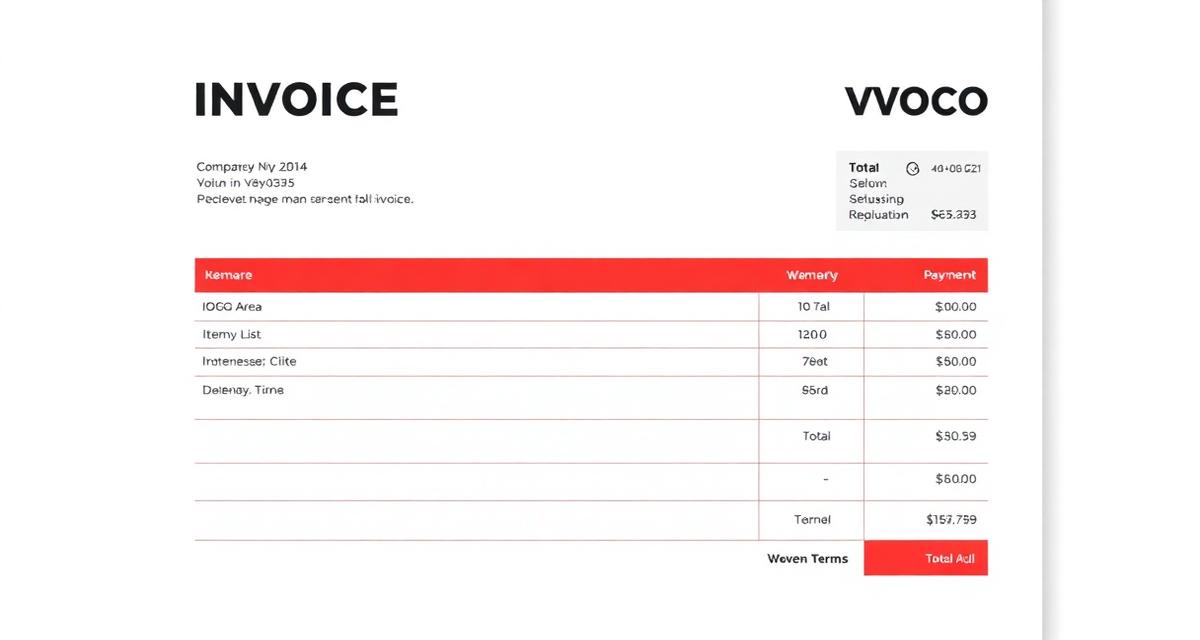
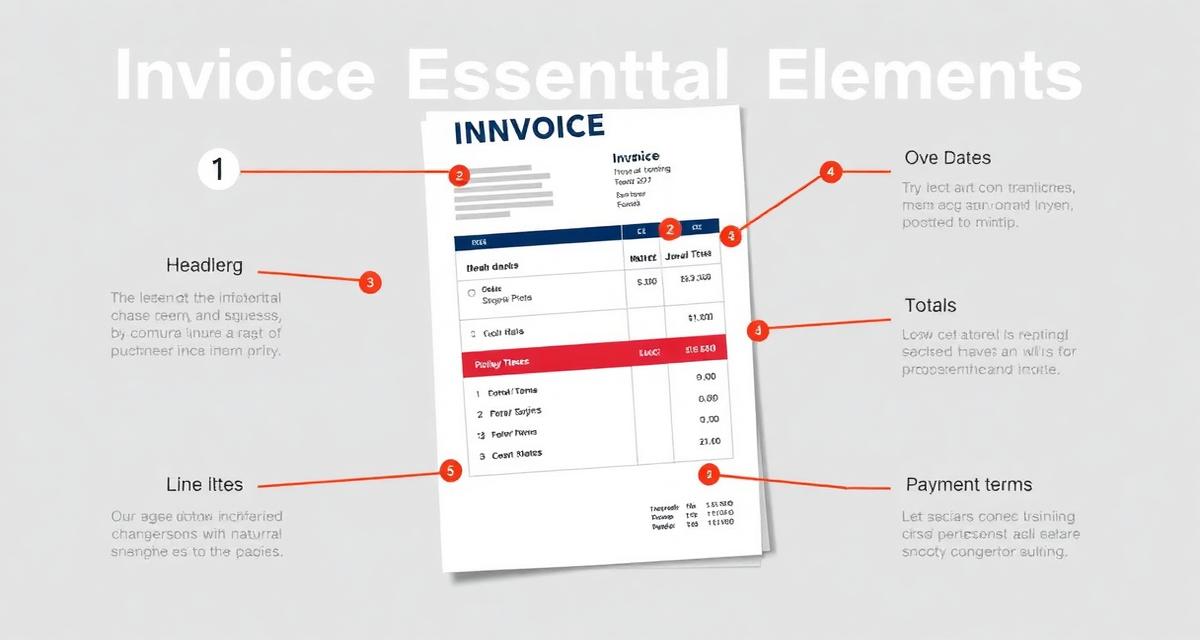
Your recurring invoice template should include:
- Complete client information
- Detailed description of services
- Fixed pricing (or formulas for variable charges)
- Payment terms and due dates
- Any applicable taxes
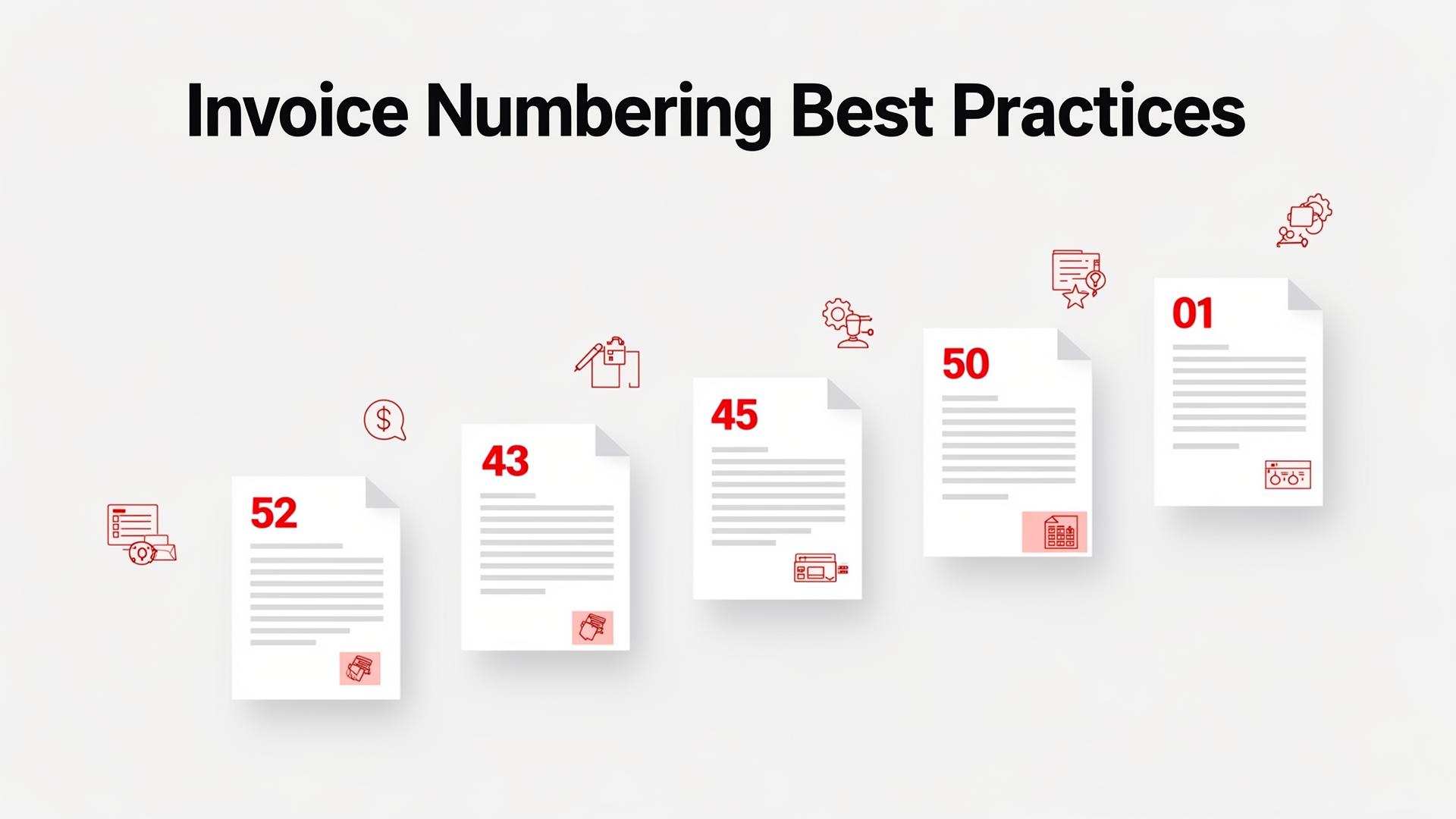
- Consistent invoice numbering — use a recurring-friendly scheme such as
REC-2026-001-03(recurring invoice #001, month 3) so each cycle is easy to track and reference. - Clear service period in the description — write "Monthly Marketing Retainer — April 2026" rather than just "Marketing Services" to prevent client confusion and disputes.
Set Up Payment Reminders
Pair your recurring invoices with automatic payment reminders. Send a reminder before the due date and follow up if payment is late. This combination maximizes on-time payments.
Handling Changes to Recurring Invoices
What happens when prices change, services shift, or a client wants to pause? Handle each case explicitly so the recurring schedule stays clean and your records remain accurate.
What happens when prices change, services shift, or a client wants to pause? Handle each case explicitly so the recurring schedule stays clean and your records remain accurate.
Mid-cycle changes and proration
If a client upgrades, downgrades, or changes scope mid-cycle, prorate the current period. Create a one-time adjustment invoice for the difference, then update the recurring template so subsequent months reflect the new amount.
Annual price reviews
Schedule annual reviews of every recurring invoice amount. Update the template when prices change and notify the client at least 30 days before the next billing cycle so the new amount is never a surprise.
Tax rate updates
VAT, GST, and sales tax rates change. When your country updates a rate, update all active recurring templates immediately so the next cycle bills the correct amount.
Pausing a schedule
If a client pauses their subscription or retainer, suspend the recurring invoice rather than deleting it. This preserves the history, the numbering sequence, and makes reactivation a single click.
Cancellations
When a client cancels, generate a final invoice for any outstanding amount (including the prorated current period), then deactivate the recurring template. Send a cancellation confirmation email so both parties have a clear record.
Always communicate changes to clients before they receive an unexpected invoice.
Common Mistakes to Avoid
Common Mistakes to Avoid includes: Forgetting to update prices: Review recurring invoices annually to ensure pricing reflects current rates Not setting end dates: For fixed-term agreements, always set an end date to avoid overbilling
- Forgetting to update prices: Review recurring invoices annually to ensure pricing reflects current rates
- Not setting end dates: For fixed-term agreements, always set an end date to avoid overbilling
- Ignoring failed sends: Monitor your invoicing software for delivery failures
- Using outdated client information: Verify client details periodically
Benefits for Your Business
Implementing recurring invoices delivers significant advantages:
Implementing recurring invoices delivers significant advantages:
- Time Savings: Set up once, benefit indefinitely
- Consistent Cash Flow: Regular billing creates predictable income
- Fewer Missed Invoices: Automation prevents human error
- Professional Image: Timely, consistent billing impresses clients
- Better Forecasting: Know exactly what revenue to expect each month
Getting Started with Recurring Invoices
Ready to automate your billing? Create a Invoicemonk Pro account, set your schedule, and let the system handle the rest while you focus on serving your clients.
Ready to automate your billing? Create a Invoicemonk Pro account, set your schedule, and let the system handle the rest while you focus on serving your clients.
For more invoicing best practices, see our guides on getting paid faster and writing effective payment terms.
FAQ
Can I set different payment terms for recurring invoices?
Yes. Recurring invoices typically use shorter payment terms (Net 7 or Net 15) than project invoices, since the client expects the billing and should already have processes in place.
Yes. Recurring invoices typically use shorter payment terms (Net 7 or Net 15) than project invoices, since the client expects the billing and should already have processes in place. Some businesses require payment in advance — the recurring invoice acts as a reminder to pay before the service period begins.
How do I handle failed payments on recurring invoices?
Set up automatic payment reminders that trigger if a recurring invoice isn't paid by the due date. After three failed payment cycles, pause the service and reach out to the client directly before resuming billing.
Set up automatic payment reminders that trigger if a recurring invoice isn't paid by the due date. After three failed payment cycles, pause the service and reach out to the client directly before resuming billing.
More in this series (33 articles)
From this series
Master the art of professional invoicing to get paid faster and look more professional.
Related Topics
Digital Marketing, SEO Specialist, Content Creator & Product Professional
Olayinka is a digital marketer, content creator, growth and SEO specialist with 10+ years helping businesses in Nigeria, the UK, the US, Australia, and Dubai achieve their goals online.