How to Send Professional Estimates to Clients: A Step-by-Step Guide
Estimates & Proposals Series
This guide is part of a comprehensive series. Explore all 11 topics:
Why Sending Estimates Professionally Matters
The way you send an estimate says as much about your business as the estimate itself. A well-crafted estimate buried in a wall-of-text email loses its impact.
The way you send an estimate says as much about your business as the estimate itself. A well-crafted estimate buried in a wall-of-text email loses its impact. A rushed estimate sent from your phone with typos undermines your credibility. The delivery method, timing, and presentation all contribute to whether a client says "yes" or "I need to think about it."
Professional estimates convert at 40–60% higher rates than informal pricing emails, according to industry benchmarks. That's not because the prices are lower — it's because the presentation inspires confidence. Clients want to feel like they're hiring someone organised, thorough, and worth the investment.
Step 1: Gather Project Requirements First
Never send an estimate based on a one-line email from a potential client. Schedule a discovery call or send a detailed questionnaire.
Never send an estimate based on a one-line email from a potential client. Schedule a discovery call or send a detailed questionnaire. You need to understand:
- What the client wants to achieve (goals, not just deliverables)
- Their timeline and any hard deadlines
- Their budget range (even a ballpark helps you calibrate)
- Who the decision-makers are (you don't want your estimate stuck with an intern)
- What they've tried before and why it didn't work
This information lets you create an estimate that addresses their specific situation — not a generic one-size-fits-all quote.
Step 2: Build a Detailed, Itemised Estimate
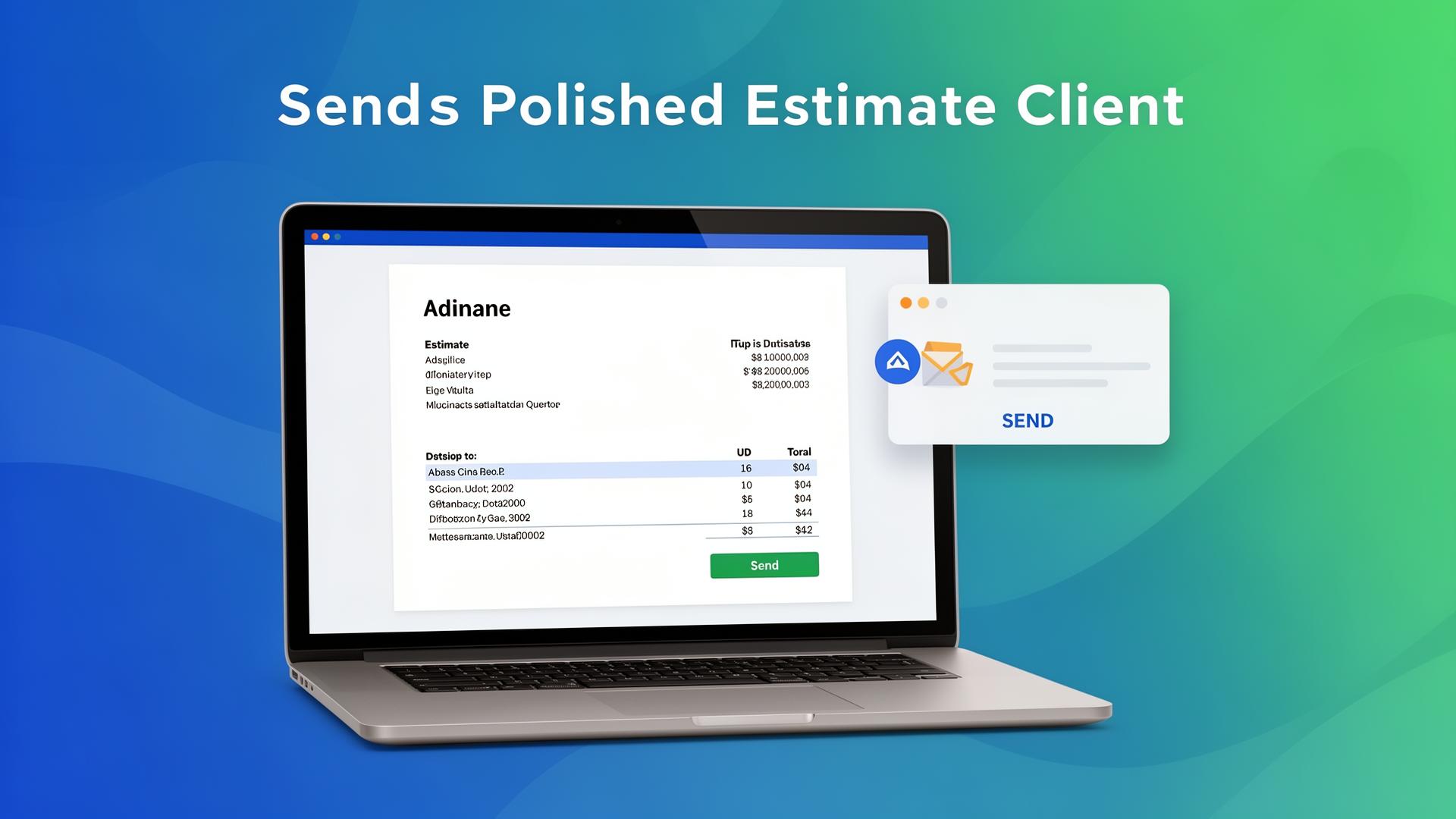
Use Invoicemonk's estimate builder to create a branded document with:
Use Invoicemonk's estimate builder to create a branded document with:
- Project title: Descriptive, not generic ("Website Redesign for Acme Corp" not "Web Project")
- Line items: Each deliverable as a separate line with quantity, rate, and description
- Subtotal and tax: Show the math clearly so there are no surprises
- Payment schedule: When is payment due? Deposits, milestones, or on completion?
- Validity period: How long is this estimate good for? (14–30 days is standard)
- Terms: Revision limits, cancellation policy, intellectual property terms
Step 3: Write a Compelling Cover Message
Don't just send the estimate — frame it.
Don't just send the estimate — frame it. Your cover email should:
- Thank the client for their time (reference the discovery call)
- Summarise what you understood about their needs (shows you listened)
- Highlight 1–2 key benefits of working with you
- Explain the estimate's structure briefly ("I've broken the project into four phases…")
- Include a clear call to action ("Let me know if you'd like to proceed, and I'll send over the deposit invoice")
Step 4: Send at the Right Time
Timing matters. Research shows that estimates sent on Tuesday or Wednesday mornings get the highest open and acceptance rates.
Timing matters. Research shows that estimates sent on Tuesday or Wednesday mornings get the highest open and acceptance rates. Avoid sending on Friday afternoons (your estimate gets buried over the weekend) or Monday mornings (inbox avalanche). If you're using Invoicemonk, schedule the send for optimal timing.
Step 5: Follow Up Strategically
Most freelancers send an estimate and then wait passively. Don't.
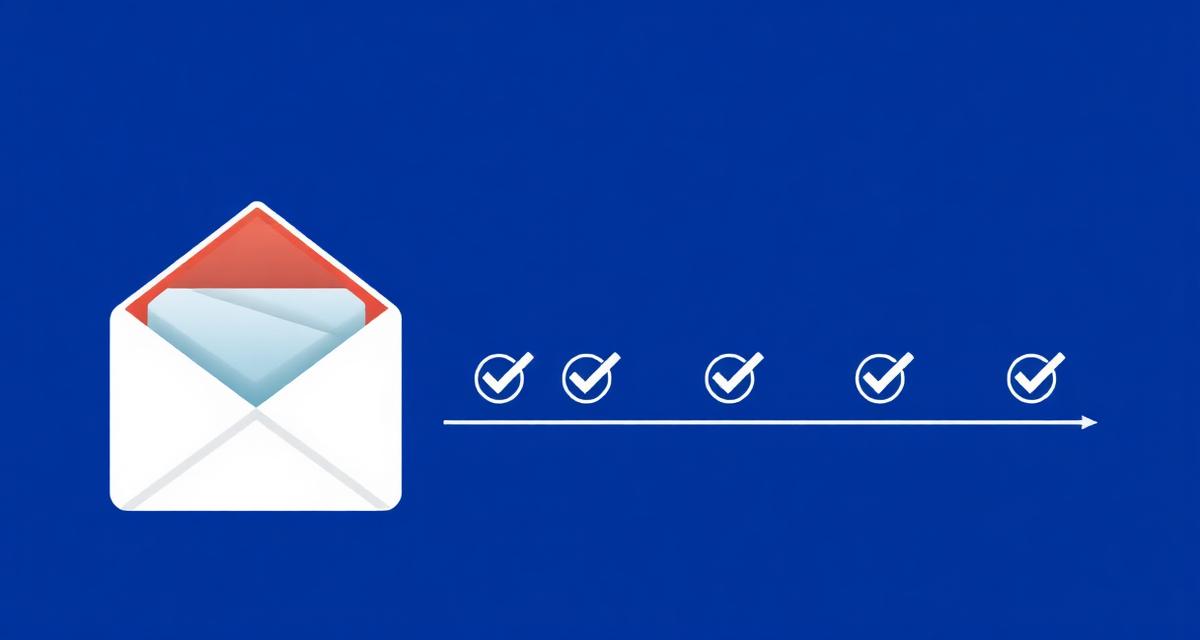
Most freelancers send an estimate and then wait passively. Don't. Here's a proven follow-up sequence:
- Day 1: Send the estimate with a compelling cover message
- Day 3–5: Brief follow-up asking if they have questions
- Day 7–10: Second follow-up adding value (a relevant case study or insight)
- Day 14: Final follow-up noting the estimate's approaching expiry
With Invoicemonk's view tracking, you'll know exactly when the client opened your estimate, so you can time your follow-ups perfectly. Learn more about smart follow-up strategies.
Estimate Email Template
Here's a template you can adapt:
Here's a template you can adapt:
Hi [Client Name],
Thank you for taking the time to discuss your [project type] needs last [day]. I really enjoyed learning about [specific detail from your conversation].
Based on our discussion, I've put together a detailed estimate covering [brief scope summary]. I've broken it into [X] phases so you can see exactly how the project will progress and what each stage costs.
You'll find the full estimate attached and can also view it online here. The total comes to [amount], and I've included a payment schedule that starts with a [X]% deposit.
This estimate is valid for [X] days. I'd love to get started — let me know if you have any questions or would like to jump on a quick call to discuss.
Best,
[Your Name]
Common Mistakes When Sending Estimates
Sending too quickly: Rushing an estimate after a brief email exchange often leads to inaccurate pricing and missed scope. Take time to understand the project.
Sending too quickly: Rushing an estimate after a brief email exchange often leads to inaccurate pricing and missed scope. Take time to understand the project.
No follow-up: 80% of sales require 5+ follow-ups, yet most freelancers stop after one. Use strategic follow-up sequences to stay top-of-mind.
Burying the price: Don't make clients hunt for the total. The overall price and payment schedule should be easy to find — ideally in a summary section at the top of the estimate.
No call to action: Every estimate should end with a clear next step. "Reply to accept" or "Click to approve" removes ambiguity and makes it easy for the client to say yes.
Related Reading
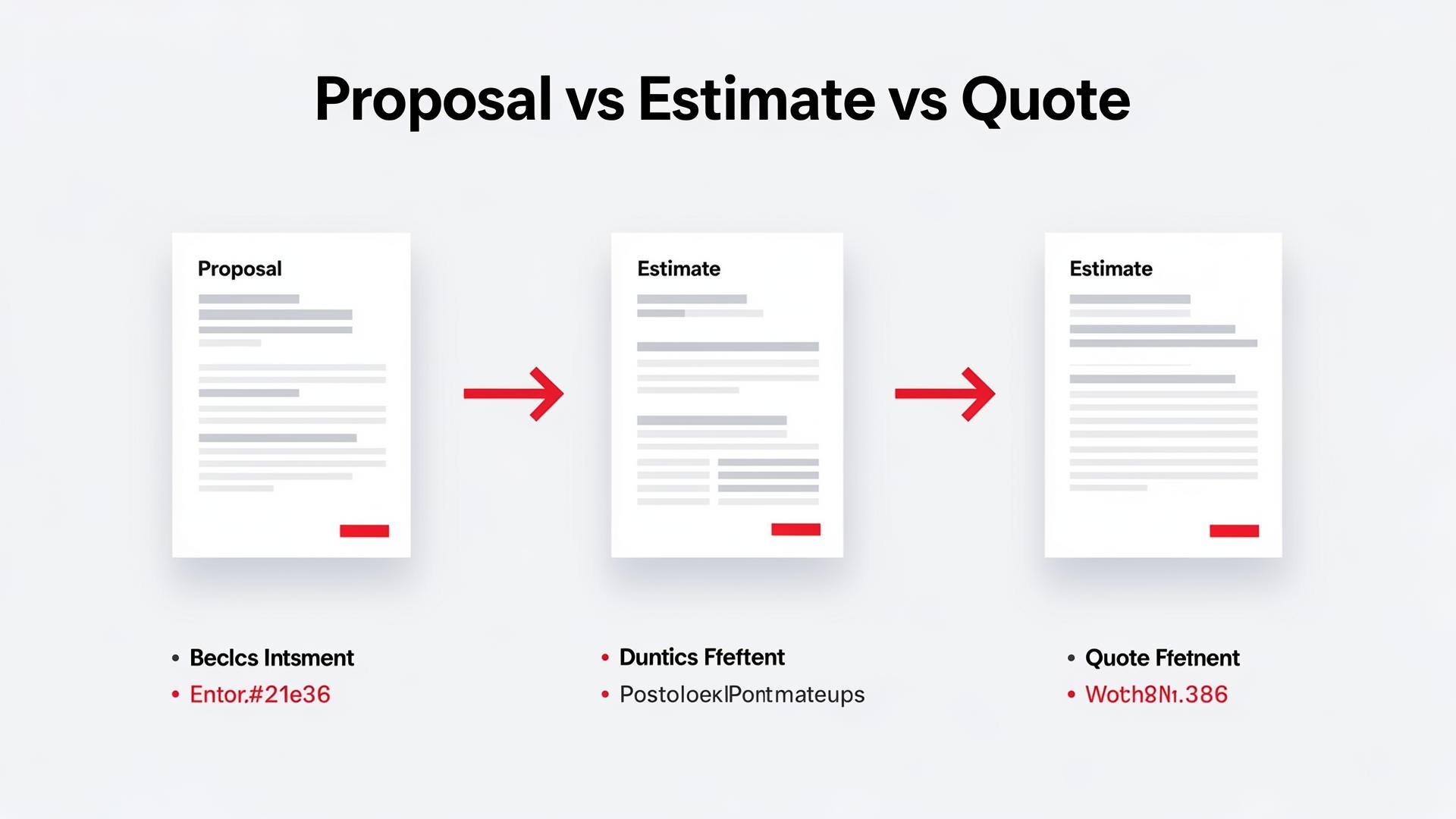
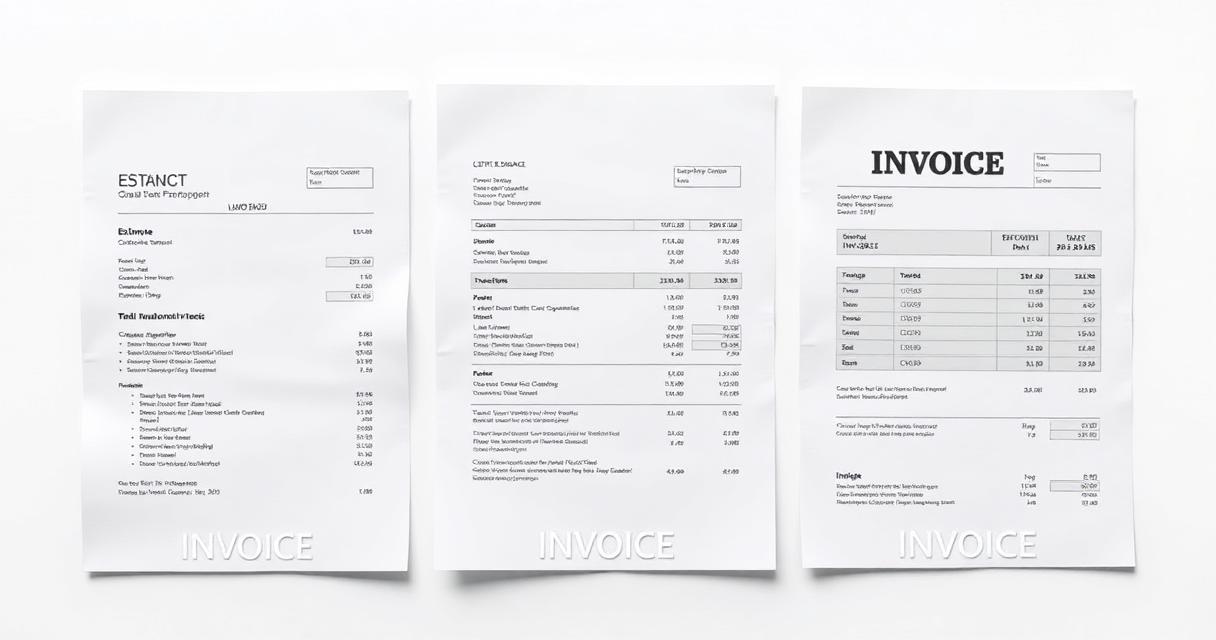
Related Reading includes: Best Estimates Features for Freelancers Estimate vs Quote vs Invoice: What's the Difference?
More in this series (11 articles)
From this series
Win more clients with compelling proposals and accurate estimates.
Related Topics
Digital Marketing, SEO Specialist, Content Creator & Product Professional
Olayinka is a digital marketer, content creator, growth and SEO specialist with 10+ years helping businesses in Nigeria, the UK, the US, Australia, and Dubai achieve their goals online.