Best Quotes and Estimates Features for Freelancers in 2026
Estimates & Proposals Series
This guide is part of a comprehensive series. Explore all 11 topics:
Why Estimates Matter More Than You Think
For freelancers, the estimate is often your first tangible deliverable. Before a client ever sees your work, they see your estimate — and they judge you by it.
For freelancers, the estimate is often your first tangible deliverable. Before a client ever sees your work, they see your estimate — and they judge you by it. A sloppy estimate with vague line items and no terms signals that your work might be equally careless. A crisp, detailed estimate with clear pricing, professional formatting, and well-defined scope signals competence and reliability.
Beyond first impressions, estimates serve a critical business function: they set expectations. A good estimate defines exactly what the client is paying for, what's included, what's excluded, and when payment is expected. This clarity prevents scope creep, reduces disputes, and gives you a reference document to point to when a client asks for "just one more thing."
Yet many freelancers treat estimates as an afterthought — a quick email with a price and a handshake. In 2026, that's leaving money on the table. Clients increasingly expect professional documentation, especially when comparing multiple freelancers for a project. The freelancer with the better estimate wins the gig, even if they're not the cheapest.
Essential Estimate Features Every Freelancer Needs
1. Customisable Professional Templates
Your estimate should look like it came from a serious business, not a text message. Look for software that lets you add your logo, brand colours, and custom header/footer. Invoicemonk's estimate templates are fully brandable and render beautifully on desktop and mobile — because your client will almost certainly read your estimate on their phone first.
2. Itemised Line Items with Descriptions
Never send a single-line estimate that says "Website redesign — $5,000." Break your pricing into granular line items: discovery and research, wireframes, visual design, development, QA testing, launch support. Each line should have a quantity, unit rate, and brief description. This transparency justifies your pricing and helps clients understand exactly what they're paying for.
3. One-Click Estimate-to-Invoice Conversion
The moment a client says "yes," you should be able to convert that estimate into an invoice instantly. Retyping line items is a waste of time and introduces errors. With Invoicemonk, accepted estimates convert to invoices with a single click — all details carry over, and the client receives a professional invoice within minutes of approval.
4. Client Approval Tracking
Knowing when a client opens your estimate is powerful. It tells you when to follow up (they opened it but haven't responded), whether your estimate landed (they never opened it — check their spam folder), and how engaged they are. Invoicemonk sends real-time notifications when clients view estimates, giving you an information advantage.
5. Multi-Currency and Tax Support
If you work with international clients, your estimate software must handle multiple currencies gracefully. Clients should see prices in their local currency, and tax calculations should adjust automatically based on jurisdiction. This matters for multi-currency invoicing workflows where the estimate sets the billing currency for the entire project.
6. Terms, Conditions, and Expiry Dates
Every estimate should include your payment terms (deposit required? payment on completion?), revision policy, and a clear expiry date. Software that lets you set default terms saves time on every estimate you create. For best practices on payment terms, see our guide to writing invoice payment terms.
Real-World Scenario: How a Web Designer Uses Estimates
Sarah is a freelance web designer who quotes 3–5 projects per week. Before using dedicated estimate software, she sent pricing via email — and her close rate was about 25%.
Sarah is a freelance web designer who quotes 3–5 projects per week. Before using dedicated estimate software, she sent pricing via email — and her close rate was about 25%. Here's what changed when she adopted a professional estimating workflow:
- Before: "Hi, the website redesign will be around $4,000–5,000. Let me know if you're interested."
- After: A branded 2-page estimate with 8 line items, project timeline, payment schedule (30% deposit, 40% at design approval, 30% at launch), revision policy, and 14-day validity.
Her close rate jumped to 45%. Clients told her the detailed estimate made them feel confident she understood the project. The deposit requirement ensured she wasn't starting work unpaid. And the estimate-to-invoice conversion meant she invoiced the deposit within minutes of acceptance.
Estimates vs Quotes vs Proposals: When to Use Each
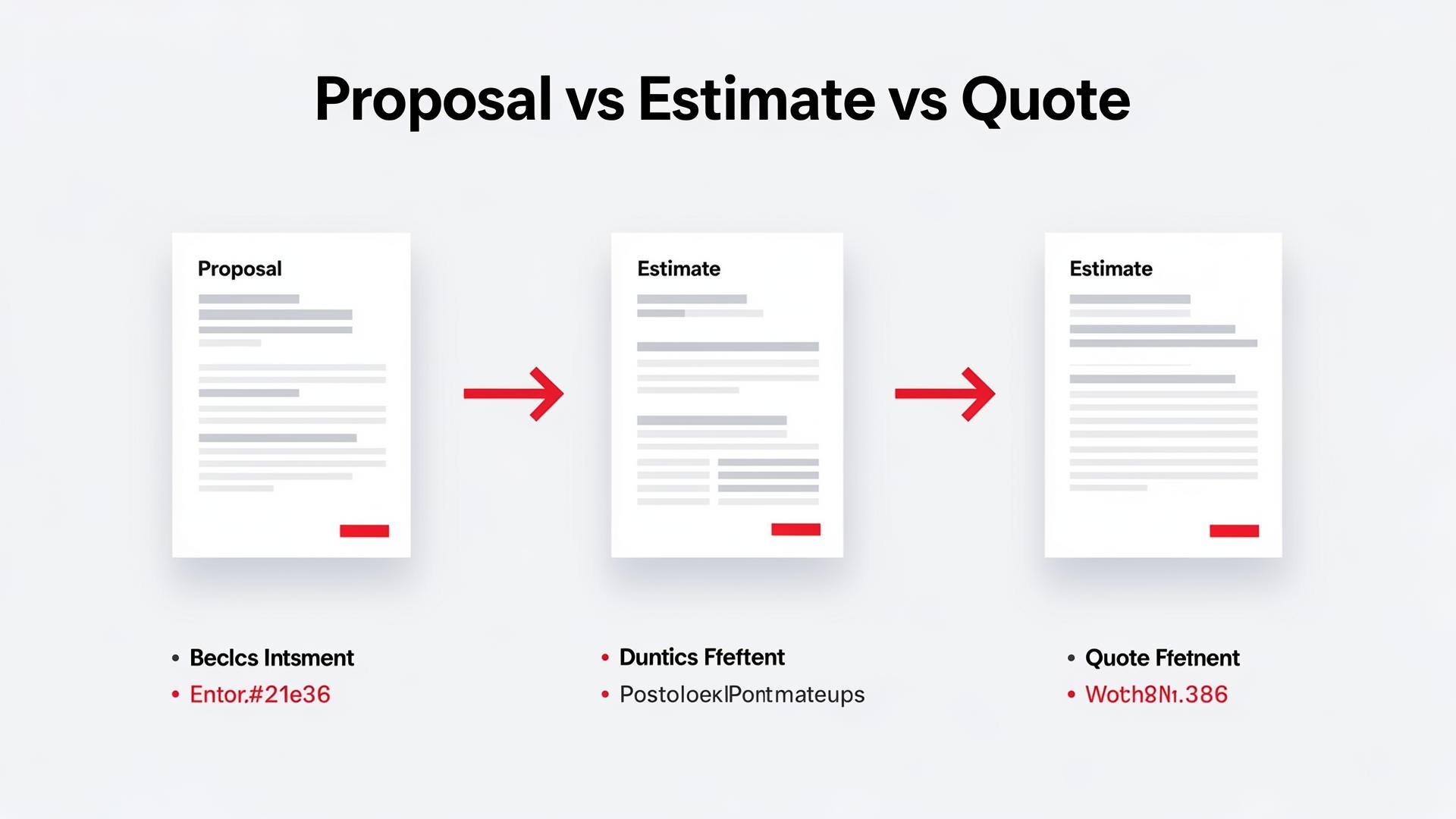
These terms are often used interchangeably, but they serve different purposes:
These terms are often used interchangeably, but they serve different purposes:
- Estimate: An approximation of cost. Use when the scope isn't fully defined yet. Prices may change as requirements become clearer.
- Quote: A fixed-price offer for a defined scope. Use when you know exactly what the client needs and can commit to a price. A quote is typically binding for its validity period.
- Proposal: A comprehensive document that includes your approach, methodology, timeline, pricing, and credentials. Use for high-value projects where the client is evaluating multiple vendors.
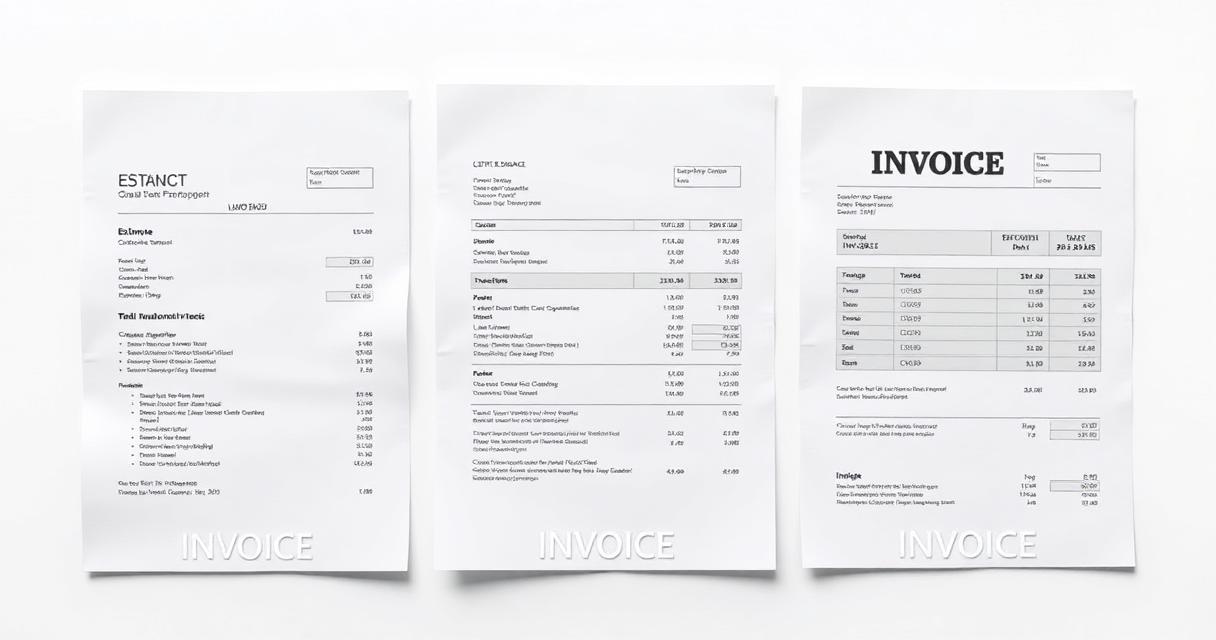
For a detailed breakdown, see our guide on estimate vs quote vs invoice differences.
Common Estimating Mistakes Freelancers Make
Underestimating scope: The #1 mistake. Always add a 15–20% buffer for unforeseen work.
Underestimating scope: The #1 mistake. Always add a 15–20% buffer for unforeseen work. If the project comes in under budget, the client is delighted. If it doesn't, you're protected.
Not itemising: A single line item invites negotiation on the total. Detailed line items let clients see where the money goes — and make it harder to demand blanket discounts.
Forgetting revision limits: "Unlimited revisions" is a recipe for scope creep. State clearly how many rounds of revisions are included and what additional rounds cost.
No expiry date: An estimate without an expiry date is valid forever in the client's mind. Set a 14–30 day window and follow up before it expires.
Skipping the deposit: For projects over $1,000, always require a deposit before starting work. A 25–50% deposit protects your cash flow and confirms the client's commitment.
How Invoicemonk Streamlines Your Estimates Workflow
Invoicemonk's Estimates & Quotes module is purpose-built for freelancers and small businesses.
Invoicemonk's Estimates & Quotes module is purpose-built for freelancers and small businesses. Create branded estimates in minutes, track client views in real time, convert accepted estimates to invoices with one click, and manage your entire quote-to-cash pipeline from a single dashboard. Combined with invoicing, expense tracking, and accounting, it's a complete financial toolkit — no enterprise complexity, no per-user fees on paid plans.
Related Reading
Related Reading includes: How to Write a Winning Business Proposal How to Price Project Work Accurately
More in this series (11 articles)
From this series
Win more clients with compelling proposals and accurate estimates.
Related Topics
Digital Marketing, SEO Specialist, Content Creator & Product Professional
Olayinka is a digital marketer, content creator, growth and SEO specialist with 10+ years helping businesses in Nigeria, the UK, the US, Australia, and Dubai achieve their goals online.