Invoice Automation for Small Businesses: Save 10+ Hours Per Month
Invoicing Mastery Series
This guide is part of a comprehensive series. Explore all 33 topics:
Automate your entire invoicing workflow — from creation to payment collection to reconciliation — with this step-by-step implementation guide. This guide gives the answer first, then covers required invoice fields, workflow choices, compliance checks, common mistakes, and practical next steps so readers can act without comparing multiple sources.
The Cost of Manual Invoicing
Small businesses that invoice manually spend an average of 14 hours per month on invoicing-related tasks: creating invoices, sending them, following up on late payments, recording payments, and reconciling accounts. That's nearly two full working days lost every month to repetitive administrative work.
Small businesses that invoice manually spend an average of 14 hours per month on invoicing-related tasks: creating invoices, sending them, following up on late payments, recording payments, and reconciling accounts. That's nearly two full working days lost every month to repetitive administrative work.
Invoice automation eliminates 70-90% of this effort. Here's how to implement it step by step.
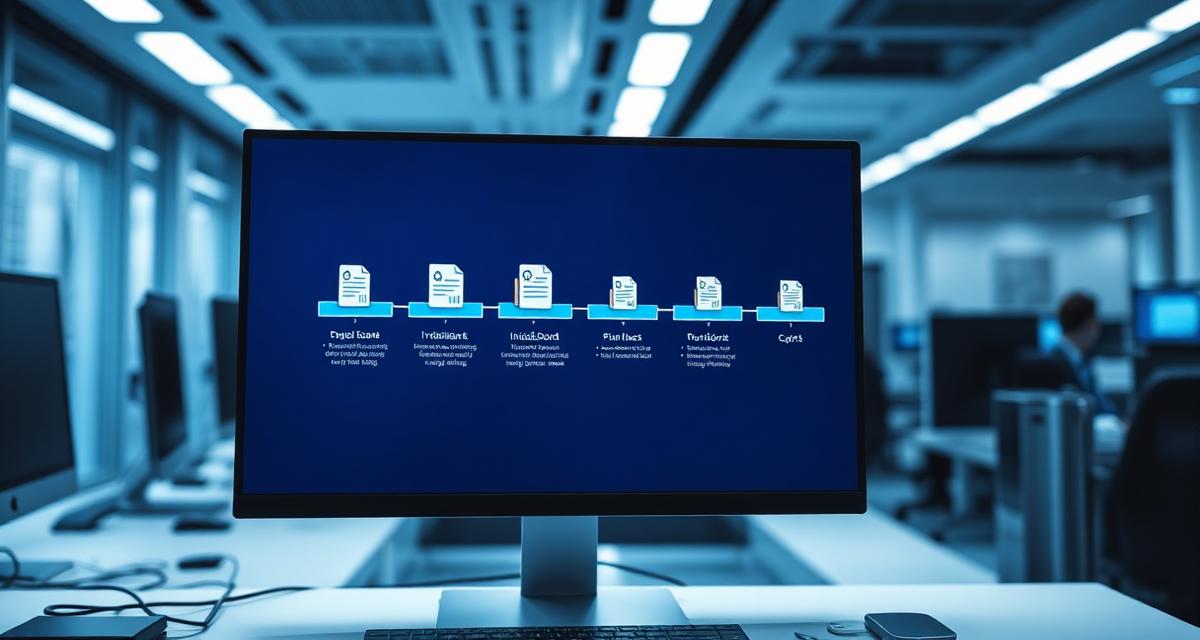
The 5 Stages of Invoice Automation
Stage 1: Invoice Creation
Manual process: Open a template, manually enter client details, line items, calculate totals, format, save, and export as PDF.
Automated: Select a client, add line items (or use saved products/services), and Invoicemonk auto-fills client details, calculates totals with tax, applies your template, and generates a professional PDF — in under 2 minutes.
Time saved: 15-30 minutes per invoice
Stage 2: Invoice Delivery
Manual process: Attach PDF to email, write an accompanying message, send manually.
Automated: One-click send directly from your invoicing software. The email includes a professional template, the invoice attachment, and a payment link. For recurring invoices, delivery is fully automatic.
Time saved: 5-10 minutes per invoice
Stage 3: Payment Follow-Up
Manual process: Track due dates in a spreadsheet, write and send reminder emails manually, follow up by phone.
Automated: Set up automatic payment reminders at 3 days before due, on the due date, and 3/7/14/30 days after. The system sends professional reminders with the original invoice attached and a payment link — without you lifting a finger.
Time saved: 1-3 hours per month
Stage 4: Payment Recording
Manual process: Check bank account daily, match payments to invoices, update status manually.
Automated: When clients pay via online payment link, the payment is recorded automatically and the invoice status updates to "Paid." For bank transfers, manual recording takes one click.
Time saved: 2-5 hours per month
Stage 5: Reconciliation & Reporting
Manual process: Export data, create spreadsheet reports, calculate revenue, outstanding amounts, and tax summaries.
Automated: Real-time dashboards show revenue, outstanding invoices, overdue amounts, and tax collected. Export tax-ready reports for your accountant at the click of a button.
Time saved: 3-5 hours per month
ROI Calculation
Let's calculate the return on investment for a small business sending 20 invoices per month:
Let's calculate the return on investment for a small business sending 20 invoices per month:
- Time saved: 10-15 hours/month
- Value of time: 12 hours × $50/hour = $600/month
- Faster payments: Automated reminders reduce average payment time by 8 days, improving cash flow
- Reduced bad debt: Consistent follow-up recovers 5-10% more revenue from overdue invoices
- Cost of automation: $19-$39/month for Invoicemonk
- Net benefit: $550+/month or $6,600+ annually
Manual vs Automated Invoicing: At a Glance
Manual vs Automated Invoicing: At a Glance — Invoice creation: 15-30 min per invoice — Under 2 minutes.
| Task | Manual | Automated |
|---|---|---|
| Invoice creation | 15-30 min per invoice | Under 2 minutes |
| Sending | Manual email + attachment | One click or fully scheduled |
| Reminders | Manual tracking and typing | Auto-sent on schedule |
| Payment recording | Manual bank check and update | Auto-matched on payment |
| Reporting | Manual spreadsheet building | Real-time dashboard export |
Implementation Checklist
Implementation Checklist includes: ☐ Set up your business profile (logo, address, tax details) ☐ Import your client list
- ☐ Set up your business profile (logo, address, tax details)
- ☐ Import your client list
- ☐ Create your product/service catalog with default prices
- ☐ Set default payment terms and tax rates
- ☐ Choose and customize your invoice template
- ☐ Configure automatic payment reminders
- ☐ Enable online payments
- ☐ Set up recurring invoices for retainer clients
- ☐ Connect your bank for payment matching (if available)
- ☐ Schedule weekly review of outstanding invoices
FAQ
Can I automate invoicing if I have complex pricing?
Yes. Even with T&M billing, progress billing, or multi-currency pricing, automation handles the calculations.
Yes. Even with T&M billing, progress billing, or multi-currency pricing, automation handles the calculations. You still make the billing decisions — the software eliminates the manual work of creating, sending, and tracking invoices.
Will automation make my invoicing feel impersonal?
No. Automated invoices use your branding, templates, and personalized messages.
No. Automated invoices use your branding, templates, and personalized messages. Clients receive a professional-looking invoice with your logo and a friendly email — they won't know it was automated. Use our invoice email templates to personalize the communication.
What's the first thing I should automate?
Start with payment reminders — they require zero creative input and directly reduce late payments.
Start with payment reminders — they require zero creative input and directly reduce late payments. Once that's running, automate recurring invoice generation for retainer clients, then move on to reporting.
Do I still need to review invoices before they go out?
Yes for one-off invoices — a quick review catches pricing or scope errors before the client sees them.
Yes for one-off invoices — a quick review catches pricing or scope errors before the client sees them. Recurring invoices with stable line items can usually go out without manual review once you've verified the first cycle.
More in this series (33 articles)
From this series
Master the art of professional invoicing to get paid faster and look more professional.
Related Topics
Digital Marketing, SEO Specialist, Content Creator & Product Professional
Olayinka is a digital marketer, content creator, growth and SEO specialist with 10+ years helping businesses in Nigeria, the UK, the US, Australia, and Dubai achieve their goals online.