Progress Billing: How to Invoice for Large Projects in Stages
Invoicing Mastery Series
This guide is part of a comprehensive series. Explore all 33 topics:
Master progress billing for construction, software, and creative projects — milestone structures, percentage-of-completion tracking, and templates. This guide gives the answer first, then covers required invoice fields, workflow choices, compliance checks, common mistakes, and practical next steps so readers can act without comparing multiple sources.
What Is Progress Billing?
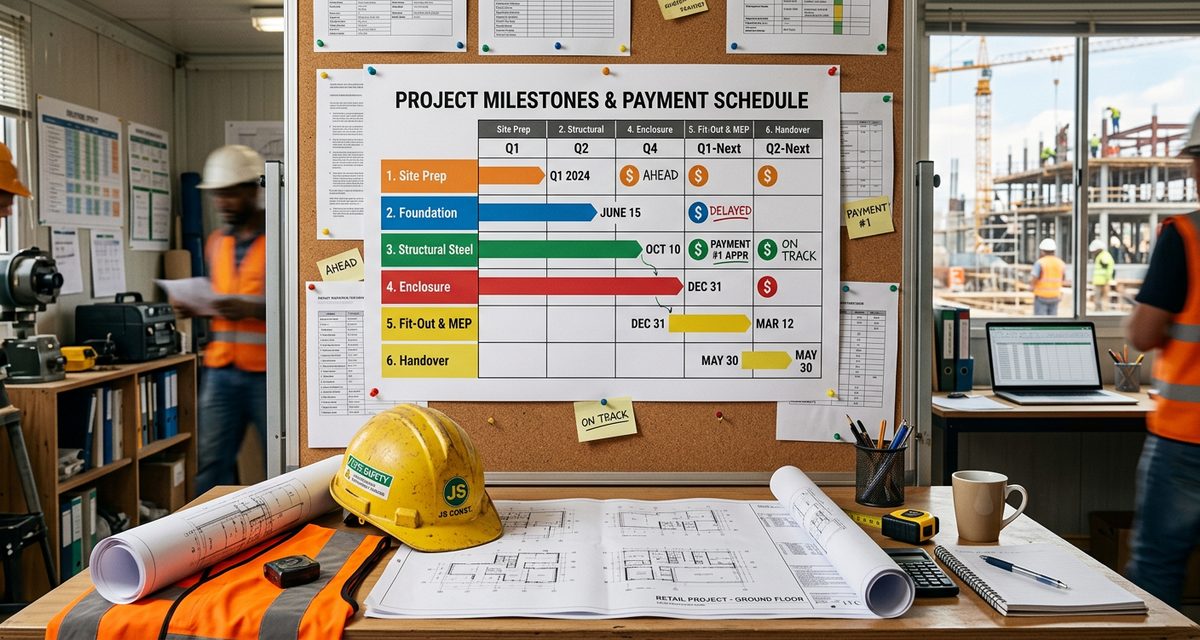
Progress billing (also called milestone billing or stage billing) breaks a large project into smaller billing stages tied to specific deliverables or completion percentages. Instead of invoicing the full amount at the end, you bill incrementally as work progresses.
Progress billing (also called milestone billing or stage billing) breaks a large project into smaller billing stages tied to specific deliverables or completion percentages. Instead of invoicing the full amount at the end, you bill incrementally as work progresses.
This approach benefits both parties: you maintain steady cash flow throughout the project, and the client avoids a single large payment while getting visibility into project progress.
When to Use Progress Billing
Long-duration projects — anything over 4-6 weeks High-value engagements — projects over $5,000
- Long-duration projects — anything over 4-6 weeks
- High-value engagements — projects over $5,000
- Projects with clear milestones — distinct deliverables or phases
- Construction and renovation — industry standard
- Software development — sprint-based or feature-based billing
- Creative campaigns — concept, production, delivery phases
Two Approaches to Progress Billing
Milestone-Based
Each invoice is tied to a specific deliverable:
- Milestone 1: Requirements document — 20% ($4,000)
- Milestone 2: Design mockups approved — 20% ($4,000)
- Milestone 3: Development complete — 30% ($6,000)
- Milestone 4: Testing and launch — 20% ($4,000)
- Milestone 5: 30-day post-launch support — 10% ($2,000)
Percentage-of-Completion
Bill based on the percentage of overall work completed, regardless of specific milestones. Common in construction (using AIA G702/G703 forms in the US) and government contracts. The challenge is objectively measuring completion — typically assessed by a project manager or independent certifier.
Creating a Progress Billing Schedule
Creating a Progress Billing Schedule includes: Define the total project value — agreed in the contract or proposal Break into milestones — 3-7 stages depending on project size
- Define the total project value — agreed in the contract or proposal
- Break into milestones — 3-7 stages depending on project size
- Assign values — based on effort, not just timeline (early stages often require more effort)
- Define acceptance criteria — what constitutes "milestone complete"
- Set invoice timing — invoice upon milestone completion, not at fixed dates
- Include a retention clause — hold back 5-10% until final acceptance (common in construction)
Progress Invoice Elements
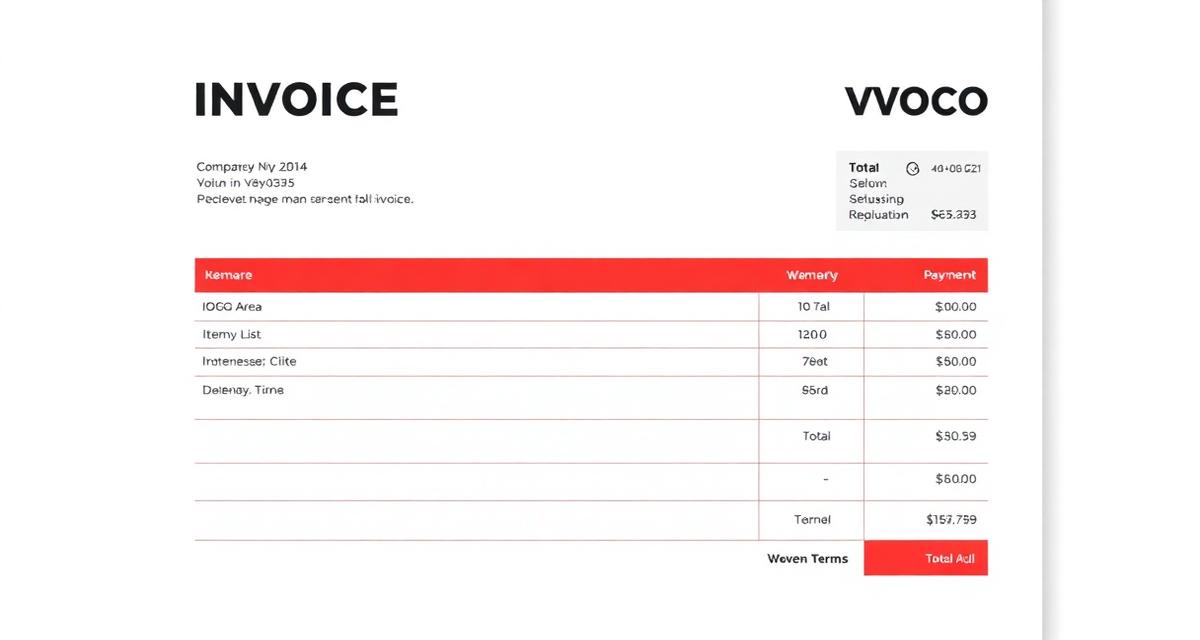
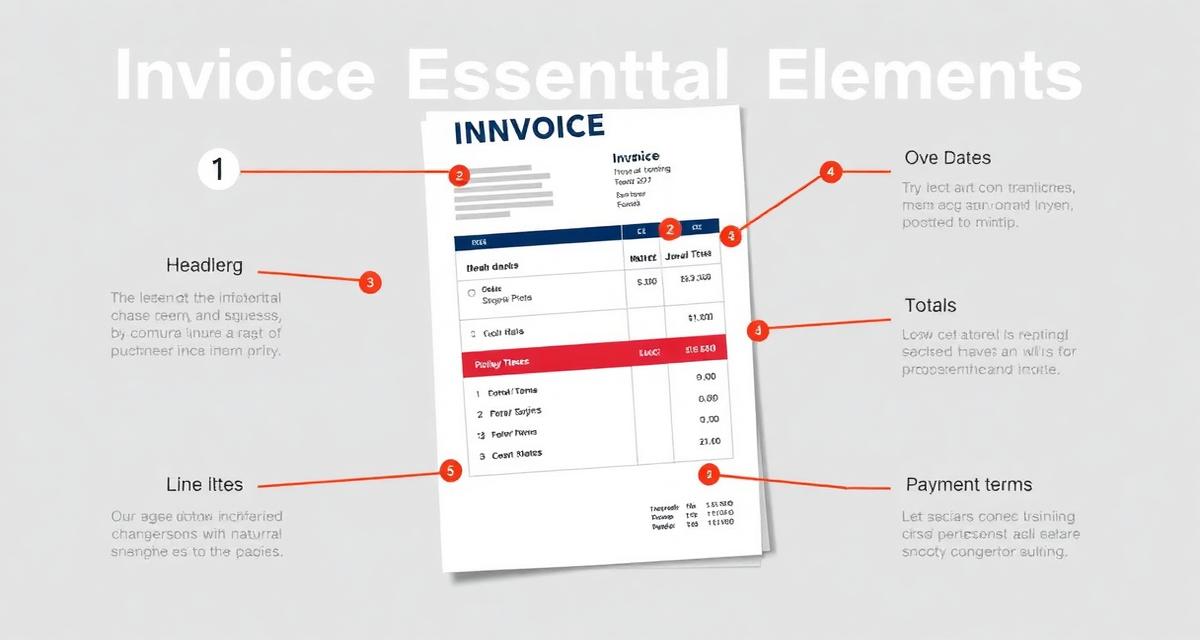
Progress Invoice Elements includes: "Progress Invoice" label — distinguish from a regular or final invoice Milestone reference — "Milestone 3 of 5: Development Complete"
- "Progress Invoice" label — distinguish from a regular or final invoice
- Milestone reference — "Milestone 3 of 5: Development Complete"
- Original contract value — total agreed price
- Previously billed — cumulative total of prior progress invoices
- Current billing — amount for this milestone
- Retention held (if any) — amount withheld pending final completion
- Remaining balance — what's left to bill
- Change order reference — if the scope/price has changed since the original contract
Handling Change Orders
When scope changes during a progress-billed project:
When scope changes during a progress-billed project:
- Document the change in a formal change order (signed by both parties)
- Adjust the total project value
- Add the change order amount to the current or next progress invoice
- Reference the change order number on the invoice
Never absorb scope changes into existing milestones — this leads to disputes about what was included in the original price.
FAQ
What's a retention holdback?
A retention (or retainage) is a percentage of each progress payment withheld until the project is fully complete and accepted. Typically 5-10%.
A retention (or retainage) is a percentage of each progress payment withheld until the project is fully complete and accepted. Typically 5-10%. The retention is released as a final invoice after the client signs off on the completed project. It's standard in construction but increasingly used in software and creative projects.
Can I use progress billing with Invoicemonk?
Yes. Create each progress invoice as a separate invoice referencing the project and milestone number.
Yes. Create each progress invoice as a separate invoice referencing the project and milestone number. Use the notes field to include cumulative billing summaries. Invoicemonk makes it easy to track payment status across multiple invoices for the same project.
More in this series (33 articles)
From this series
Master the art of professional invoicing to get paid faster and look more professional.
Related Topics
Digital Marketing, SEO Specialist, Content Creator & Product Professional
Olayinka is a digital marketer, content creator, growth and SEO specialist with 10+ years helping businesses in Nigeria, the UK, the US, Australia, and Dubai achieve their goals online.