Bookkeeping Basics: A Beginner's Guide
Business Finances Series
This guide is part of a comprehensive series. Explore all 16 topics:
A recent QuickBooks survey found that 60% of small-business owners feel they lack adequate knowledge of accounting and finance. The good news? Bookkeeping — the daily act of recording financial transactions — is far less complicated than most people assume. If you can categorise a bank transaction, you can do bookkeeping.
This guide explains what bookkeeping is, how it differs from accounting, and exactly how to set up a system that keeps your business finances organised without consuming your entire week.
What Is Bookkeeping?
Bookkeeping is the systematic recording of all financial transactions a business makes. Every sale, every purchase, every payment — bookkeeping captures it in an organised way so you can understand where your money is going.
Bookkeeping is the systematic recording of all financial transactions a business makes. Every sale, every purchase, every payment — bookkeeping captures it in an organised way so you can understand where your money is going. It's the foundation that accounting builds on: without accurate records, financial reports, tax filings, and business decisions all suffer.
Think of bookkeeping as data entry and accounting as data analysis. A bookkeeper records that you spent $450 on software subscriptions this month; an accountant analyses whether that spending is sustainable relative to your revenue. Both roles are essential, but bookkeeping comes first.
Single-Entry vs. Double-Entry Bookkeeping
Single-Entry Bookkeeping
Single-entry bookkeeping records each transaction once, similar to a personal chequebook register. You log income when it arrives and expenses when you pay them. It's simple and works for very small businesses with straightforward cash-flow patterns — a freelancer with one bank account and no inventory, for example.
The downside is that single-entry provides no built-in error checking. If you record a $500 payment twice or miss one entirely, there's no mechanism to catch the mistake until you reconcile with your bank statement.
Double-Entry Bookkeeping
Double-entry bookkeeping records every transaction in two accounts: a debit and a credit. When you receive $1,000 from a client, your cash account is debited (increases) and your revenue account is credited (increases). This system, developed over 500 years ago, ensures that your books always balance — total debits must equal total credits.
Double-entry is the standard for any business that's serious about financial accuracy. It catches errors automatically, supports proper financial reporting, and is required if you follow Generally Accepted Accounting Principles (GAAP). Modern accounting software handles the double-entry mechanics behind the scenes, so you don't need to manually manage debits and credits.
Essential Bookkeeping Tasks
Daily Tasks (15 Minutes)
Record income and expenses: Log every transaction — invoices sent, payments received, bills paid, and purchases made. If your software connects to your bank feed, most of this is automated; you just review and categorise.
Scan and file receipts: Photograph or scan receipts the day you get them. Paper receipts fade; digital copies don't. Tools with OCR receipt scanning can extract amounts and vendors automatically, saving you from manual data entry.
Weekly Tasks (30 Minutes)
Review outstanding invoices: Check which clients haven't paid and follow up promptly. Late payments compound — a $5,000 invoice that's 60 days overdue is costing you real money in lost cash-flow opportunity. Use automated payment reminders to reduce the manual effort.
Categorise transactions: Ensure every transaction is assigned to the correct account in your chart of accounts. Miscategorised expenses lead to inaccurate financial reports and potentially missed tax deductions.
Monthly Tasks (1-2 Hours)
Bank reconciliation: Compare your bookkeeping records against your bank statement to ensure they match. Bank reconciliation catches errors, duplicate charges, bank fees you missed, and potential fraud. This is arguably the most important bookkeeping task you'll do — never skip it. Your accounting platform can automate much of this process by matching imported bank transactions to recorded entries.
Review financial reports: Pull your income statement and balance sheet. Are revenue trends heading in the right direction? Are any expense categories growing unexpectedly? A monthly review turns raw data into actionable insight.
Setting Up Your Bookkeeping System
Step 1: Choose your tool. Spreadsheets work for the simplest businesses, but they don't scale and offer no automation.
Step 1: Choose your tool. Spreadsheets work for the simplest businesses, but they don't scale and offer no automation. Cloud-based bookkeeping software like Invoicemonk connects to your bank, categorises transactions, and generates reports — dramatically reducing manual work.
Step 2: Set up your chart of accounts. This is your category structure. Start with defaults and customise for your business. A freelance designer needs different categories than a catering company.
Step 3: Connect your bank accounts. Automatic bank feeds import transactions daily, so you're always working with current data instead of entering transactions from memory weeks later.
Step 4: Establish your routine. Pick a consistent time — 15 minutes every morning, or an hour every Friday. Consistency prevents backlogs and makes the task feel manageable.
The General Ledger
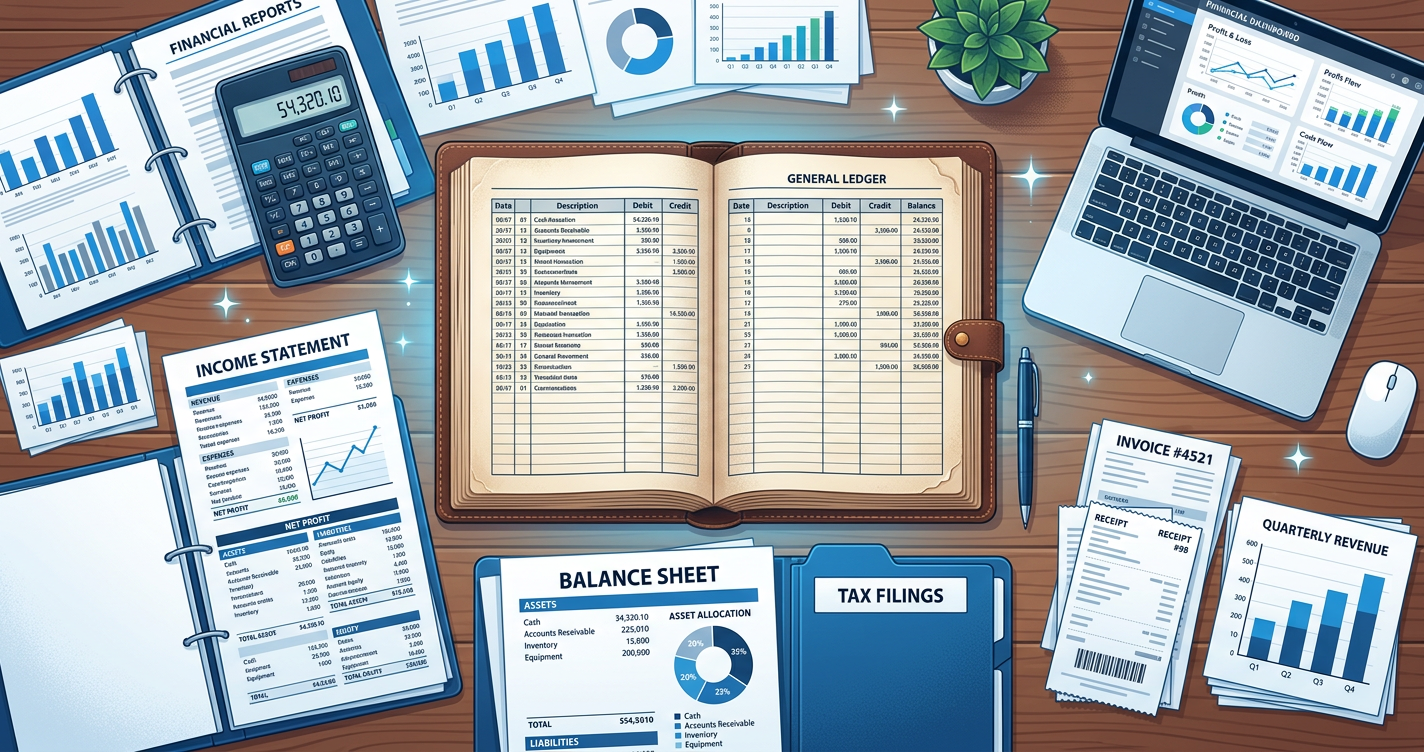
The general ledger is the master record of all financial transactions, organised by account. Every entry in your chart of accounts feeds into the general ledger, which in turn generates your financial statements.
The general ledger is the master record of all financial transactions, organised by account. Every entry in your chart of accounts feeds into the general ledger, which in turn generates your financial statements. In practice, your bookkeeping software is your general ledger — every transaction you record is automatically posted to the correct ledger accounts.
Understanding the general ledger matters because it's the single source of truth for your business finances. When your accountant prepares tax returns or an investor reviews your books, they're looking at the general ledger (or reports derived from it).
Common Bookkeeping Mistakes
Procrastinating on data entry: The longer you wait, the harder it gets. A week's worth of transactions takes minutes to categorise; three months' worth takes days and is riddled with errors because you've forgotten context.
Procrastinating on data entry: The longer you wait, the harder it gets. A week's worth of transactions takes minutes to categorise; three months' worth takes days and is riddled with errors because you've forgotten context.
Not keeping receipts: Many tax authorities require receipts for expenses above a certain threshold. Without them, deductions can be disallowed in an audit. Go digital with a receipt-scanning app to make this effortless.
Mixing personal and business transactions: This is so common and so problematic that we wrote an entire guide on it. Get a dedicated business bank account — it's the single most impactful step you can take.
Ignoring reconciliation: If your books don't match your bank, something is wrong. It could be a missed transaction, a duplicate entry, or fraud. Monthly reconciliation is non-negotiable.
Bookkeeping vs. Hiring a Bookkeeper
If your business has fewer than ~100 transactions per month and straightforward operations, DIY bookkeeping with good software is entirely practical. As volume and complexity grow, outsourcing to a bookkeeper — typically $300–$800/month — frees up hours for revenue-generating work.
If your business has fewer than ~100 transactions per month and straightforward operations, DIY bookkeeping with good software is entirely practical. As volume and complexity grow, outsourcing to a bookkeeper — typically $300–$800/month — frees up hours for revenue-generating work. For a deeper analysis, see our DIY vs. hiring guide.
Next Steps
Start with the basics: open a business bank account, set up bookkeeping software, and commit to a weekly routine. As you get comfortable, layer on more advanced practices like cash-flow forecasting and financial report analysis. Every hour invested in bookkeeping now saves ten hours of confusion — and potentially thousands in missed deductions — later.
More in this series (16 articles)
From this series
Essential accounting and expense management knowledge for small business success.
Related Topics
Digital Marketing, SEO Specialist, Content Creator & Product Professional
Olayinka is a digital marketer, content creator, growth and SEO specialist with 10+ years helping businesses in Nigeria, the UK, the US, Australia, and Dubai achieve their goals online.